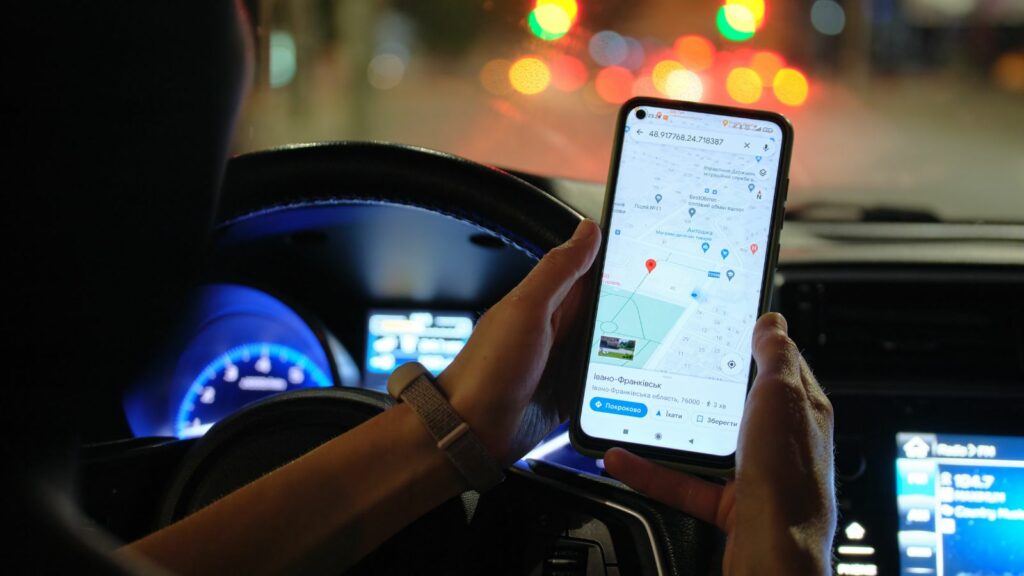
Dashboard navigation once felt like a premium feature worth seeking out. Today, many drivers start the engine, ignore the factory map, and connect a phone instead. The shift is not simply about habit or brand loyalty. It reflects a widening gap between the pace of automotive development and the speed at which mobile mapping services update traffic, businesses, interfaces, and personalized tools.
Built-in systems still offer meaningful advantages, including larger displays, vehicle integration, and reliable positioning in weak-signal areas. Yet convenience can disappear when maps age, voice commands fail, or connected features require another subscription. These 12 reasons explain why phone-based navigation is increasingly becoming the default, even inside vehicles equipped with expensive factory systems.
Phone Apps Often Feel More Accurate
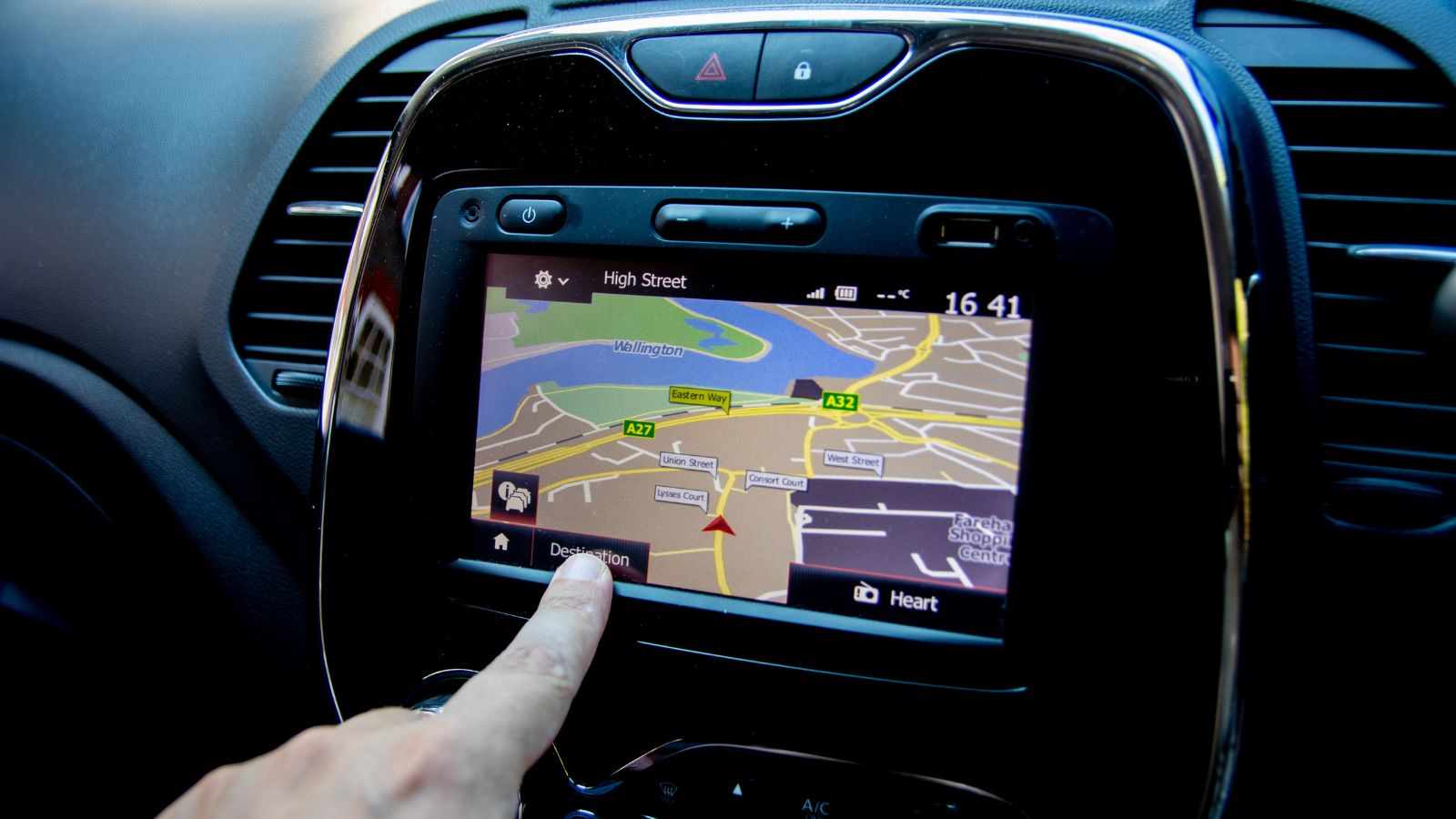
Built-in navigation once justified its premium by being permanently installed and ready whenever the engine started. That advantage has weakened as phone-based maps have become more accurate, frequently refreshed, and better connected to live road data. J.D. Power found that owners often preferred smartphone navigation because they considered it more accurate, even when factory systems offered attractive graphics.
The difference becomes obvious when a recently opened road, renamed business, or temporary closure appears on a phone but not on the dashboard map. A driver heading to a new medical clinic may find the building instantly through Google Maps while the car recognizes only the older address. These small failures damage trust quickly. Navigation is a confidence tool: once a system sends someone to the wrong entrance or insists on an outdated turn, many drivers stop experimenting and return to the app that has already proven dependable during daily trips everywhere.
Live Traffic Changes Too Quickly
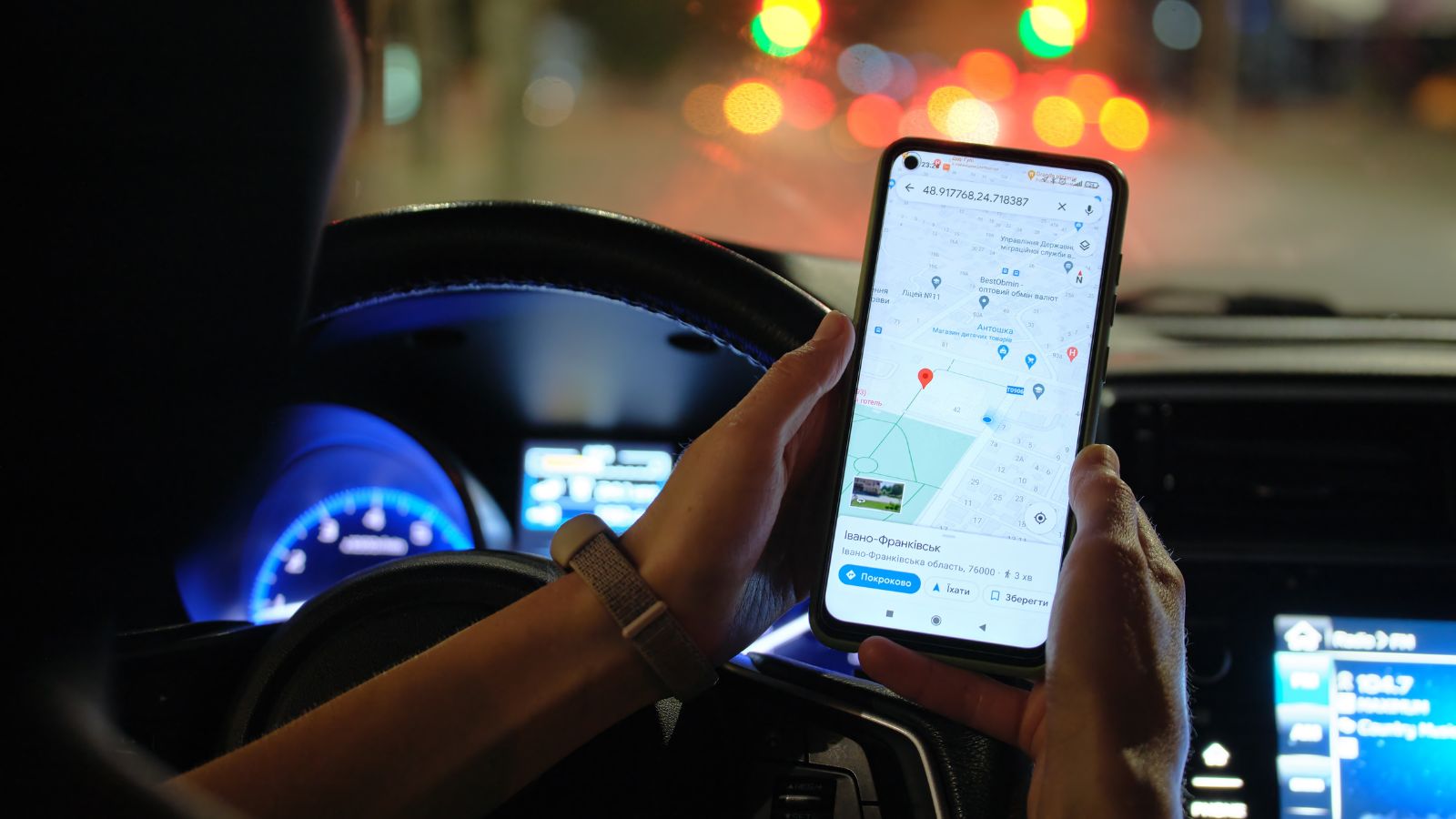
Traffic information is valuable only when it reflects what is happening now. Smartphone services continuously combine sensor data, historical patterns, road reports, and user-submitted incidents to adjust estimated arrival times and propose alternatives. Google Maps can reroute around congestion, Apple Maps accepts reports for crashes and hazards, and Waze builds routes from live conditions shared by its driving community.
Factory systems may offer traffic data too, but the experience varies by model, subscription, cellular connection, and software generation. That uncertainty matters during an ordinary commute. A built-in system that calmly holds its route while a phone warns of a 25-minute delay will probably lose the driver’s confidence after one or two bad mornings. People rarely compare navigation algorithms formally; they remember which screen helped them avoid a closure. The system that reacts fastest begins to feel intelligent, while the slower one becomes an expensive moving map with little practical authority.
Map Updates Can Feel Like Maintenance
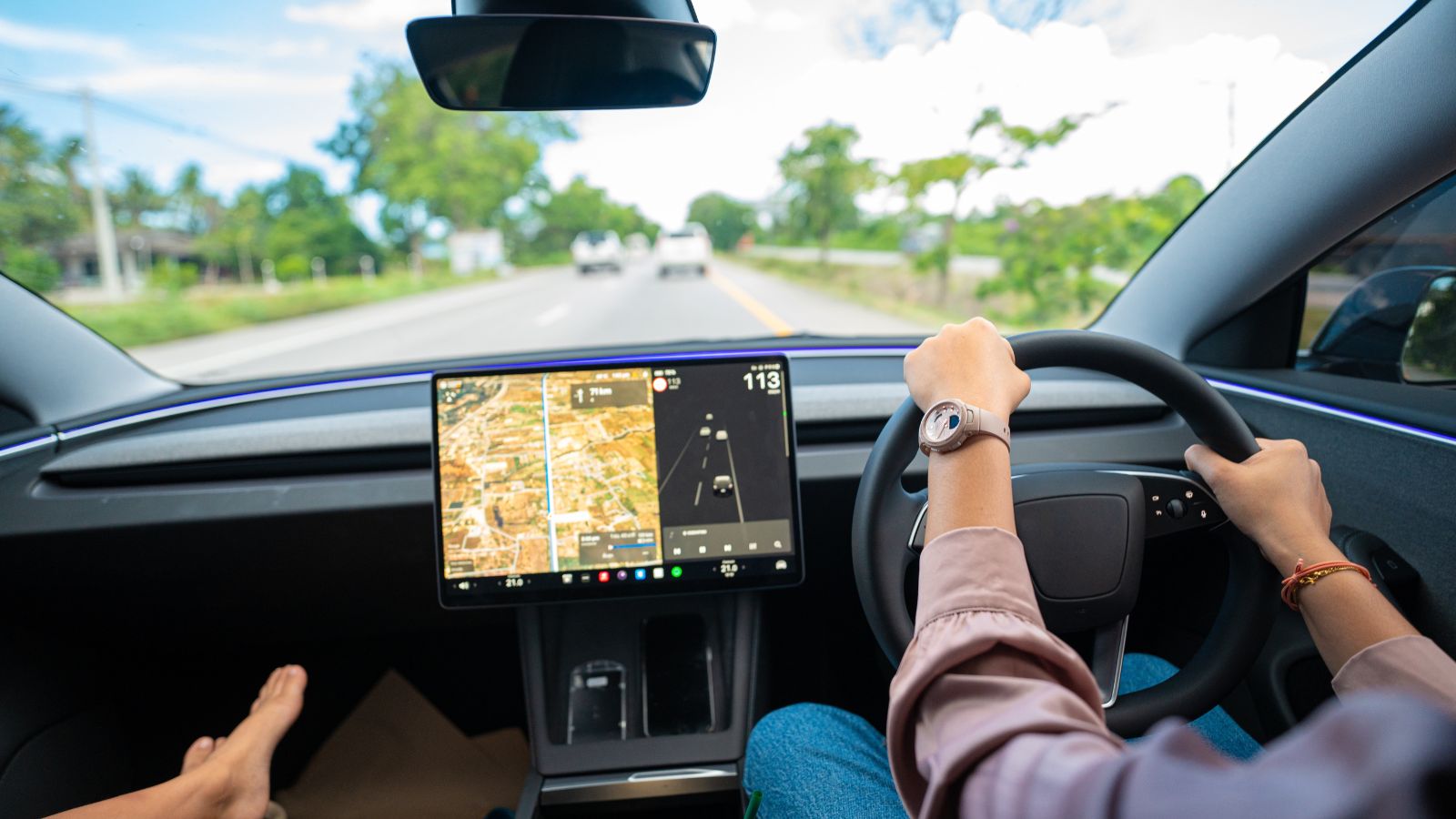
Older factory navigation systems often require owners to purchase, download, or install dedicated map packages. Official update stores emphasize that fresh releases add new roads, addresses, signs, and points of interest, which also reveals the weakness of an unchanged database: it gradually falls behind the places drivers actually visit. Some installations still involve USB drives, SD cards, account registration, or model-specific instructions.
That process feels unusually burdensome beside a phone app that updates through the normal app store. A family may remember to service the brakes and change the oil, yet never think about updating the navigation database until a roundabout or subdivision is missing. J.D. Power has identified inaccurate or outdated maps among infotainment problems reported by owners. Once map care becomes another ownership chore, many drivers simply stop maintaining the built-in system. The phone wins not because it is flawless, but because freshness arrives with far less effort.
Searching for Places Is Usually Easier
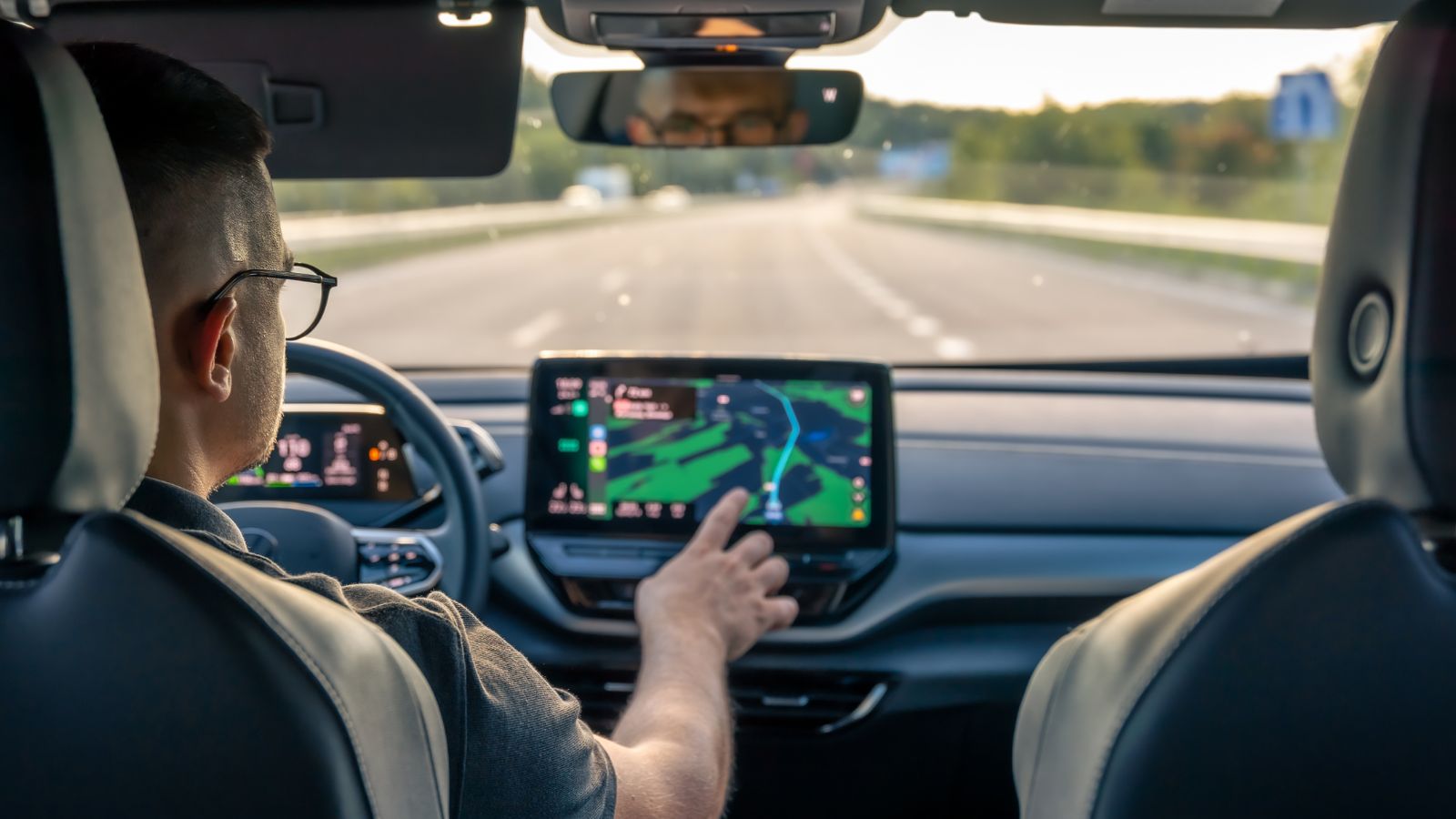
Navigation now begins with vague requests as often as exact addresses. Drivers search for “the pharmacy beside the mall,” a restaurant remembered from a photo, or a charging station with food nearby. Google says Maps contains information on 250 million businesses and places, supported by photos, reviews, hours, and categories. That depth makes smartphone search feel like a local directory rather than a traditional GPS database.
Factory systems can locate points of interest, but older interfaces often demand rigid spelling, categories, or menu steps. A driver who can speak a business name and immediately see ratings, hours, and several branches has little patience for scrolling through “Dining” and “Other.” The frustration is noticeable in unfamiliar cities, where context matters as much as directions. When results feel stale or incomplete, the built-in screen may know the roads, yet fail at the more human question: which destination is actually the right one?
Familiar Interfaces Reduce Friction
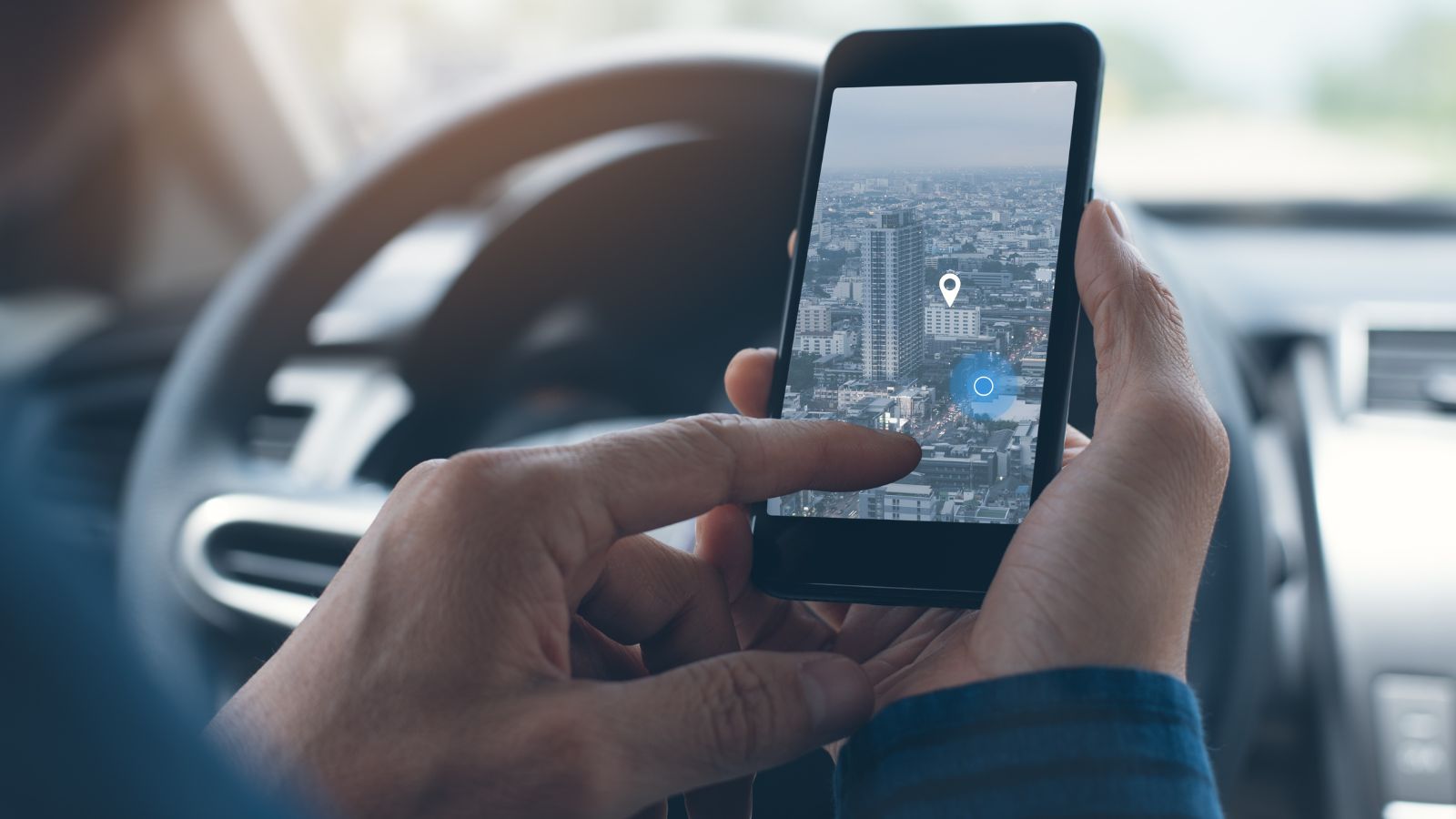
Drivers use their phones every day, so the icons, gestures, saved locations, and voice prompts feel familiar before the car moves. That learned comfort matters. In J.D. Power’s 2024 APEAL Study, infotainment satisfaction averaged 805 among users of native systems, compared with 832 for Android Auto users and 840 for Apple CarPlay users. The gap suggests familiar, simpler phone-derived design can outweigh factory integration.
Research from the AAA Foundation also found that CarPlay and Android Auto were faster than native systems for common tasks, including programming navigation. A commuter does not need a laboratory to notice the difference. Entering a destination with two taps instead of navigating several menus feels safer and less irritating, particularly in a borrowed vehicle. Built-in systems often require relearning after every vehicle change. Phone interfaces travel with the driver, preserving recent searches, preferred apps, and habits. Consistency becomes more valuable than a manufacturer’s custom design.
Voice Recognition Still Creates Frustration
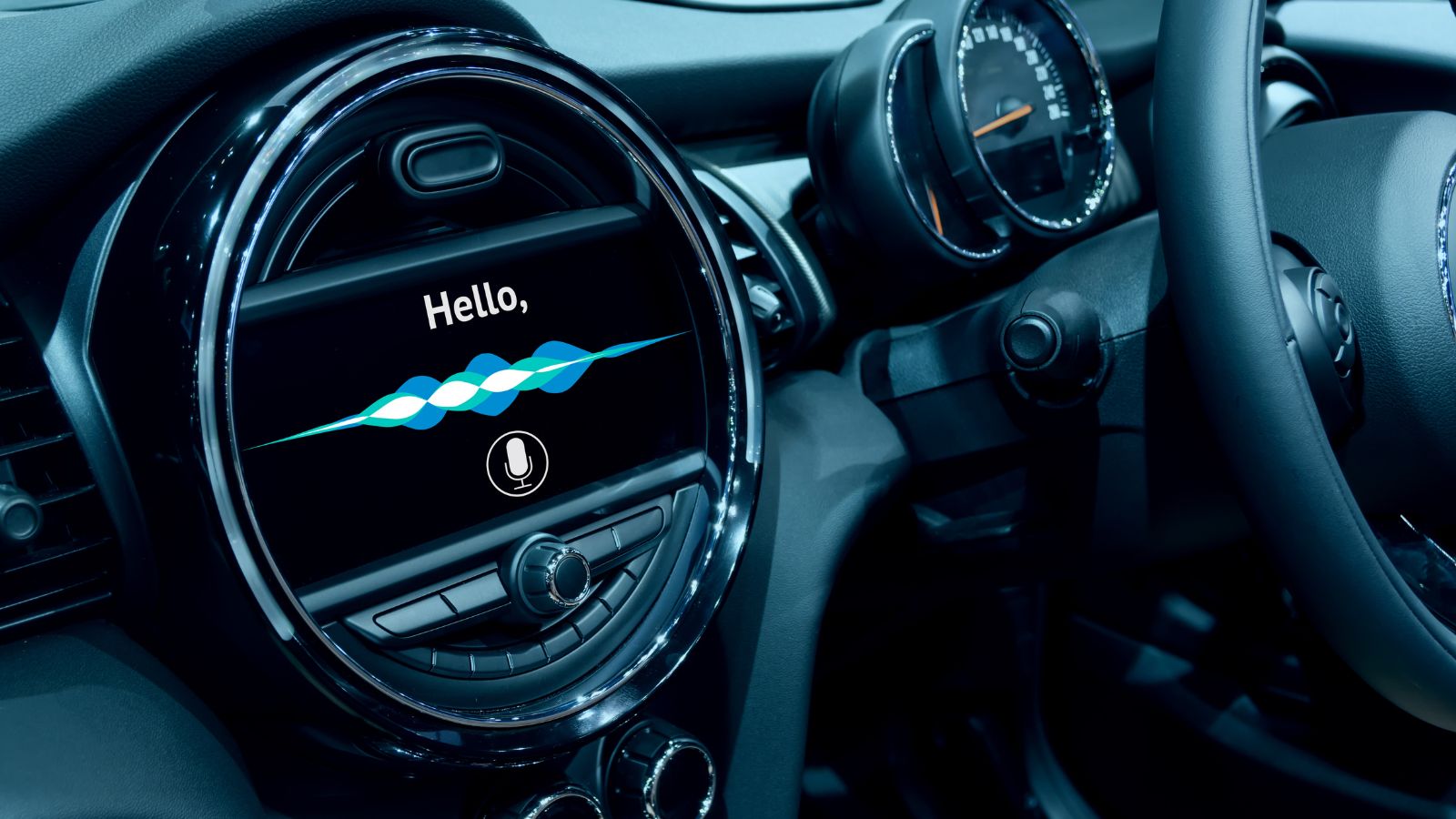
Voice control should make navigation easier, but weak recognition can turn a destination into a repeated argument with the dashboard. J.D. Power’s 2024 Vehicle Dependability Study listed built-in voice recognition among common infotainment problems, at 6.1 reported problems per 100 vehicles. Misheard street names, slow responses, and rigid command structures make drivers abandon the feature even when the microphone works.
Phone ecosystems have an advantage because their assistants are used across messages, searches, music, and everyday questions. Android Auto supports spoken commands for navigation, texting, and media through Google Assistant or Gemini. Familiar phrasing lowers the learning curve: a driver can ask naturally for a nearby fuel stop instead of remembering a manufacturer-specific command sequence. There are still connection errors and misunderstood requests, but the assistant improves independently of the vehicle’s age. When one voice system feels conversational and another feels like operating a call-centre menu, the choice becomes easy.
Cars Age More Slowly Than Software

A vehicle may remain on the road for 10 or 15 years, while navigation software expectations change every few months. Screens that looked advanced at purchase can later feel slow, low-resolution, or limited beside a newer phone. J.D. Power has linked long-term infotainment dissatisfaction to outdated maps, touchscreen difficulty, and the challenge automakers face keeping pace with smartphone technology.
Over-the-air updates help, but they do not always transform the experience. In J.D. Power’s 2025 dependability findings, only 30 percent of owners who completed an over-the-air update said it produced an improvement, while 56 percent noticed no meaningful difference. The result is a mismatch: the mechanical vehicle may still feel solid, yet its digital cabin seems frozen in another era. Replacing a phone refreshes the processor, apps, and navigation features at once. Replacing the vehicle’s head unit is rarely as simple, so drivers route around the problem by projecting their phones.
Subscriptions Weaken the Value Proposition
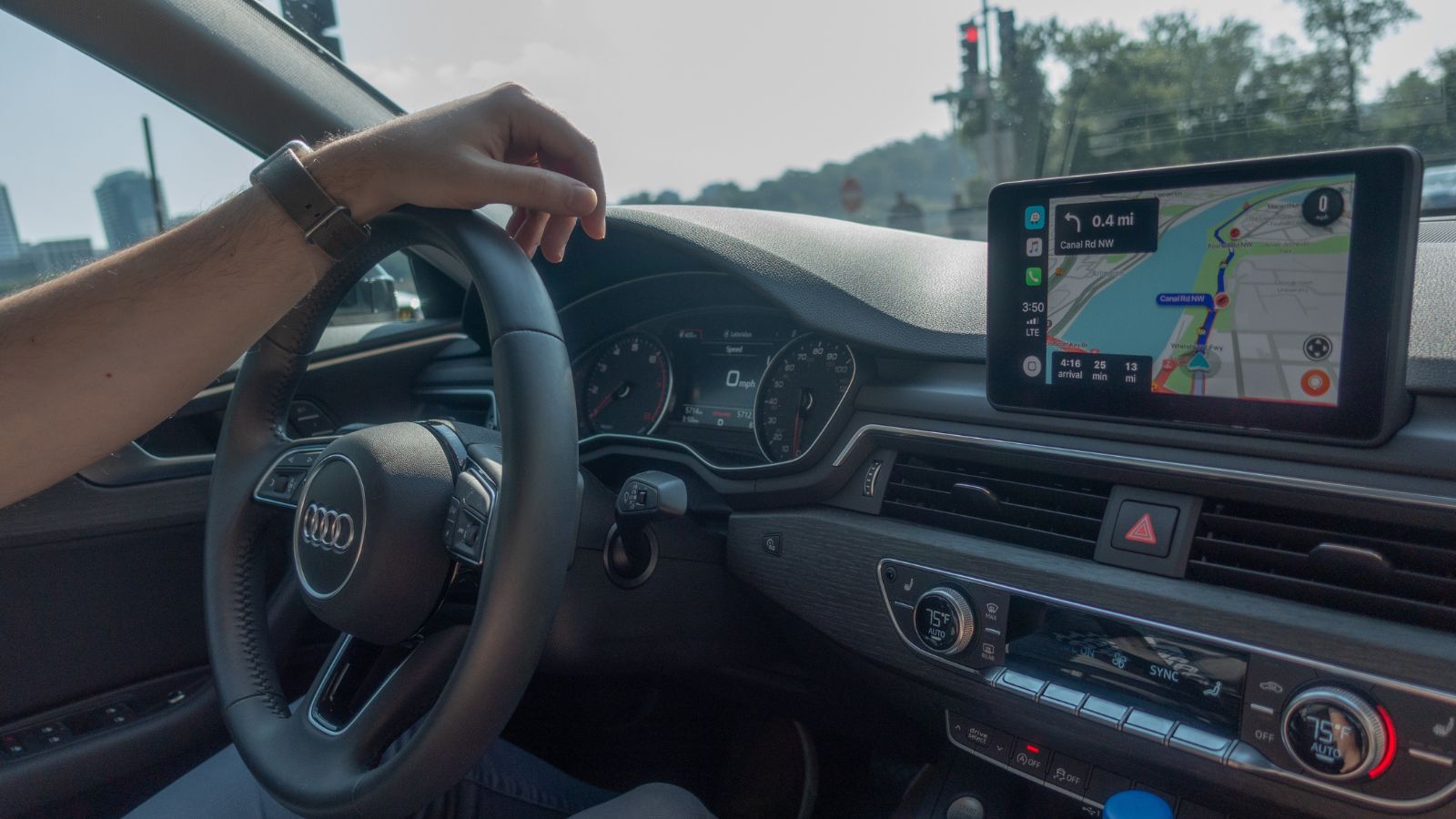
Many modern built-in systems depend on connected-service plans for live traffic, cloud search, weather, parking information, or advanced routing. Automakers often include a complimentary trial, then require renewal. Ford states that connected-service pricing varies by vehicle, model year, trim, and service, and that many plans can auto-renew unless cancelled. The navigation feature may therefore outlast the free data supporting its best functions.
That arrangement can feel difficult to justify when a driver already pays for a smartphone and data plan. The built-in map remains physically present, but its useful connected layer may become another monthly or annual decision. A used-car buyer can face uncertainty because trial terms and available packages differ by vehicle identification number. For someone who drives mostly familiar routes, paying again for occasional navigation feels wasteful. Phone apps are not truly free—data, hardware, and privacy all carry costs—but their expense is already part of ordinary everyday life.
Phone Platforms Combine the Whole Trip
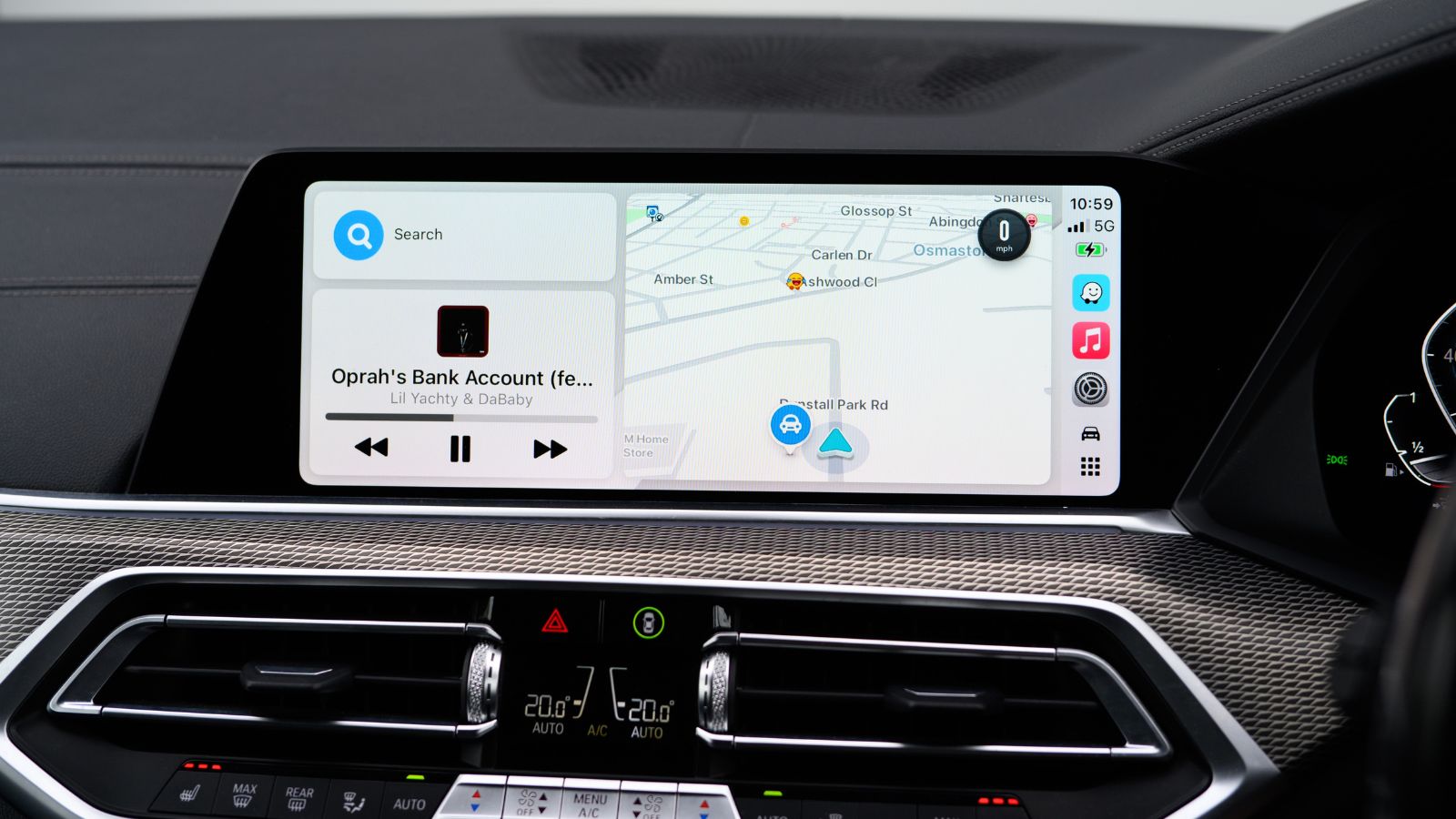
Navigation rarely operates alone. Drivers also make calls, hear messages, choose music, check calendars, share arrival times, and locate saved places. CarPlay supports turn-by-turn directions, calls, messages, and audio in one environment, while Android Auto offers navigation, texting, and media through voice commands. The phone becomes the trip’s central organizer rather than a separate map competing with the dashboard.
That integration is useful in moments. An address received in a text can become a destination without being typed again. CarPlay can predict likely destinations from contacts, messages, email, and calendar information. A parent heading to an unfamiliar school event may see the location suggested, then message an arrival time and resume a podcast from the same interface. Factory systems offer similar features, especially vehicles with Google built-in, but older or lower-trim systems may not. Drivers choose the platform that connects the most parts of the journey with the fewest handoffs.
One Setup Works Across Many Vehicles
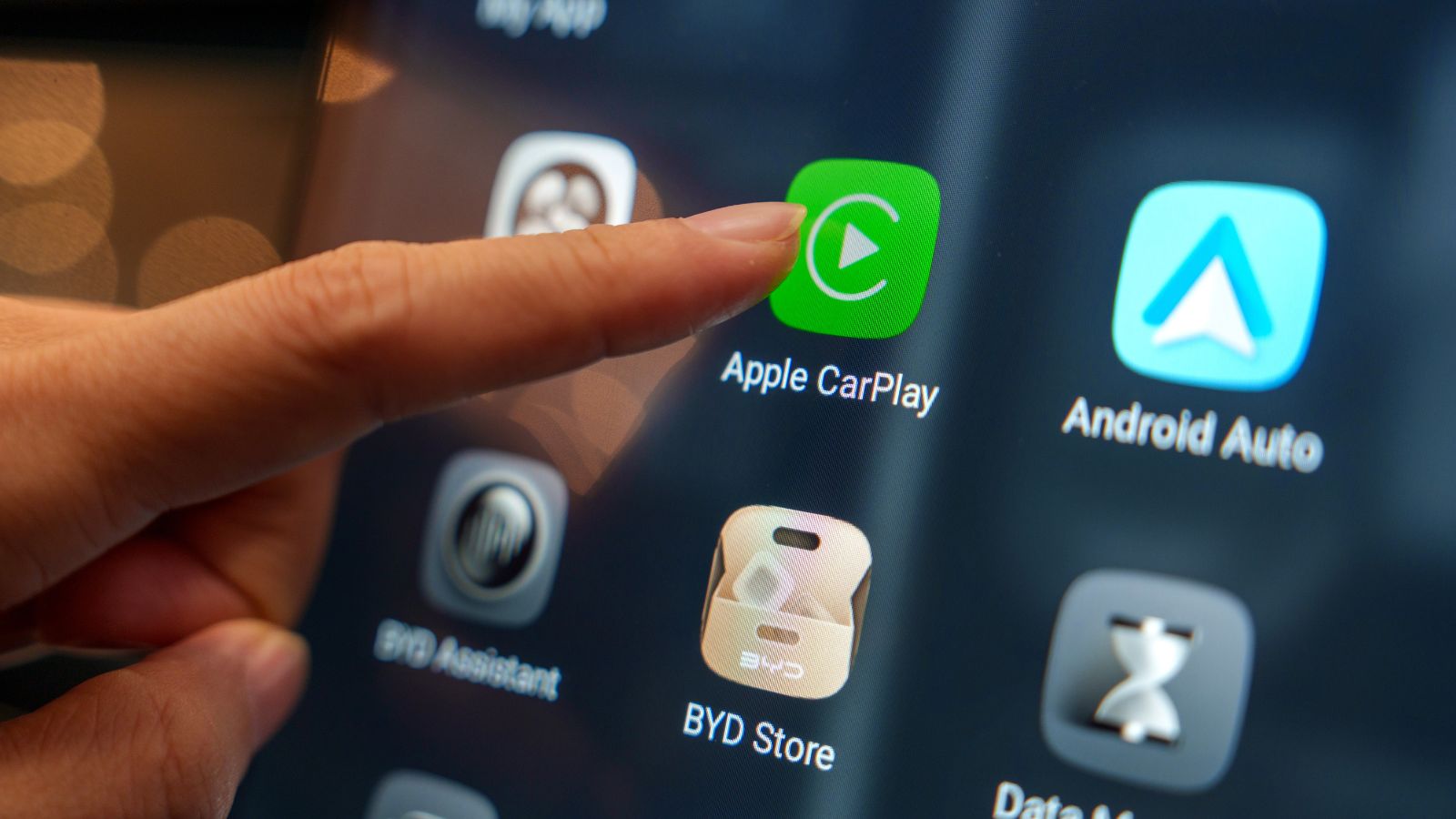
Phone projection has become available across the market. Apple lists CarPlay compatibility in more than 800 vehicle models, while Android says Android Auto works with more than 500. That reach gives drivers a navigation identity: saved destinations, preferred map apps, recent searches, and familiar prompts can appear in a family car, rental, work vehicle, or replacement vehicle.
The benefit is clear during travel. A driver renting a crossover at an airport does not need to learn the manufacturer’s destination-entry system before leaving the garage. Connecting the phone restores the same map, voice, and destination history used at home. Built-in navigation still has strengths, including integration with instrument clusters, head-up displays, vehicle range data, and antennas. Yet those benefits are tied to one car. For people who switch vehicles, continuity matters more. The navigation system they trust is increasingly the one that follows them, not the one attached to the dashboard.
Offline Maps Have Closed an Old Gap
Built-in navigation held an advantage in weak-signal areas because its maps were stored in the vehicle. Smartphone services have narrowed that gap. Google Maps allows users to download areas for offline driving navigation, and Apple Maps supports downloadable maps with automatic updates and storage controls. A prepared phone can keep guiding after cellular service disappears.
Offline phone navigation has limitations. Live traffic, incident reports, business changes, and some route options may not update without a connection. Even so, the feature is enough for road trips, rural drives, and international travel. A driver can download a region before leaving, place the phone in CarPlay or Android Auto, and keep the familiar interface on the vehicle’s display. Built-in systems remain valuable as a backup when the phone is lost, overheated, or out of power. But once offline capability became common, one of the reasons to pay for factory navigation became less persuasive.
Mobile Navigation Evolves Much Faster
Phone navigation companies release features on a software timetable rather than a vehicle-development cycle. Google introduced immersive route guidance, disruption alerts, and conversational map tools, while Waze added route suggestions shaped by previous trips and local traffic patterns in 2026. These changes can arrive on phones without waiting for a redesigned dashboard or new model year.
Automakers are improving too, especially through Google built-in systems and over-the-air updates, but the pace is uneven across brands and vehicles. J.D. Power’s 2026 dependability study found that only 27 percent of owners receiving a software update believed it improved the vehicle, while 58 percent noticed no difference. Drivers therefore see the phone as the safer bet for future features. A five-year-old car can display an updated navigation app through CarPlay or Android Auto, effectively borrowing the newest software. That ability keeps the cabin feeling current even when the factory system has stopped evolving.
22 Things Canadians Do to Their Cars in Spring That Mechanics Hate

Spring brings relief to many Canadian drivers after months of snow, freezing temperatures, and icy roads that put serious strain on vehicles. As temperatures rise across the country, drivers begin washing cars, switching tires, and preparing vehicles for warmer weather and upcoming road trips. However, mechanics across Canada notice the same mistakes every spring when drivers attempt to recover from winter damage. Road salt, potholes, and harsh winter driving conditions often leave vehicles with hidden problems that drivers ignore. Some spring habits even create new mechanical issues that could have been avoided with proper maintenance. Here are 22 things Canadians do to their cars in spring that mechanics hate.

Alanna Rosen is an experienced content writer that focuses on many EV and educational content. Her articles are regularly published on Get CyberTrucked and syndicated on large publications.