
For some Canadian shoppers, the biggest screen in the showroom is no longer an automatic selling point. Dashboard displays can deliver excellent maps, cameras, media and software features, yet frustration rises when routine controls migrate onto one glossy panel. Research on North American vehicle interfaces has documented a move toward larger touchscreens, while Transport Canada has published evidence-based guidance aimed at limiting distraction from visual displays.
The concern is not that every large screen is unsafe or poorly designed. A fast, clear interface can work well, especially when backed by steering-wheel controls, voice functions and physical shortcuts. The resistance is usually about dependency: how often the driver must look, tap, swipe or wait to do something simple. These 12 reasons explain why some Canadians are choosing vehicles that preserve more traditional buttons, knobs and direct controls alongside modern digital features.
Too Much Eyes-Off-Road Time
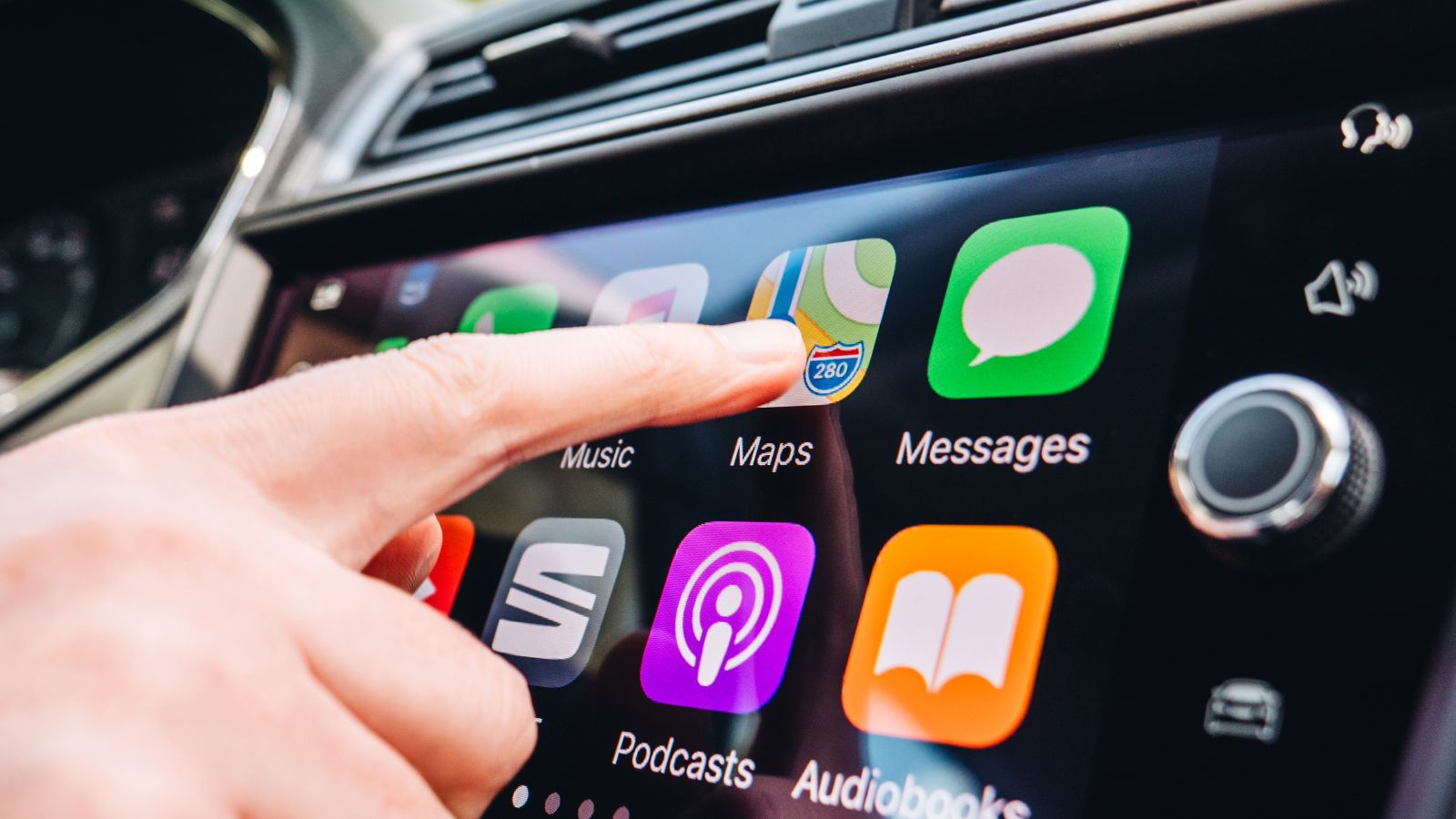
The biggest objection to giant touchscreens is not their size alone; it is how much visual attention they can demand. Transport Canada’s guidance on in-vehicle displays is built around limiting distraction, and federal collision data show why the issue matters. In 2021, distraction contributed to an estimated 22.5% of fatal collisions and 25.5% of serious-injury collisions in Canada.
A driver changing temperature, finding a heated-seat icon, or switching audio sources may have to look away from traffic long enough to identify the correct target and confirm the command worked. Research on in-vehicle interfaces has repeatedly linked touchscreen interaction with visual demand, especially when tasks require several steps. For Canadians navigating busy urban streets, snow-covered intersections, or fast-moving highways, that extra glance can feel like an unnecessary trade-off. Some buyers therefore prefer cabins where routine adjustments can be made with minimal visual checking and familiar controls close at hand.
Physical Controls Can Be Learned by Feel
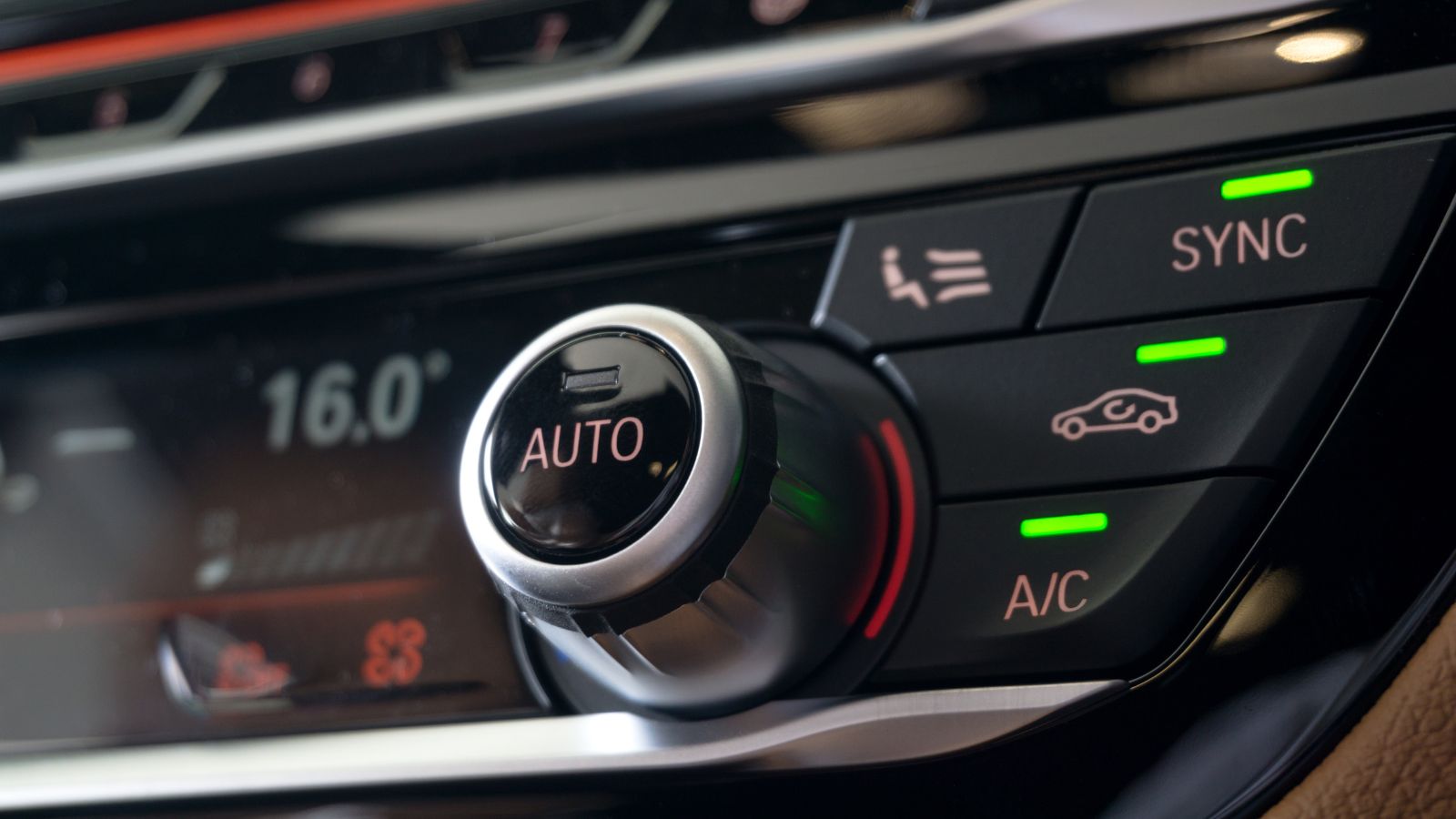
Physical controls offer something flat glass cannot fully reproduce: location and shape that can be learned by touch. A rotary volume knob, fan-speed dial, or dedicated defrost button can be found without studying a screen. Research comparing touchscreen and physical interfaces shows that tactile or nonvisual feedback can improve performance, while industry testing has found that screen-heavy layouts can make routine tasks slower.
That difference becomes important after weeks or months of ownership. A driver may stop thinking about where a familiar knob is and simply reach for it, much as someone finds a light switch in a dark room. Huge touchscreens can be fast when the software is well designed, but many buyers do not want critical usability to depend on software layout. Euro NCAP’s 2026 safety protocols also place greater emphasis on intuitive physical controls for key functions, reinforcing the idea that tactile access still has practical value.
Canadian Winters Make Gloves a Factor
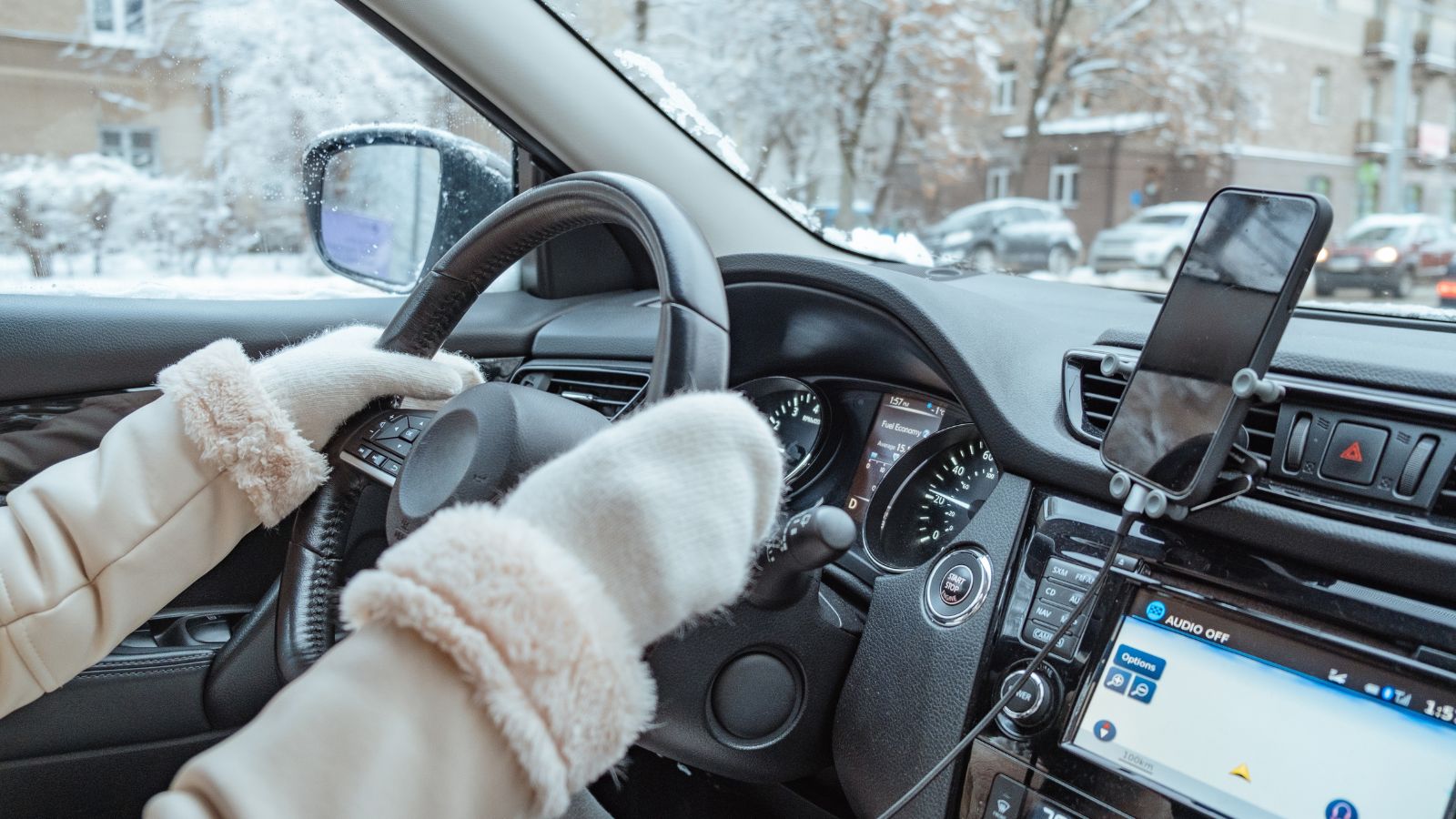
Canadian winter adds a problem to touchscreen-heavy interiors: gloves. Capacitive touchscreens typically work best with conductive contact, and thick gloves can reduce responsiveness unless the screen supports glove sensitivity or the gloves contain conductive material. That can turn a cabin adjustment into repeated taps, glove removal, or an awkward attempt to use a fingertip through fabric.
The inconvenience matters most when the controls buried on-screen are winter essentials. Heated seats, heated steering wheels, fan speed, temperature, and windshield defrost are especially relevant during cold-weather driving. Health Canada notes that extreme cold can make staying warm and safe more challenging, with frostbite risk increasing as wind chill becomes severe. A Canadian climbing into a frozen vehicle at dawn may therefore value a large physical defrost switch more than a beautifully animated climate panel. The screen may look futuristic in the showroom, but winter can make direct controls feel more thoughtfully designed.
Rough Roads Make Precise Tapping Harder
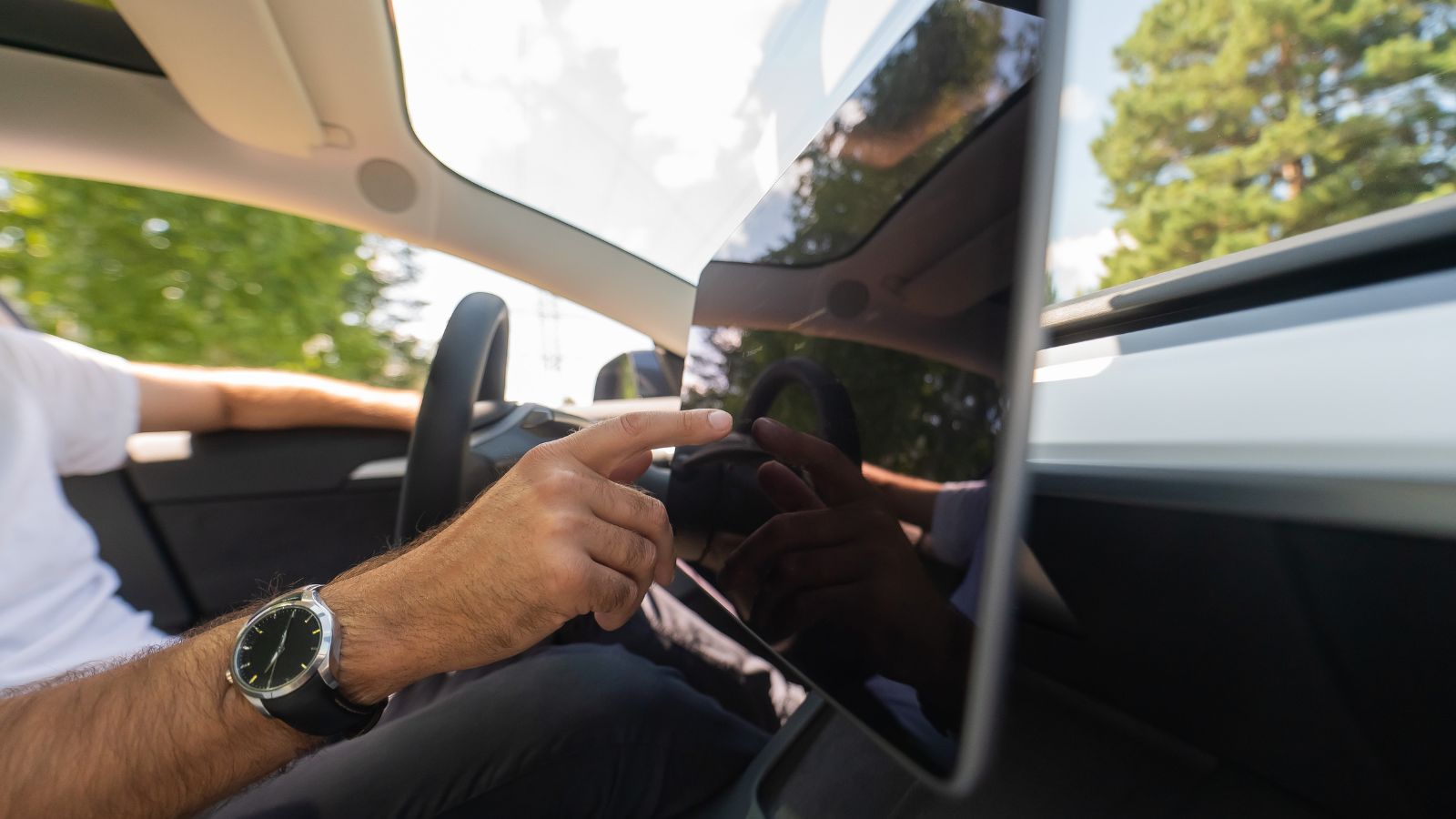
A touchscreen is easiest to use when the user and the display are stationary. Cars rarely provide that environment. Potholes, frost heaves, gravel, and speed bumps move the driver’s hand relative to the screen, making small targets harder to hit accurately. An automotive-interface study found that road bumps could reduce touch-input accuracy by 19%, a penalty for something used while the vehicle is moving.
That finding explains a familiar annoyance: a finger aimed at the fan icon lands on the adjacent setting just as the vehicle hits broken pavement. The driver has to look again, correct the input, and confirm result. Research projects on future touchscreens are exploring ways to compensate for vibration and involuntary finger movement, which suggests the problem is not merely anecdotal. Canadian roads vary by region and season, so some buyers prefer controls that remain easy to grab when the cabin is bouncing over imperfect pavement.
Important Functions Can Disappear Into Menus
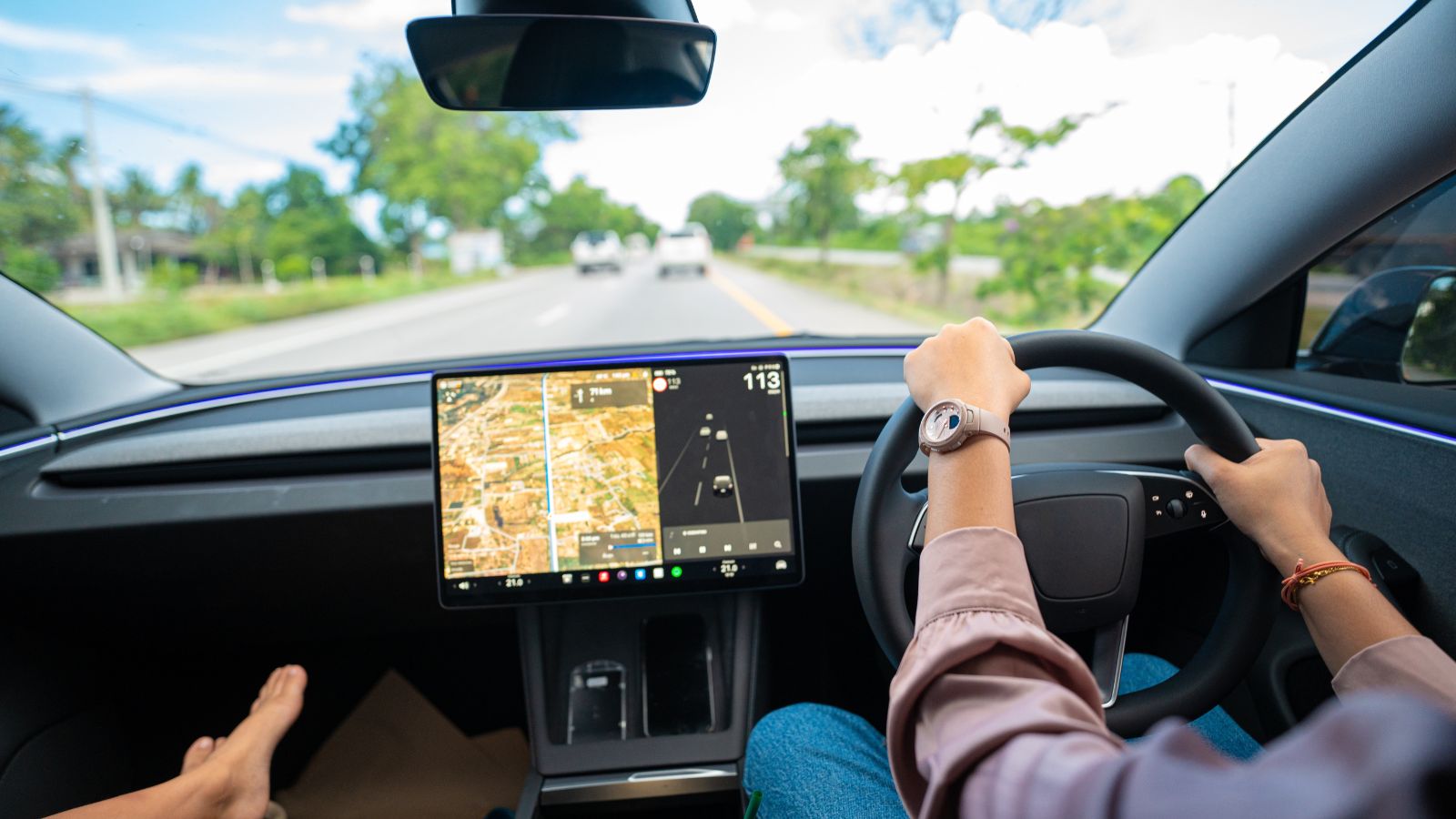
A large screen can display a great deal of information, but that does not mean every function is easy to reach. When climate settings, driver-assistance options, audio controls, and vehicle preferences sit behind menus, the real burden comes from navigation depth. Research has found that deeper menu structures can increase visual demand during certain touchscreen tasks while driving.
This is why buyers distinguish between having a touchscreen and depending on one. A screen used for maps, media, and setup can be convenient; a screen that requires multiple taps to change a function can feel needlessly complicated. Transport Canada says essential and commonly used controls should be directly accessible, while Euro NCAP’s protocols reward intuitive access to important functions. The concern is less about rejecting digital technology than about hierarchy. Canadians who commute may prefer interiors that keep frequent actions one step away instead of burying them inside a software tree.
Glare and Fingerprints Can Hurt Readability
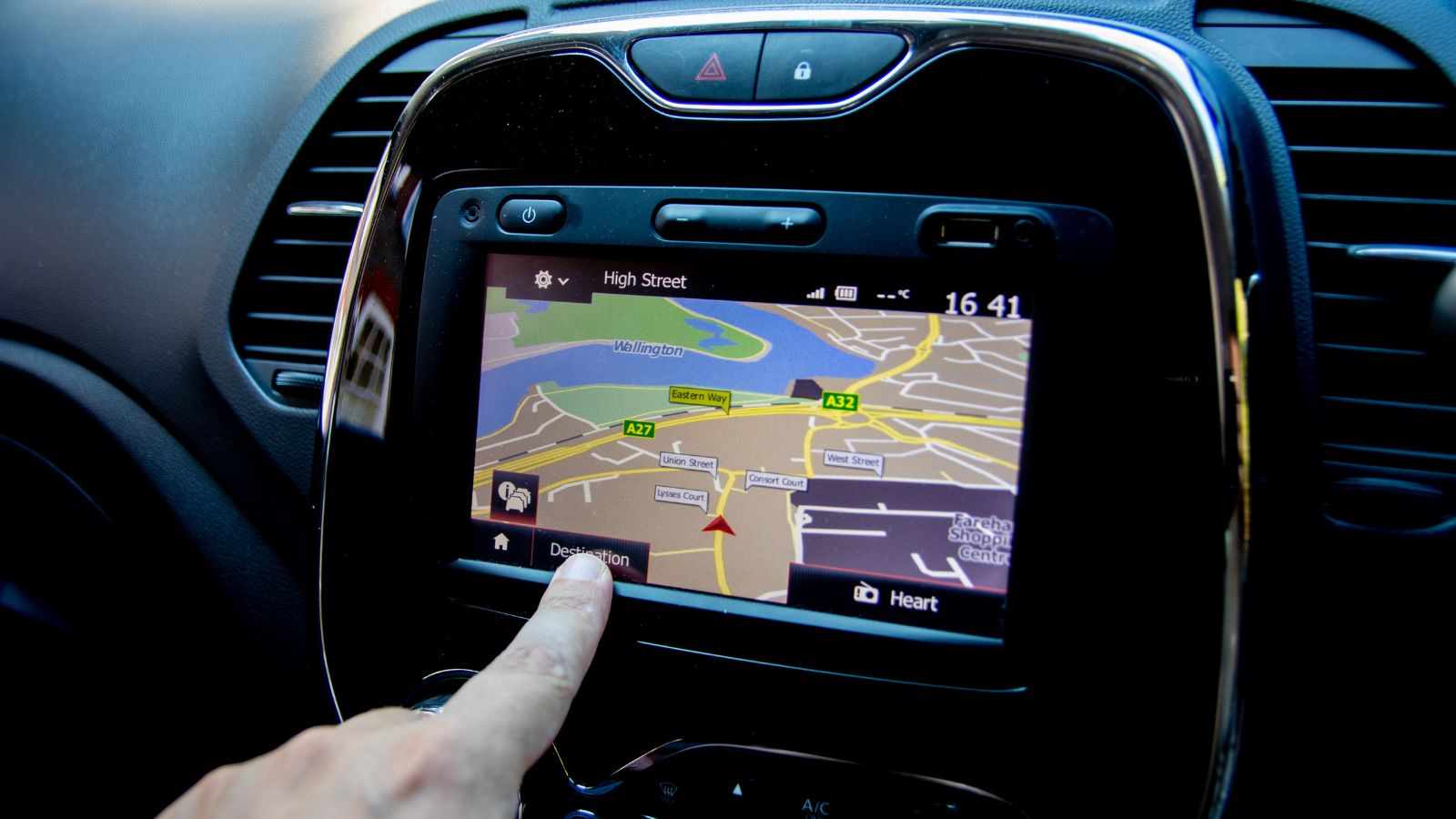
Big glossy displays have a weakness that appears in real-world use: they reflect light and collect fingerprints. Automotive display engineers use anti-reflective, anti-glare, and anti-fingerprint coatings because ambient light and surface contamination can reduce readability. Researchers have also developed simulator methods to measure how automotive-display readability changes under different lighting conditions.
Canada can make those conditions variable. Low winter sun can sit ahead for long periods, snow can intensify brightness around the cabin, and summer sunlight can strike a centre screen from the side. A display that looked crisp under dealership lighting may become harder to read when reflections cross a dark map or when oily fingerprints cover used icons. Some modern screens handle these challenges well, so glare is not inevitable. Still, buyers who dislike maintaining a large glass panel may see physical switches and matte-finished controls as easier and noticeably less distracting to live with every single day.
Software Problems Become Everyday Problems

As vehicle functions move into software, infotainment quality becomes part of ownership satisfaction. J.D. Power’s 2026 U.S. Initial Quality Study found infotainment was the only category in which reported problems increased, and 46% of owners who described a distraction-related vehicle problem pointed to the infotainment system or touchscreen. Android Auto and Apple CarPlay connectivity were notable sources of complaints.
Those findings do not mean every large-screen system is unreliable. Many are quick, stable, and well organized. The concern is that a system controlling more functions creates opportunities for software problems to interrupt tasks. A slow startup, frozen screen, failed phone connection, or lagging climate panel feels different when the display is merely entertainment than when it is the gateway to the cabin. Canadians who plan to keep a vehicle for years may therefore favour simpler, dependable interfaces because they want fewer daily functions tied to one software layer.
Voice Commands Are Not a Complete Substitute
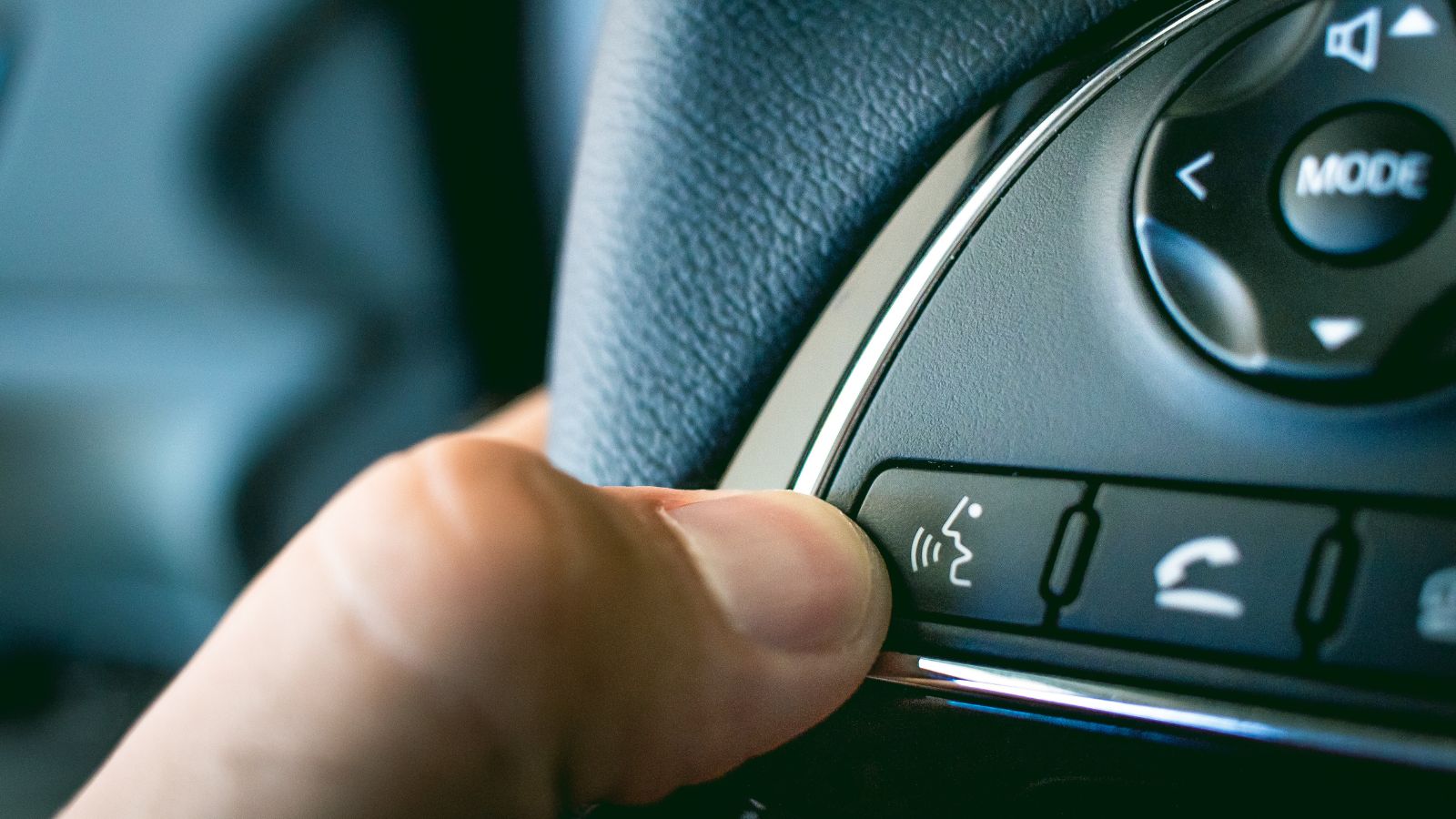
Voice control is presented as the answer to touchscreen distraction: keep both hands on the wheel and tell the vehicle what to do. Voice systems vary widely. J.D. Power has repeatedly identified built-in voice recognition as an infotainment trouble spot, while vehicle reviews document systems that misunderstand conversational requests or require owners to learn command phrases.
That matters because voice is useful when it is faster than reaching for a control. A driver who asks twice for the windshield temperature to change, waits for a response, and then checks the screen has not reduced the workload. Cabin noise, passengers, music, and speech patterns can complicate the experience further. Smartphone assistants and artificial-intelligence systems are improving quickly, but they are not universal replacements for tactile controls. Some Canadian buyers therefore see voice commands as a useful practical extra rather than a reason to eliminate buttons for functions needed immediately.
Visual Complexity Can Be Harder for Older Drivers
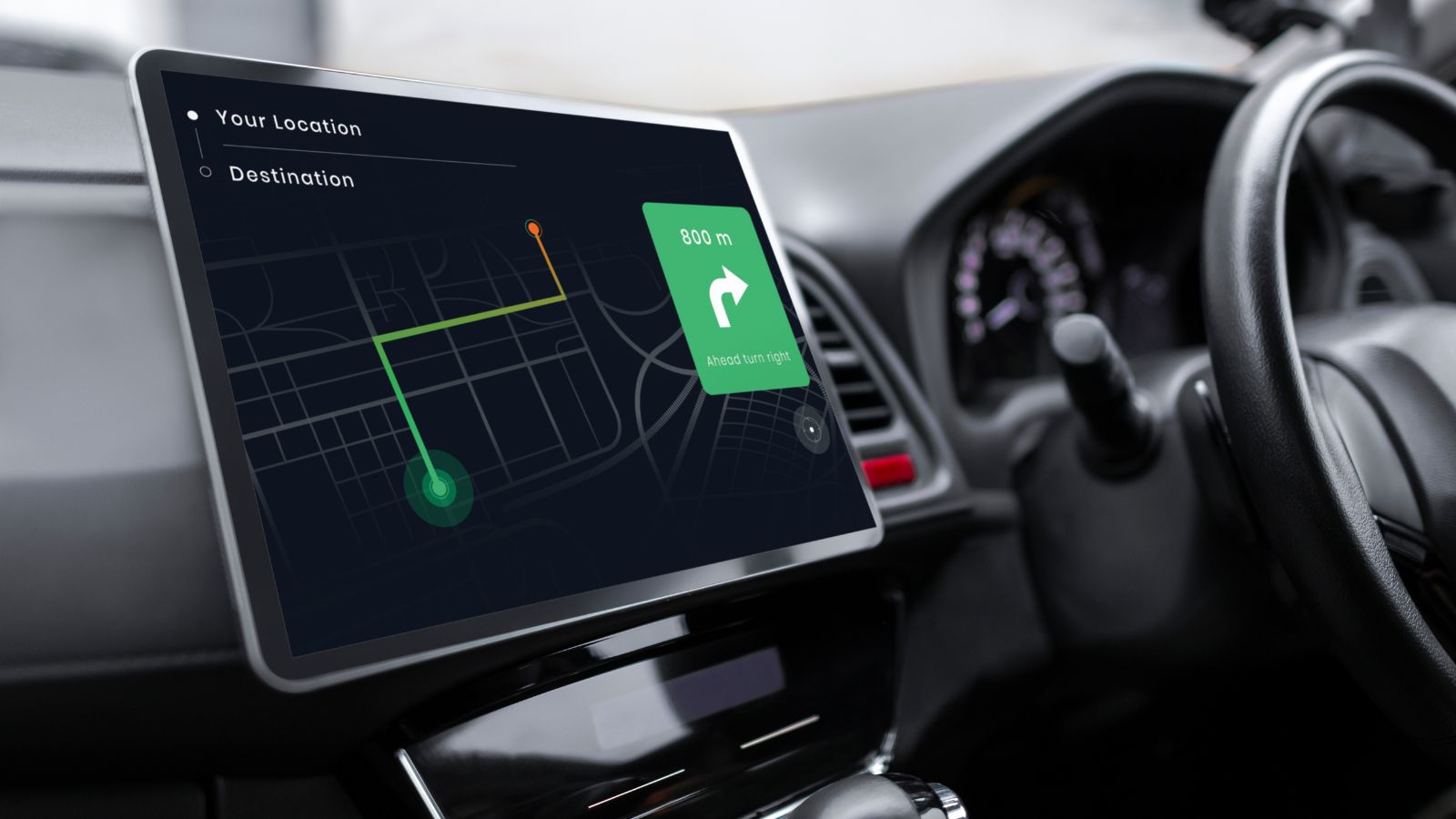
Complex display design can be demanding for older drivers. A driving-simulator study found that increasing visual complexity raised task-completion time by 20% for younger participants but 47% for the older group, whose driving performance also deteriorated under complexity. Recent research involving older drivers with central vision loss identified small text, low contrast, and display glare among challenges.
That does not mean older Canadians cannot or do not want modern technology. Many safety systems, navigation tools, and driver aids can be valuable. The central issue is whether the interface requires rapid visual searching and precise tapping while driving. A large display can help when it uses large text, clear contrast, and simple layouts; size alone is not the problem. But when a huge screen is visually dense, some shoppers may choose knobs, switches, and dedicated physical shortcuts because familiarity and tactile feedback can reduce the effort required for routine driving actions.
One Screen Can Become a Single Point of Failure
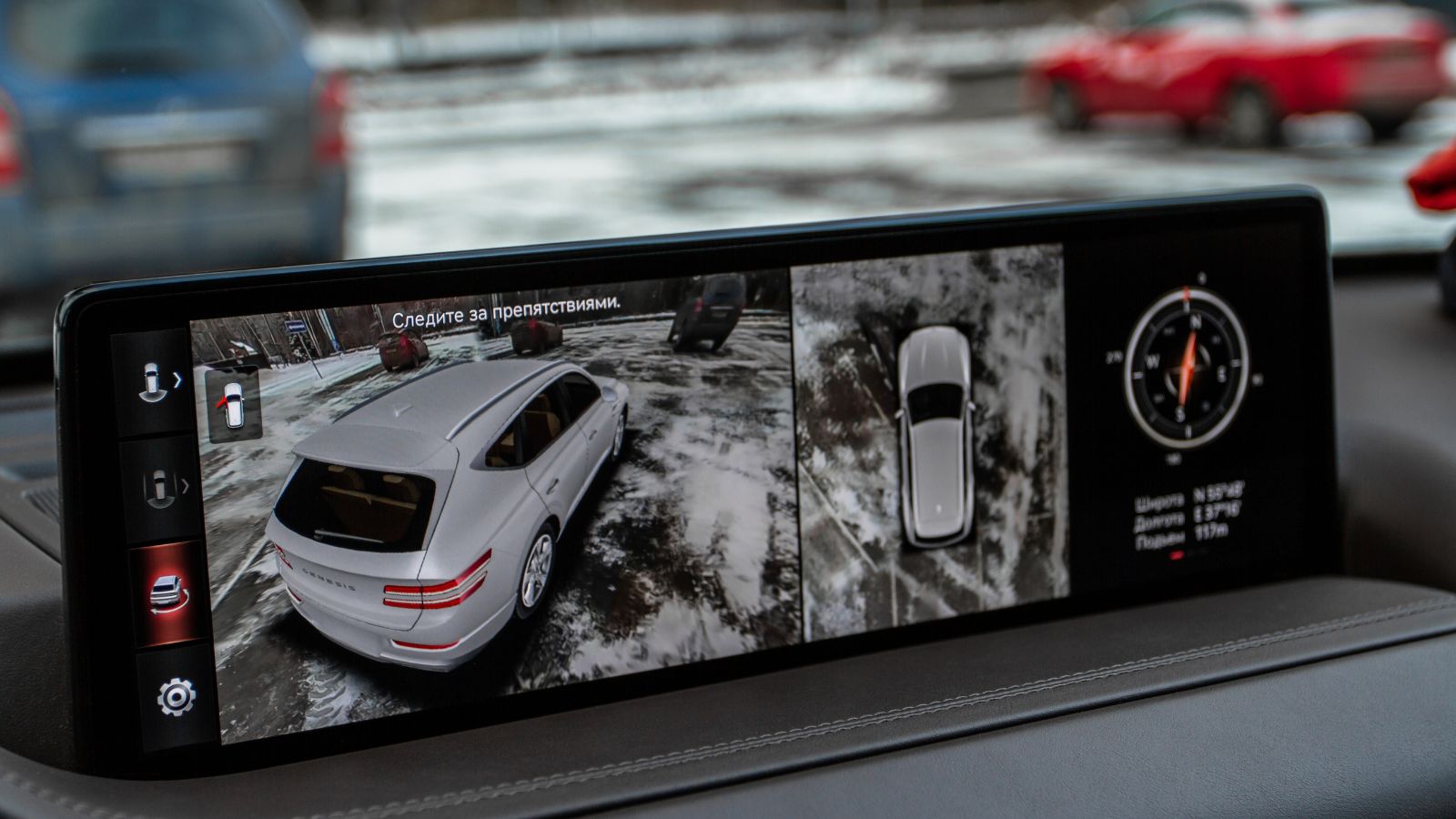
When one central display controls many functions, a failure can have consequences beyond losing the radio. A U.S. recall involving Tesla Model S and Model X vehicles documented a memory-wear condition that could cause the centre display to fail and affect the rearview-camera image, defrost and defog settings, and exterior turn-signal lighting. The manuals describe procedures for restarting an unresponsive touchscreen.
That example is specific and should not be treated as evidence that all touchscreen vehicles share the risk. It does, however, illustrate why some buyers are wary of concentrating too many functions in one interface. Canadians depend on windshield clearing, cameras, lighting, and cabin heat in poor weather. A dedicated physical fallback can feel much more reassuring even when the screen itself is reliable. For long-term owners, the question becomes architectural: if the display goes dark, how much of the vehicle remains immediately usable without troubleshooting software first?
Connected Cockpits Raise Privacy Questions
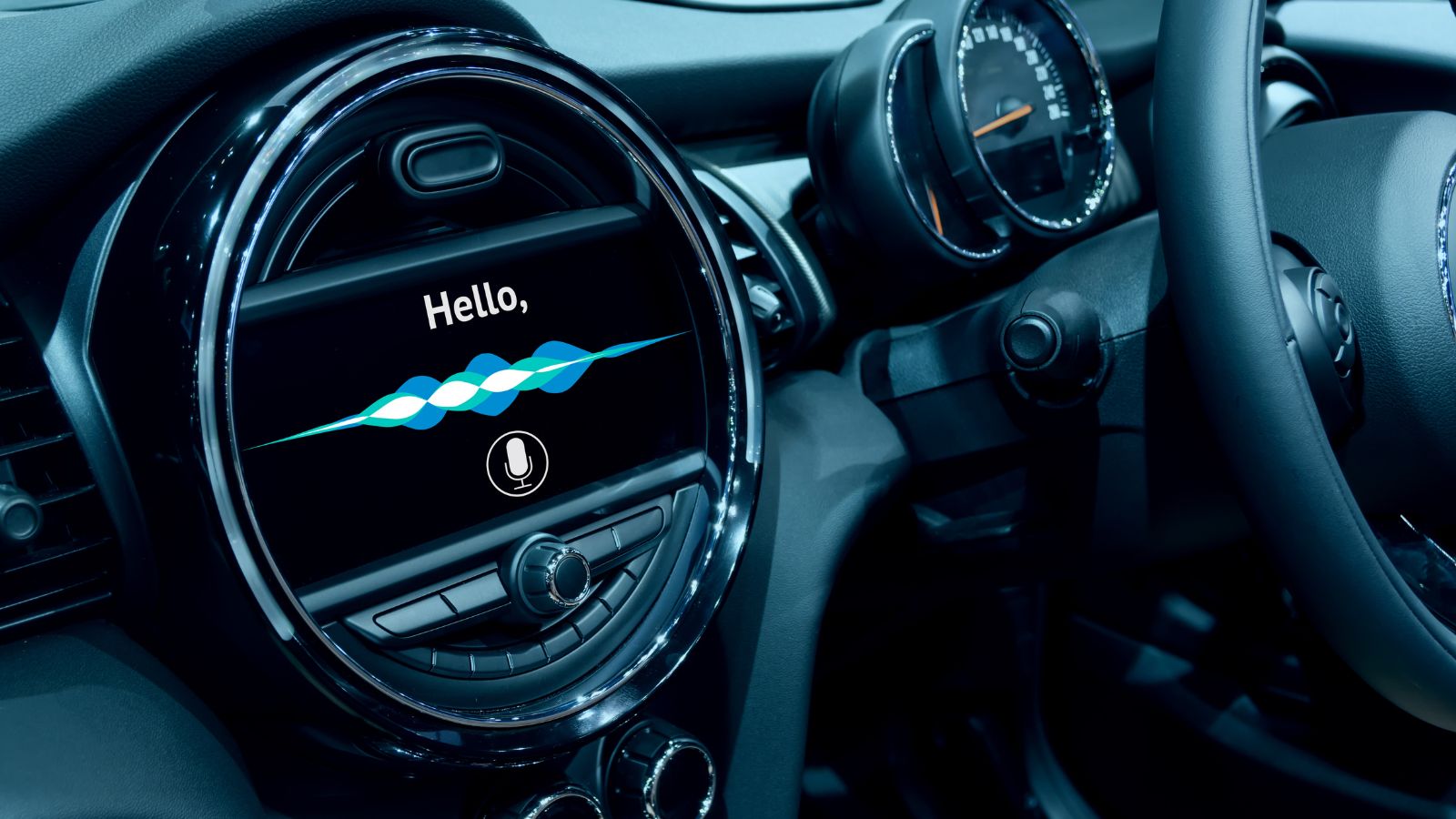
Huge touchscreens are usually part of a connected-vehicle ecosystem. Navigation, smartphone pairing, cloud services, voice assistants, driver profiles, and remote apps can involve data moving between the vehicle and outside systems. In April 2026, Canada’s Privacy Commissioner warned that connected vehicles can collect and transmit large volumes of personal data, including information stored or transferred in foreign jurisdictions.
Guidance from the Commissioner’s office noted that infotainment systems can access contact lists, calls, text messages, and emails when paired with a phone, while telematics can reveal how and where a vehicle is driven. A touchscreen itself is not what creates those data flows, and a car with physical buttons can be connected. Still, a highly digital cockpit can symbolize a level of connectivity some buyers would rather minimize. For privacy-conscious Canadians, a simpler, clearer interface may feel easier to understand, control, reset, and eventually hand over when the vehicle is sold.
Automakers Are Bringing Physical Controls Back

One clear sign that touchscreen skepticism is not simply nostalgia is that automakers are adjusting. Volkswagen said its 2026 ID. Polo cockpit was redesigned around customer feedback and combines digital displays with physical buttons and rotary controls. Audi replaced some touch-sensitive steering-wheel interfaces with physical controls, while Hyundai highlights dedicated buttons around large central screens in new designs.
The direction is not a return to button-covered dashboards. Manufacturers are searching for a balanced hybrid formula: screens for navigation, information, customization, and software; physical controls for frequent actions that benefit from touch and muscle memory. That balance is likely what many Canadian shoppers are asking for. They may appreciate a sharp 13-inch display and wireless smartphone integration while wanting a real temperature switch, volume knob, or defrost button. Avoiding a screen-dominated cabin can therefore be a preference for better, safer everyday real-world driving ergonomics, not resistance to today’s modern vehicles.
19 Used Cars Canadians Should Avoid in 2026 (Based on Owner Complaints)

Buying a used car in Canada can feel safe until repair bills start stacking up. Owner complaints tell a different story than glossy listings. Transmission failures, electrical problems, and weak winter reliability show up again and again in consumer reports. Many of these issues appear after warranties expire, when owners least expect them. Some vehicles look affordable upfront, but become expensive to keep on the road. Others struggle in cold weather, urban driving, or long highway commutes. Here are 19 used cars Canadians should avoid in 2026 (based on owner complaints).
19 Used Cars Canadians Should Avoid in 2026 (Based on Owner Complaints)

Alanna Rosen is an experienced content writer that focuses on many EV and educational content. Her articles are regularly published on Get CyberTrucked and syndicated on large publications.