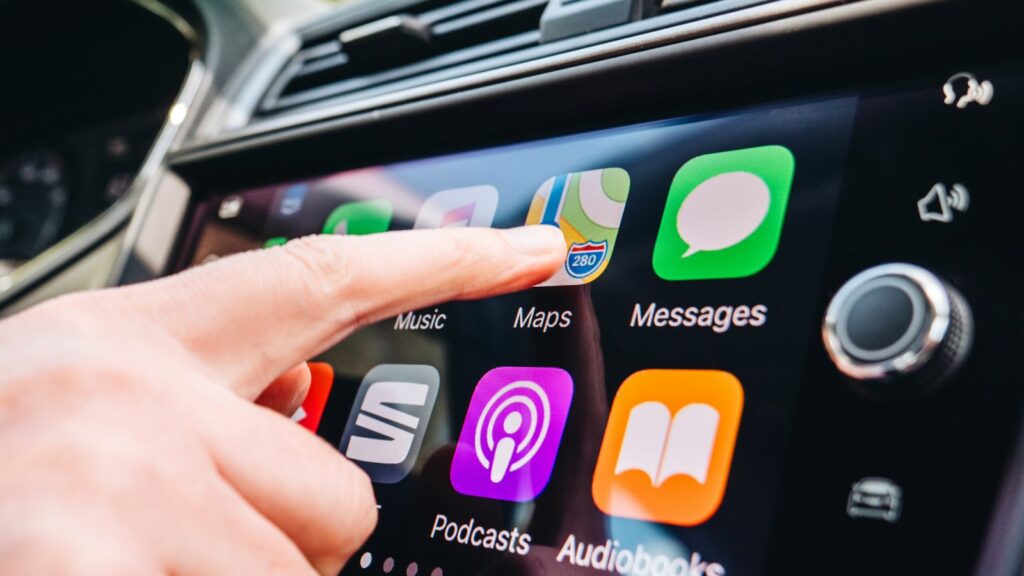
The enormous centre display has become one of the defining features of a modern vehicle interior. In a showroom, a wide, tablet-like screen can make an older dashboard seem instantly dated. Living with one every day can be a different experience. Researchers, safety organizations and vehicle owners have increasingly raised concerns about touchscreen-heavy cabins, particularly when frequently used functions migrate from switches and knobs into software menus. The problem is rarely screen size alone; it is what automakers ask drivers to do through that screen while the vehicle is moving. From distraction and nighttime glare to software problems and frustrating climate controls, 12 reasons help explain why some drivers eventually regret choosing vehicles dominated by oversized displays.
Simple Adjustments Can Suddenly Take Much Longer
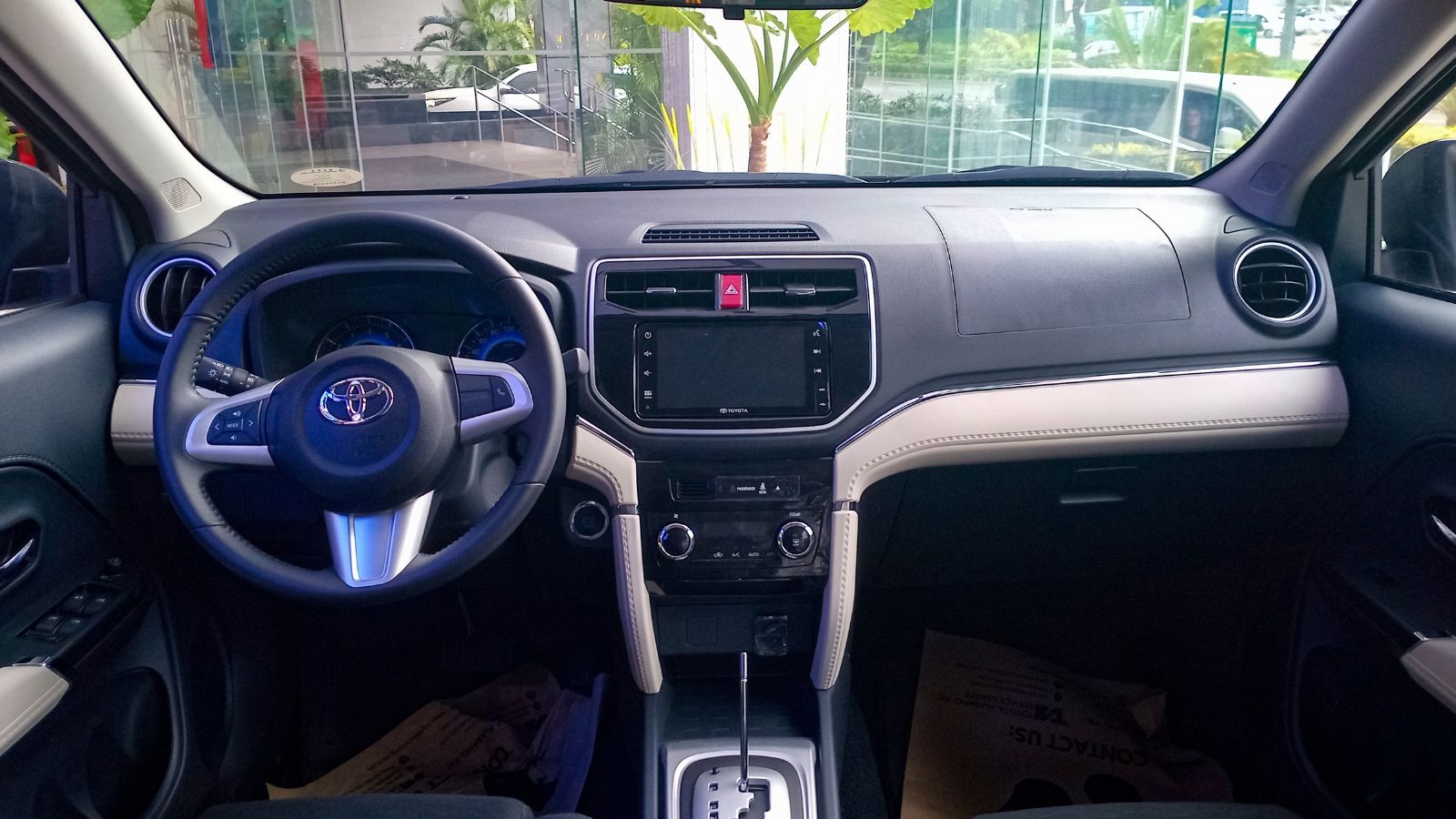
A traditional dashboard may not look futuristic, but its greatest advantage becomes obvious during routine driving. A dedicated temperature knob, fan switch or radio button can often be located largely by feel. When those same functions move into a touchscreen, the driver may have to wake the display, locate the correct area, open a menu and make a selection before returning attention fully to the road.
That difference has been demonstrated outside the laboratory. Swedish publication Vi Bilägare tested 11 modern vehicles alongside an older Volvo and asked drivers to complete common cabin-control tasks while travelling at 110 km/h. The older Volvo’s physical controls allowed the tasks to be completed in about 10 seconds. Some modern systems required several times longer, with the slowest approaching 45 seconds. An oversized display therefore can create an unexpected ownership frustration: a vehicle packed with sophisticated technology may make an ordinary adjustment feel less convenient than it did decades ago.
More Screen Time Can Mean More Time Looking Away From the Road
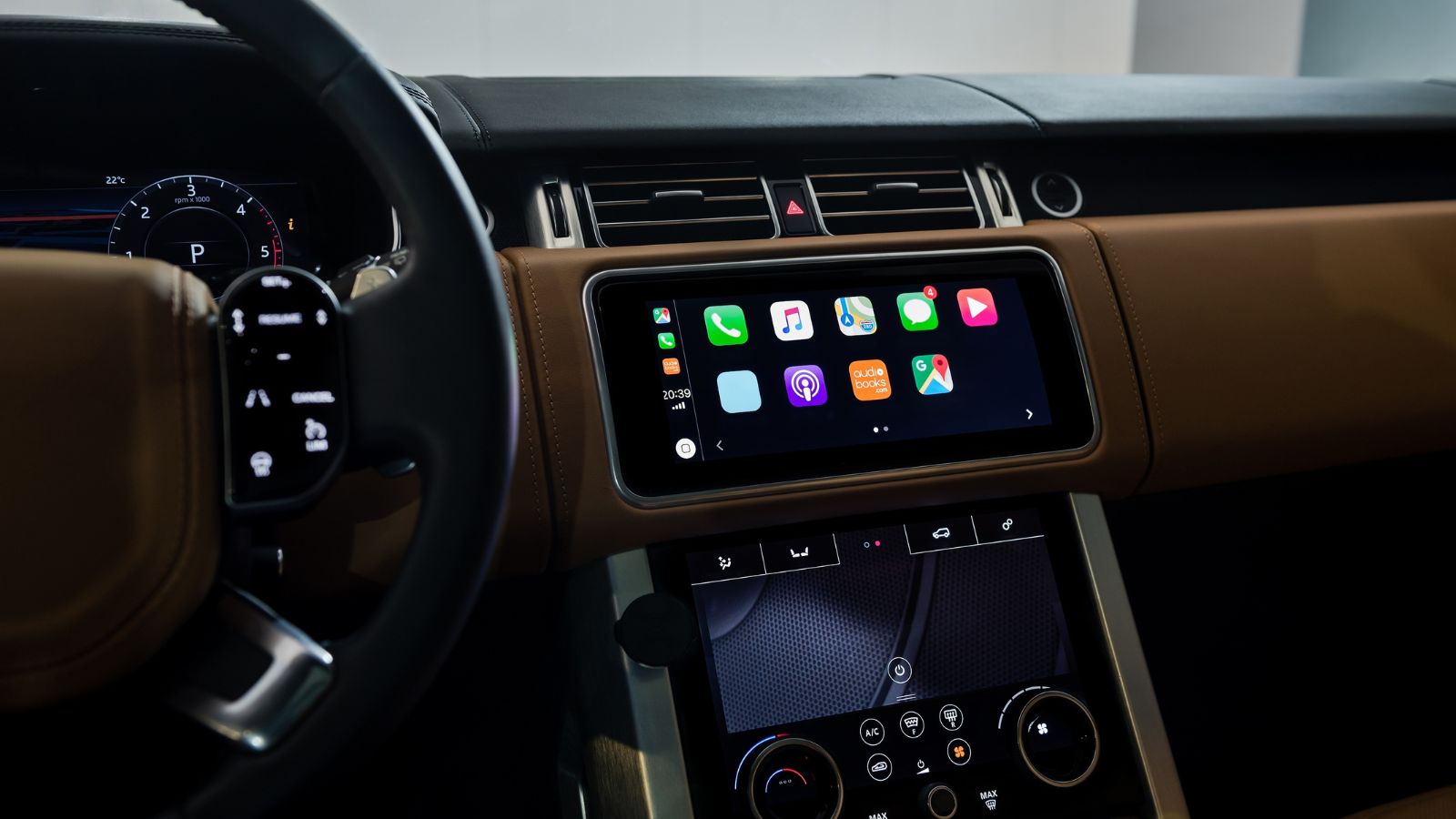
Touchscreens require something physical controls often do not: visual confirmation. A driver reaching for a familiar volume knob can identify its location and movement through touch. A flat glass panel provides far fewer physical landmarks, making it more likely that the driver will glance toward the screen to find a button, check that the intended command registered and sometimes correct an inaccurate tap.
A Transport Research Laboratory simulator study involving Apple CarPlay and Android Auto found that touchscreen interaction produced greater distraction than voice operation. Participants experienced poorer lane-position control and slower reactions, and researchers found that touch-based tasks frequently exceeded recommended eyes-off-road criteria. More recently, J.D. Power’s 2026 U.S. Initial Quality Study found that among owners reporting a vehicle-related distracted-driving problem, 46% identified the infotainment system or touchscreen as the source. A beautiful display can become considerably less impressive when operating it repeatedly competes with watching traffic.
Climate Controls Buried in Menus Can Become Irritating
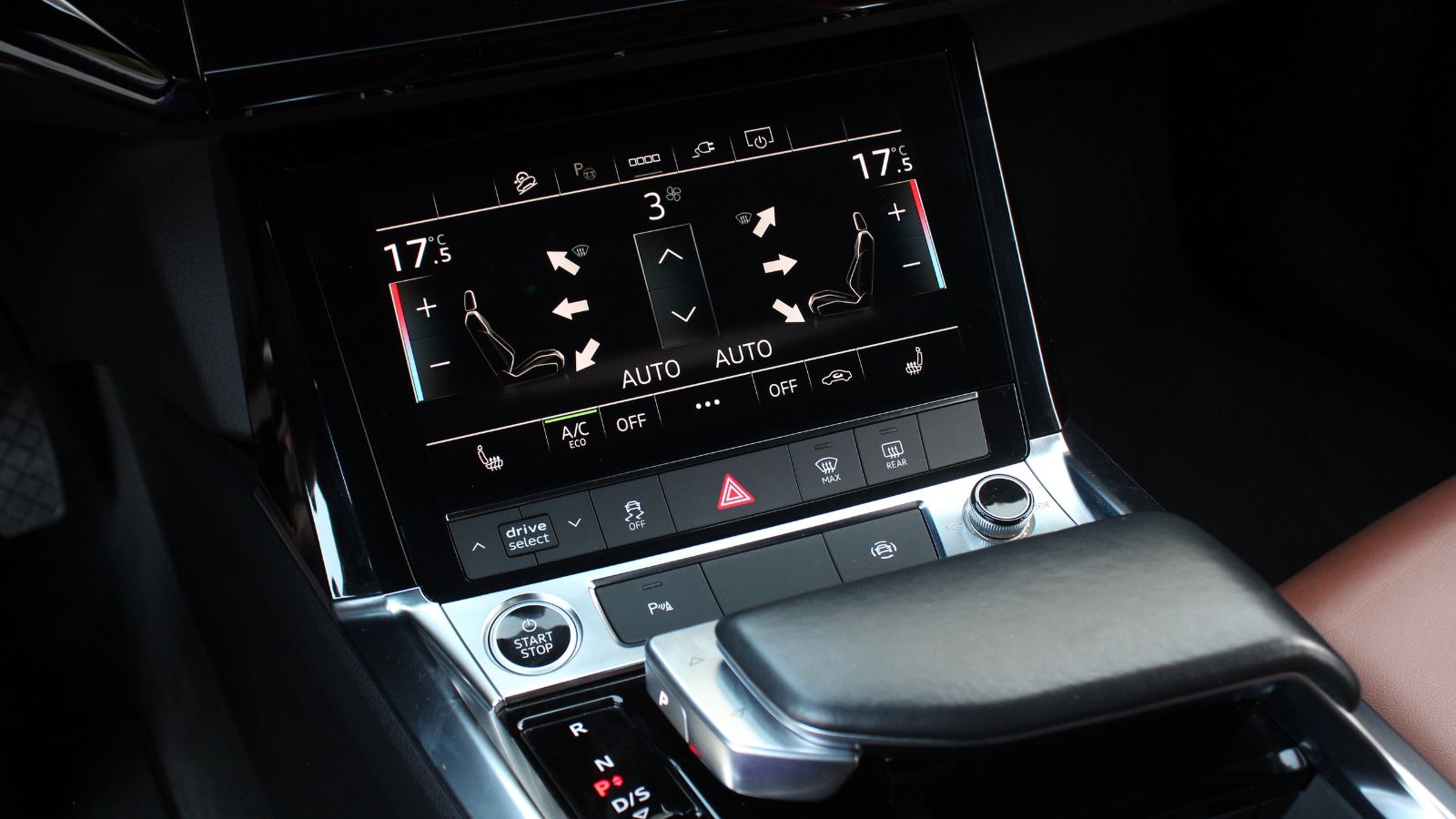
Few cabin functions are used as routinely as temperature, fan speed, windshield defogging and seat heating. That makes their location particularly important. On a conventional dashboard, many of these settings have dedicated controls that remain in the same physical position. Screen-heavy vehicles increasingly place them in digital interfaces, sometimes requiring multiple taps or swipes before the desired setting appears.
Owner feedback suggests that this design decision can wear thin quickly. J.D. Power reported in its 2025 U.S. Initial Quality Study that touchscreen-related complaints were increasing as automakers placed non-audio functions such as climate settings, garage-door controls and even glove-box releases inside infotainment systems. The organization said owners found some of these interactions overly complicated and distracting. Euro NCAP has also begun evaluating how easily drivers can access important vehicle functions. The annoyance becomes particularly obvious during bad weather, when quickly activating a defroster or changing airflow can matter far more than maintaining a minimalist-looking dashboard.
Flat Glass Cannot Fully Replace the Feel of a Real Button
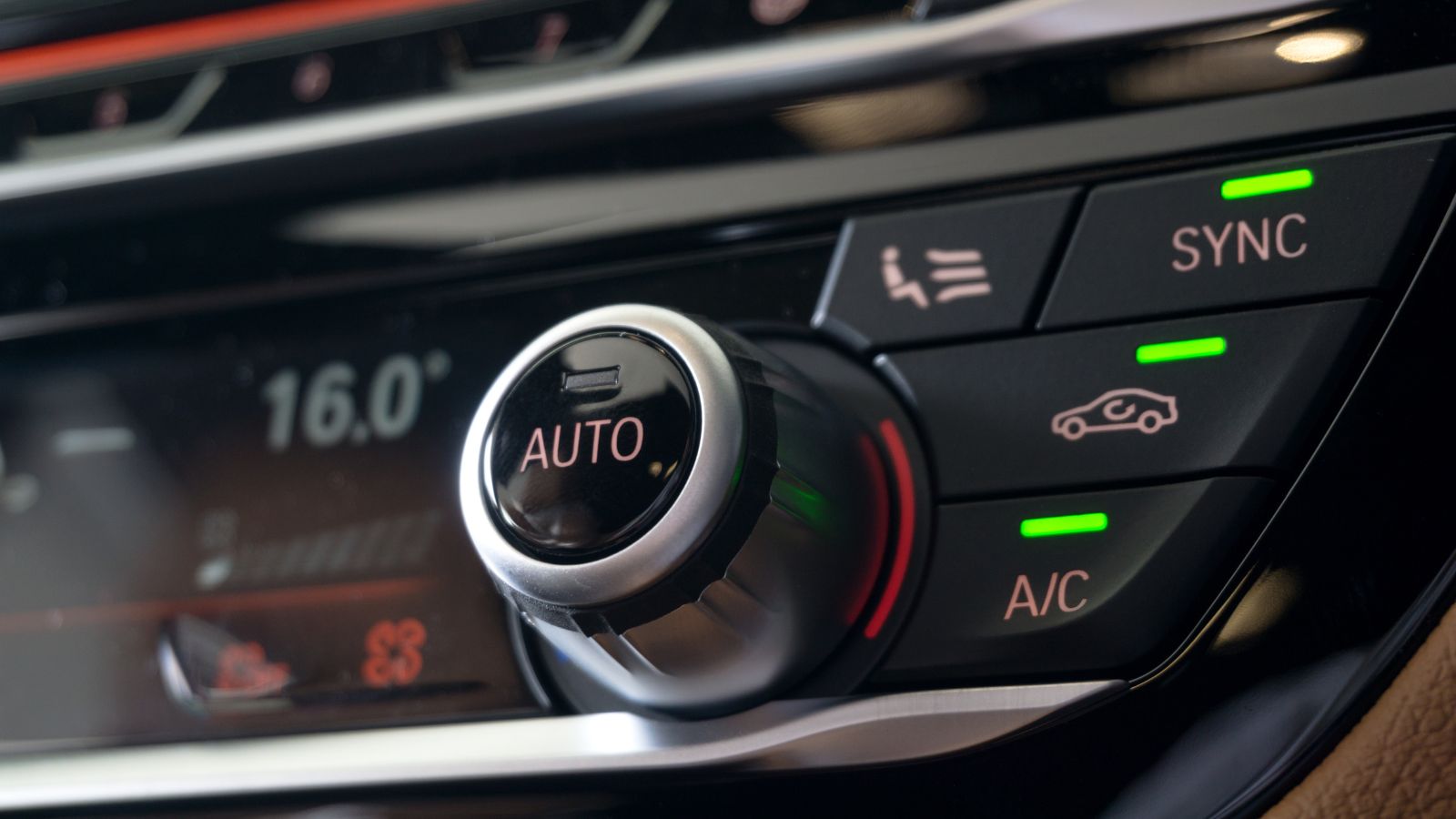
Physical controls communicate information through shape, resistance and movement. Drivers can learn that a particular knob is round, a switch sits beside it and a button clicks when pressed. After enough repetition, many actions become largely automatic. A touchscreen replaces those distinct surfaces with one smooth panel, leaving the driver’s eyes to perform more of the locating and confirmation work.
Human-factors researchers have repeatedly examined this problem. Research on automotive interfaces notes that removing tactile landmarks can increase the eye-hand coordination required to operate vehicle controls. Separate simulator research has found that adding haptic feedback to touchscreen interactions can reduce task completion time and visual workload compared with less informative touchscreen feedback. That helps explain why some manufacturers simulate clicks or vibrations when an on-screen control is touched. The experience can improve, but it still differs from reaching for a dedicated switch whose position and movement can be recognized without navigating a graphical interface.
Rough Roads Make Precise Tapping Harder
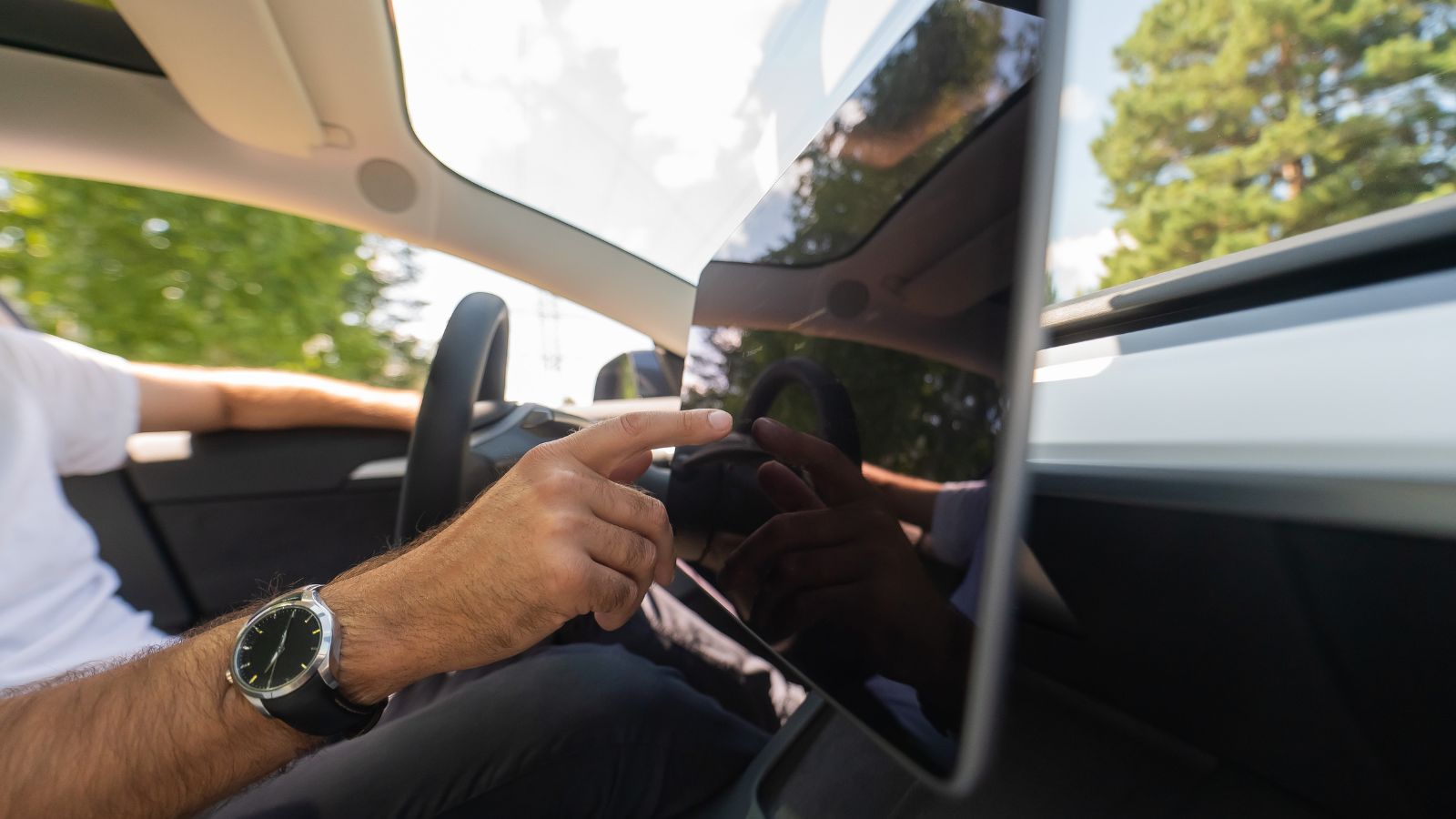
A smartphone usually gets used while its owner is standing still, sitting down or holding the device close to the body. A dashboard touchscreen operates in a very different environment. The driver’s hand must reach toward a fixed display while the seat, body and arm are being moved by pavement imperfections, acceleration, braking and cornering. Small targets that seem perfectly usable in a parked vehicle can become much more challenging on a broken road.
Research presented at the AutomotiveUI conference investigated touchscreen interaction during simulated road bumps and found that bumps could reduce touch accuracy by 19%. Other research using vehicles under different road conditions has similarly concluded that vibration and lateral movement can increase inaccurate touchscreen selections. That matters because an incorrect tap frequently creates another task: the driver must recognize the mistake, return to the previous screen and try again. Owners travelling regularly on rough pavement may therefore discover that a huge display does not necessarily mean effortless control.
Giant Displays Can Be Awkward in Bright Sunlight and Darkness
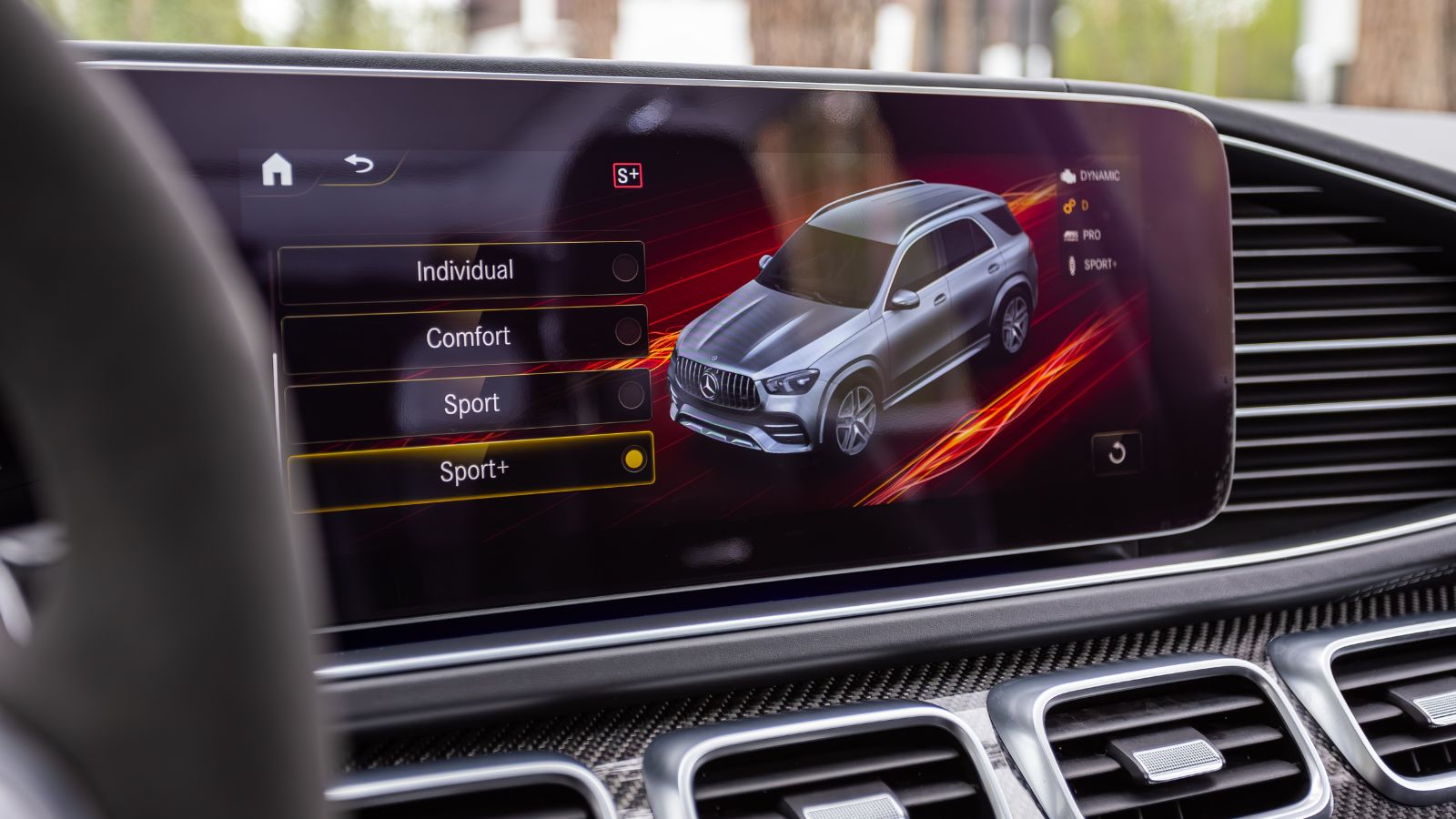
Automotive screens must work across extraordinarily different lighting conditions. During the day, direct sunlight can wash out information or reflect from the display surface. At night, the problem reverses: a display that is excessively bright relative to the dark road environment can create discomfort and interfere with the driver’s ability to see outside the vehicle clearly.
These are established automotive human-factors concerns rather than merely matters of taste. NHTSA design guidance specifically warns that glare on displays can reduce readability, while light coming from displays at night can produce discomfort and, under some conditions, reduce visibility of the external driving environment. European guidance similarly recognizes reflections, excessive display brightness and windshield reflections as potential problems. Modern automatic brightness controls and dark interfaces can reduce these effects substantially, but their effectiveness varies. A large luminous panel that looked spectacular under dealership lighting may consequently feel far more intrusive during a long nighttime drive or when afternoon sunlight strikes it directly.
Older Drivers Can Find Screen-Heavy Cabins Especially Demanding
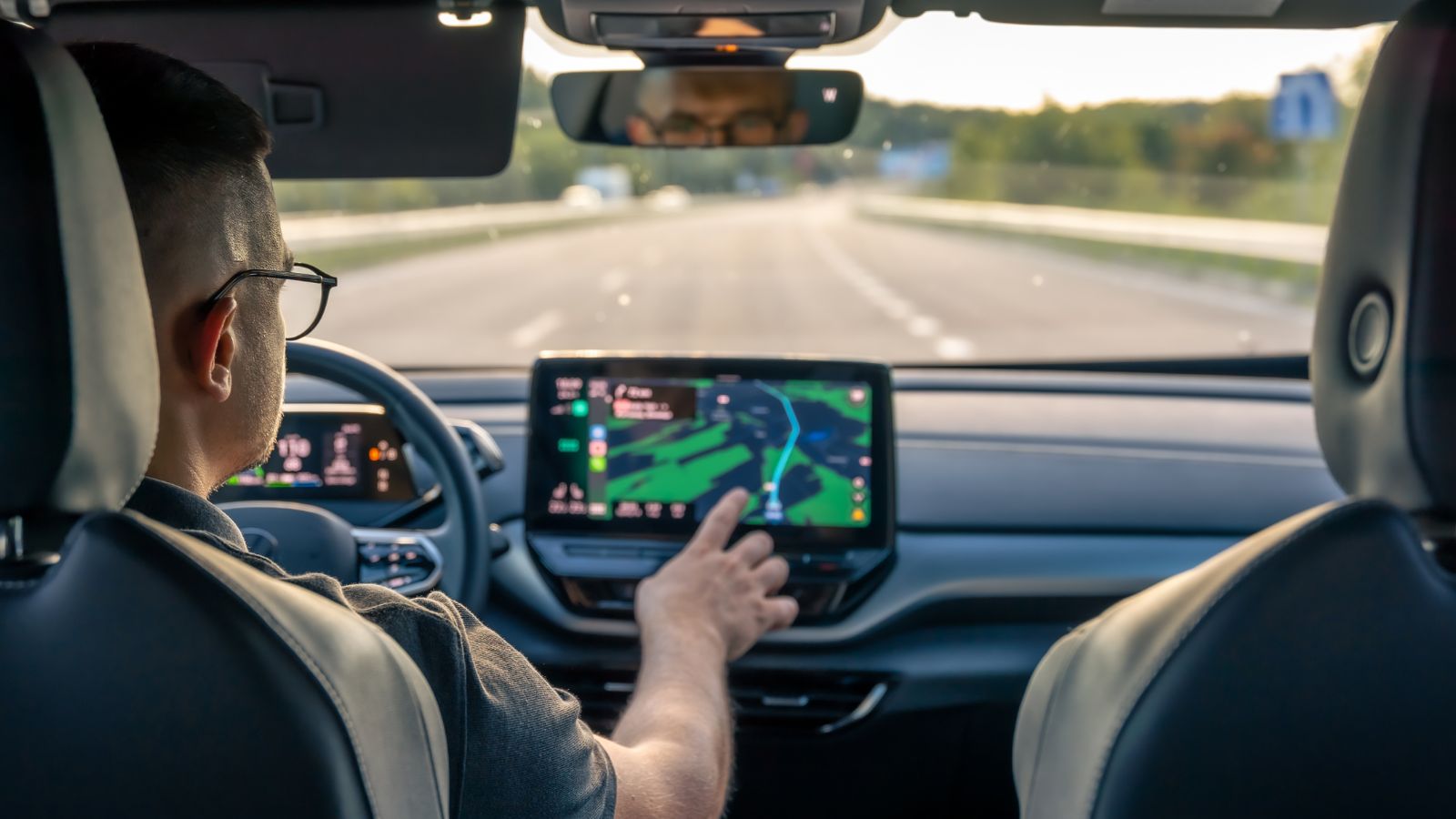
A complicated infotainment system does not affect every driver equally. Age-related changes in vision, attention and information processing can make lengthy digital interactions more demanding, particularly when the driver must divide attention between the interface and traffic. That becomes increasingly relevant as vehicle populations age and physical controls disappear from many new-car cabins.
Research conducted by the University of Utah for the AAA Foundation for Traffic Safety compared younger and older adults using modern in-vehicle information systems. Older participants generally took longer to complete tasks and experienced greater cognitive and visual demand. Navigation and text-related tasks were particularly time consuming, with both age groups requiring more than 24 seconds for some activities. The findings do not mean older motorists cannot use modern systems effectively, but they highlight the importance of simple design. A buyer who initially appreciates a clean, button-free dashboard may later discover that everyday operation requires more concentration than expected.
One Failed Screen Can Affect Far More Than Entertainment
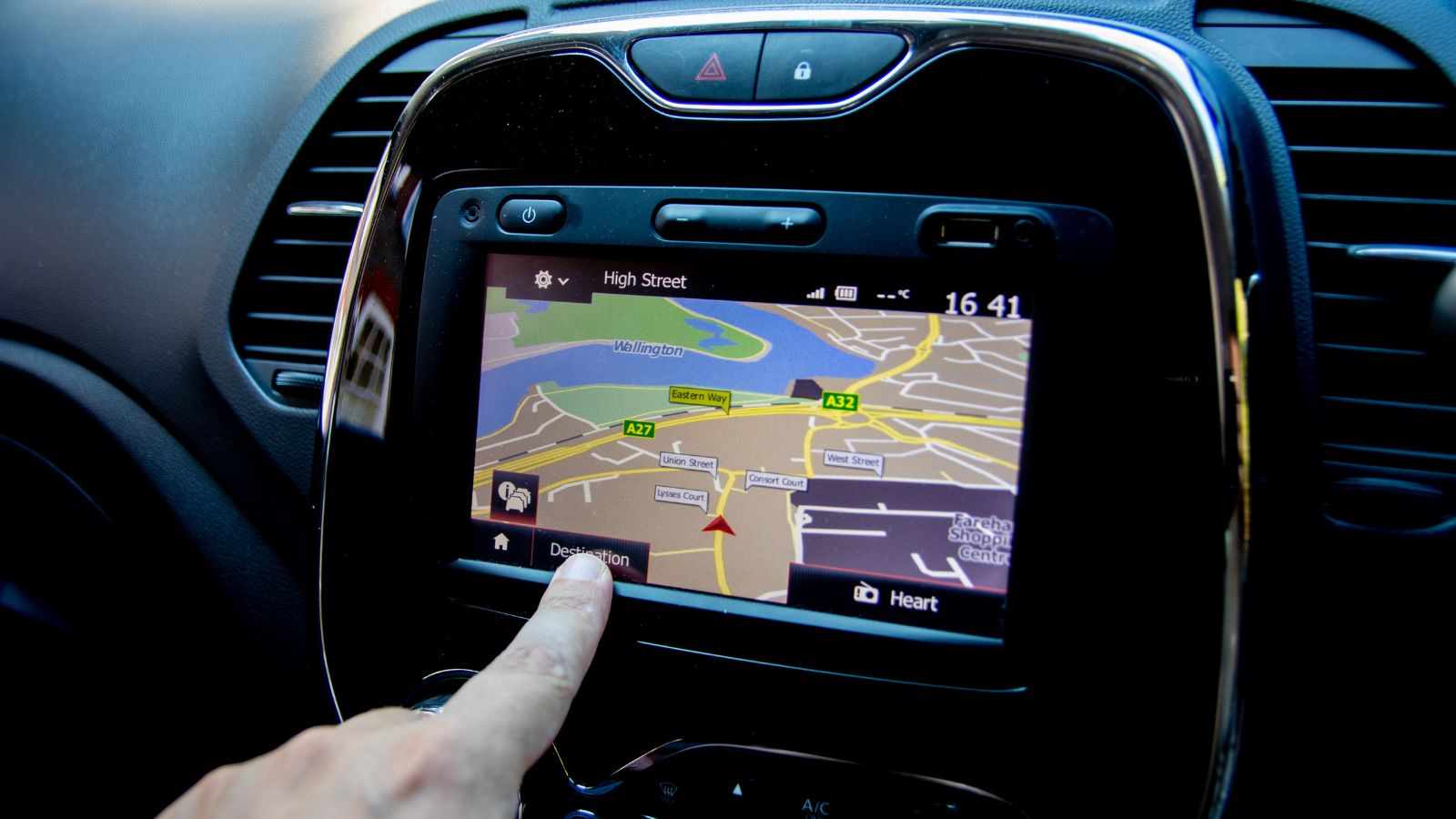
When a radio display failed in an older vehicle, the consequences were generally limited. A modern central screen can control navigation, climate settings, cameras, vehicle configuration and other functions. Concentrating so many features into one electronic interface creates a different ownership risk: failure of a display or its supporting computer can potentially disrupt several unrelated systems at once.
A major NHTSA recall involving certain Tesla Model S and Model X vehicles demonstrated the principle. Wear in an embedded memory component could cause the centre display to fail. Depending on software version, the problem could also lead to loss of the rearview-camera image, access to defrost and defog controls and exterior turn-signal functionality. The U.S. recall potentially affected 134,951 vehicles. Modern vehicles contain safeguards and increasingly sophisticated electronics, but the episode illustrates why some owners prefer important functions to retain independent controls. Centralization is wonderfully convenient when everything works and much more noticeable when it does not.
Software Problems Can Become Car Problems
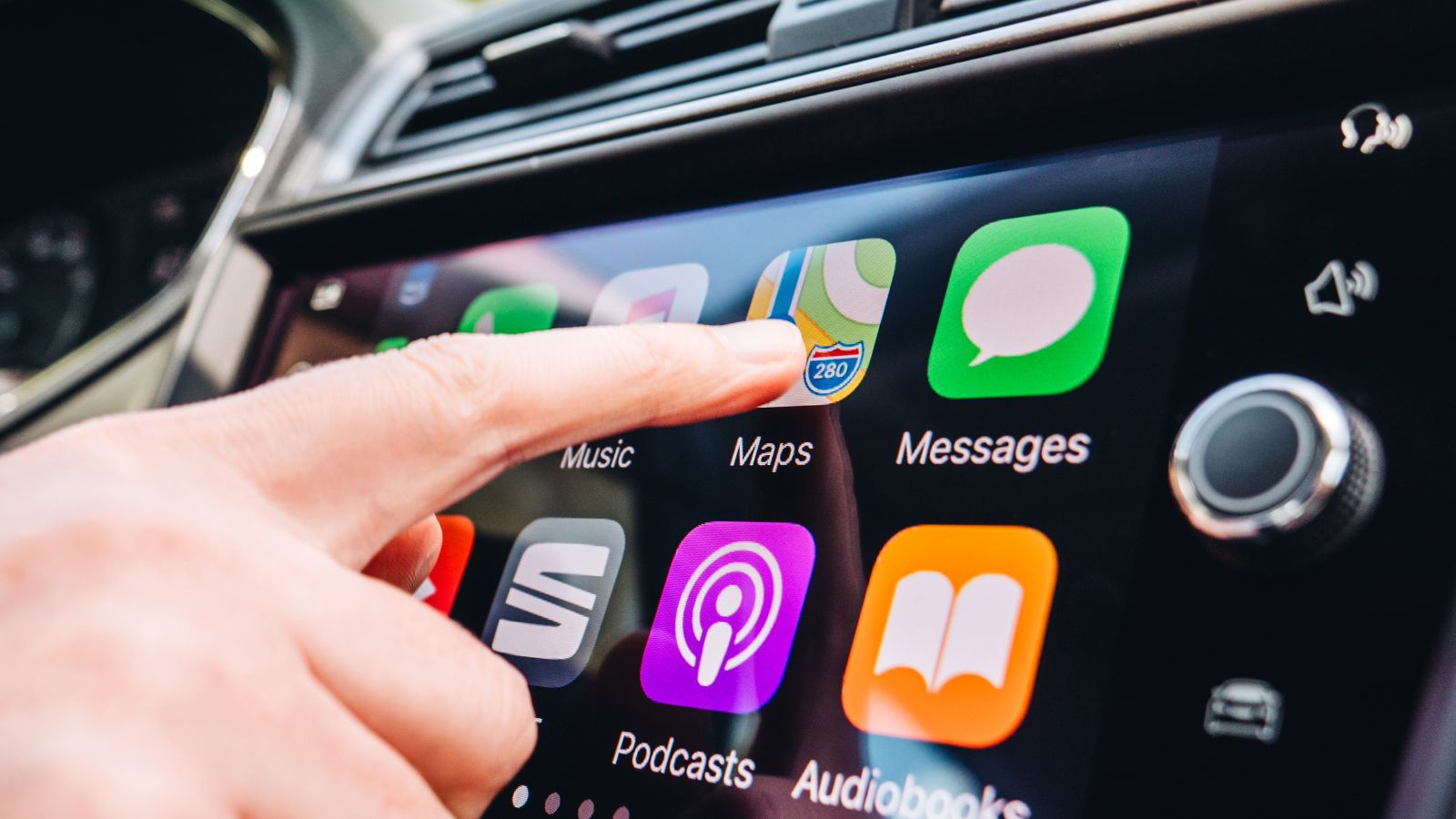
Buying a screen-heavy vehicle increasingly means buying a software platform as well as mechanical transportation. Bluetooth, smartphone projection, navigation, apps and over-the-air updates can make a vehicle better over time, but they also introduce another category of potential ownership problems. A frozen menu or failed connection may not immobilize the car, yet repeated glitches can quickly undermine the sense of technological sophistication that helped sell it.
J.D. Power’s 2026 Vehicle Dependability Study found infotainment remained the most problematic category after three years of ownership, at 56.7 reported problems per 100 vehicles. The study also found that 40% of owners had received a software update during the previous year, but only 27% said an update noticeably improved their vehicle. J.D. Power’s 2026 Initial Quality Study separately found infotainment was the only major category in which reported problems increased year over year. For some drivers, a simpler dashboard starts looking attractive after repeated pairing failures, lag or unexplained interface behaviour.
A Bigger Screen Does Not Automatically Create a Better Interface
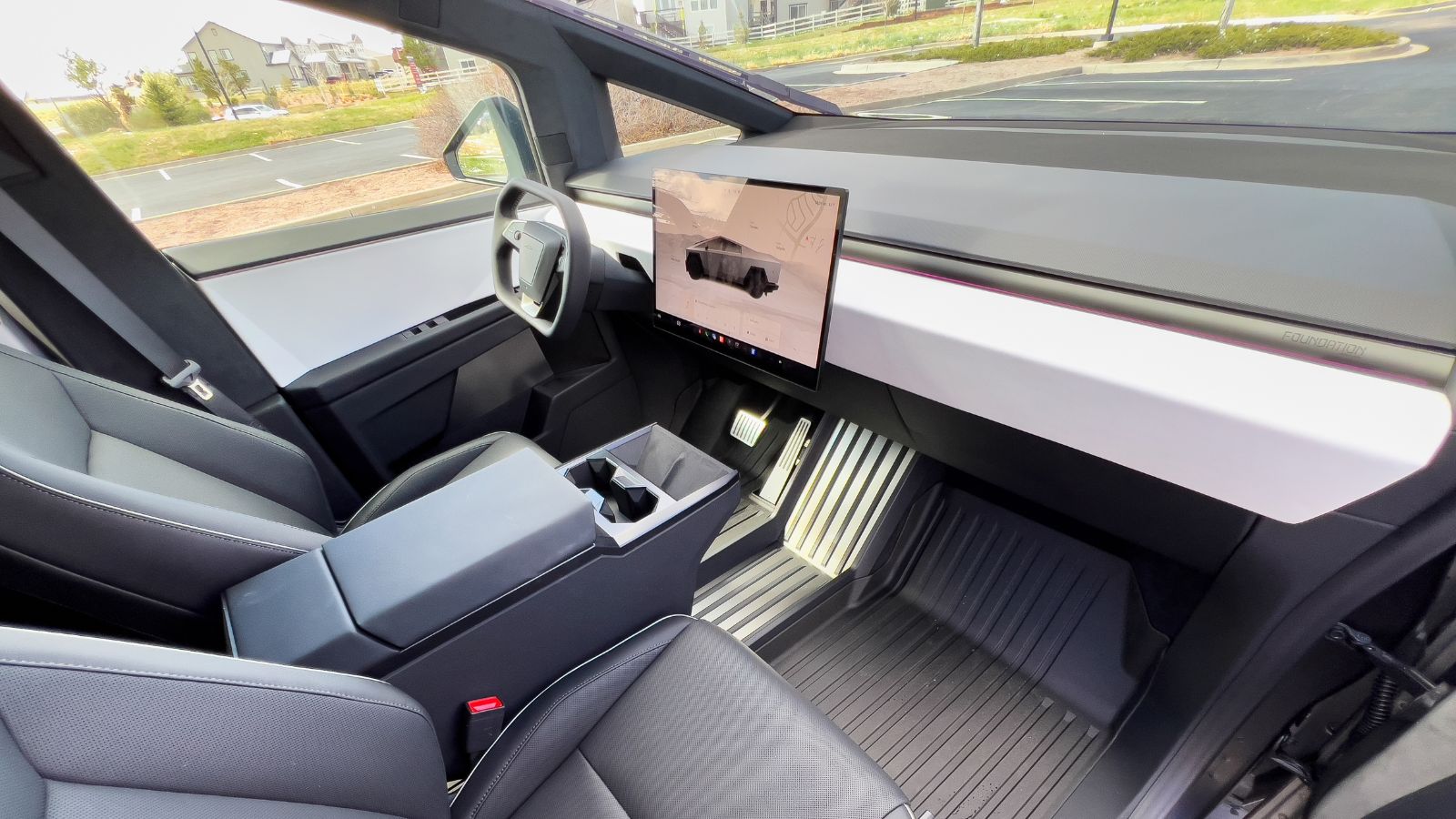
Screen dimensions are easy to advertise because buyers can immediately see the difference. Usability is harder to measure. A 15-inch display can present larger maps and clearer camera views, yet it can also provide designers with space for more icons, settings and nested functions. If the interface becomes cluttered or commonly used controls sit too far from the driver’s natural reach, additional screen area can actually create more work.
Applied Ergonomics research examining large in-vehicle touchscreens found that control position influenced pointing performance, with harder-to-reach areas producing larger input offsets. Other human-machine-interface research has found that reducing the number of interaction steps and the distance a finger must travel across a screen can help reduce distraction measures. Owner feedback points in the same direction. J.D. Power’s 2025 multimedia study concluded that drivers increasingly expect large displays but become frustrated when screens are cluttered or controls are confusing. Good design matters more than diagonal measurement.
Voice Commands Help, but They Do Not Eliminate the Problem
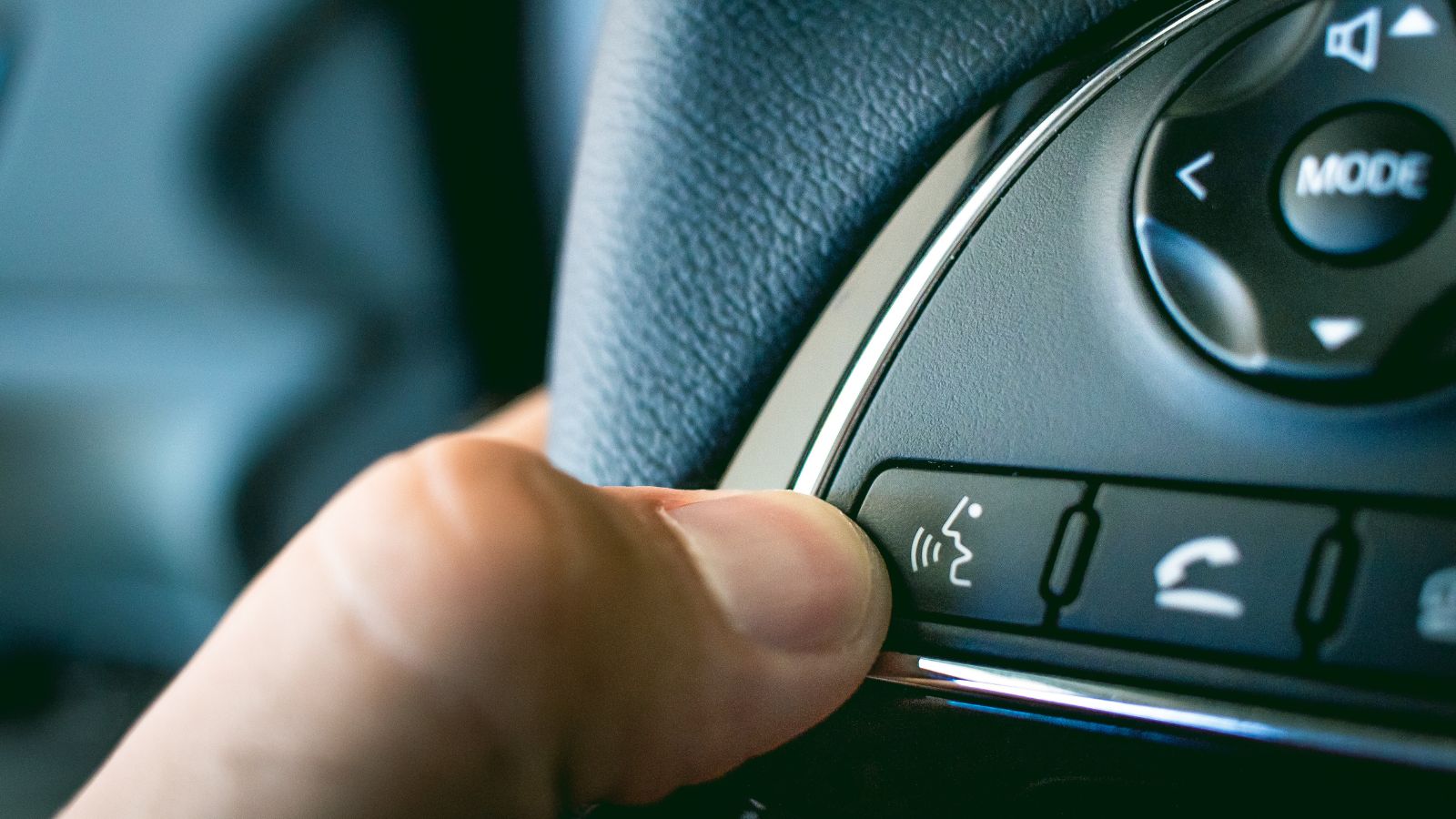
Automakers often present voice control as the answer to touchscreen distraction. In principle, it is compelling: a driver can request a destination, change music or call someone without reaching toward the display. Research does generally show that well-designed voice interfaces can reduce visual demand compared with manually navigating menus. The catch is that voice systems vary enormously in accuracy, speed and complexity.
IIHS research comparing different production voice systems found that voice operation reduced visual demand but did not completely eliminate it. Interfaces requiring several spoken steps also behaved differently from systems capable of completing a task with one detailed command, while recognition errors created their own difficulties. TRL’s research similarly found voice operation less distracting than touchscreen operation but still more demanding than simply driving. A driver who dislikes digging through touchscreen menus may therefore discover that the advertised alternative works well for certain commands but cannot replace straightforward physical controls for every everyday interaction.
Safety Organizations Are Starting to Push the Industry Back Toward Physical Controls
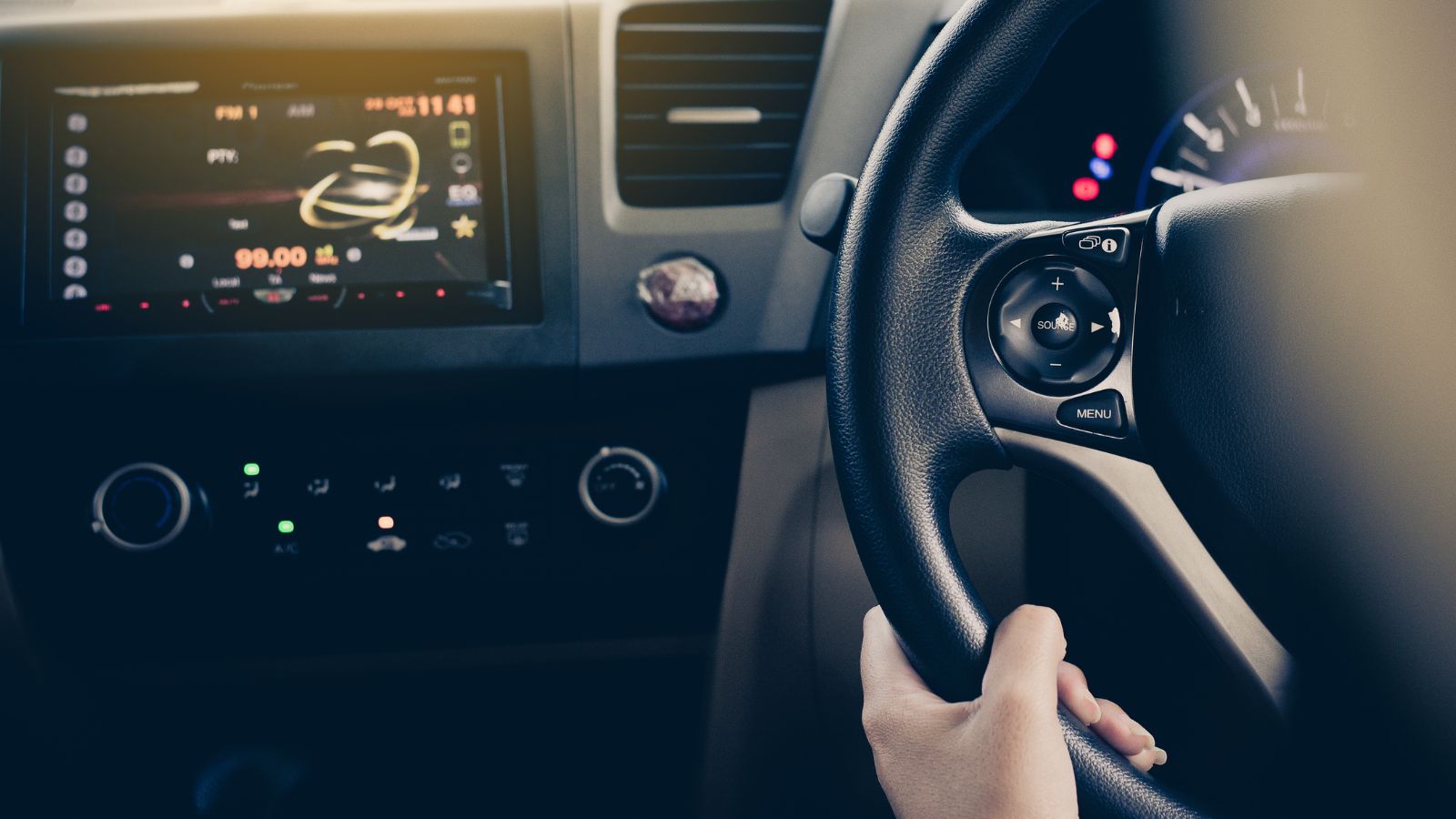
Perhaps the clearest indication that touchscreen-heavy design has gone too far is the changing direction of vehicle safety assessment. Euro NCAP’s revised 2026 protocols place greater emphasis on human-machine-interface design, including the accessibility and clarity of commonly used controls. Physical input is specifically encouraged or required for several functions under the new assessment framework rather than treating an all-digital cabin as automatically more advanced.
The effect is already visible in real testing. In July 2026, Euro NCAP reported that the ZEEKR 7GT earned an overall five-star rating but received a poor general-vehicle-controls score because many settings, including climate functions, were operated through the central touchscreen rather than physical switches. That does not mean oversized displays will disappear; large screens remain useful for maps, cameras, entertainment and detailed information. The emerging lesson is more balanced. Drivers may appreciate a large display while still wishing their next vehicle had kept a few well-placed knobs and buttons beside it.
19 Used Cars Canadians Should Avoid in 2026 (Based on Owner Complaints)

Buying a used car in Canada can feel safe until repair bills start stacking up. Owner complaints tell a different story than glossy listings. Transmission failures, electrical problems, and weak winter reliability show up again and again in consumer reports. Many of these issues appear after warranties expire, when owners least expect them. Some vehicles look affordable upfront, but become expensive to keep on the road. Others struggle in cold weather, urban driving, or long highway commutes. Here are 19 used cars Canadians should avoid in 2026 (based on owner complaints).
19 Used Cars Canadians Should Avoid in 2026 (Based on Owner Complaints)

Alanna Rosen is an experienced content writer that focuses on many EV and educational content. Her articles are regularly published on Get CyberTrucked and syndicated on large publications.