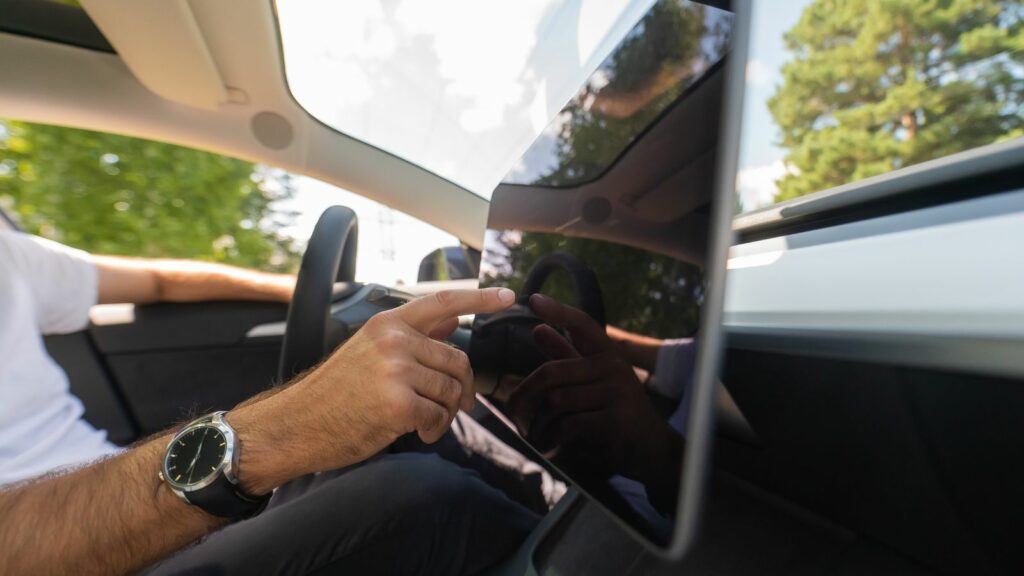
For years, the disappearance of dashboard buttons was treated as a sign of progress. Large displays created cleaner-looking cabins, gave automakers room for more features, and made even affordable vehicles feel increasingly digital. But climate controls are exposing the limits of that approach. Adjusting a cabin temperature is different from choosing a playlist while parked; it is a routine task that often needs to happen quickly while the vehicle is moving.
Research into driver distraction, owner feedback, independent testing, and recent decisions by major automakers all point toward a growing preference for simpler controls. The objection is not necessarily to touchscreens themselves, but to making them the only way to operate frequently used functions. These 12 reasons explain why touchscreen climate controls are increasingly facing resistance — and why physical knobs and buttons are quietly returning.
Simple Temperature Changes Can Take Too Many Steps
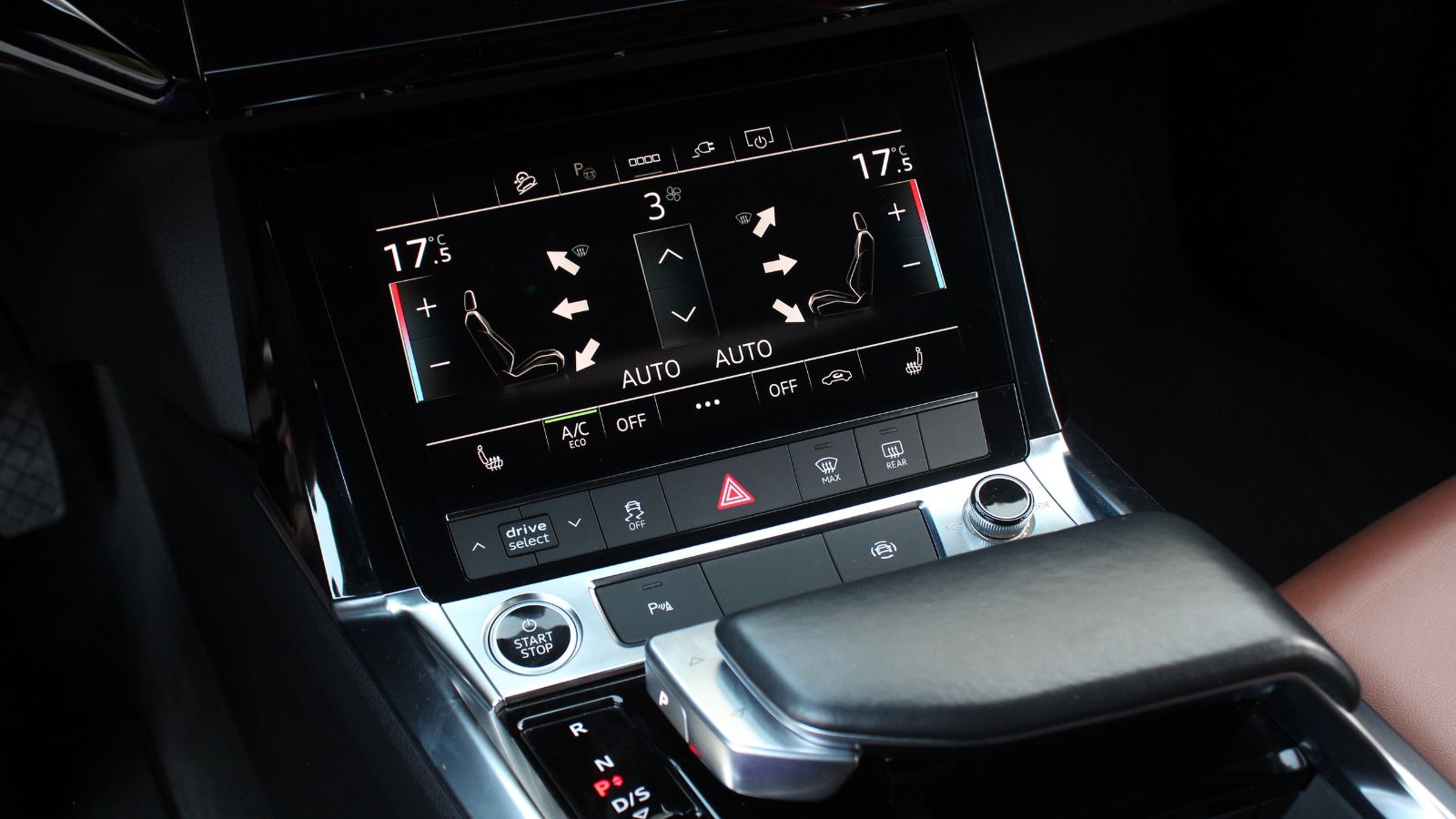
A traditional climate-control dial performs one job. A driver reaches toward a familiar location, turns the knob and immediately knows something has changed. A touchscreen can transform that same adjustment into a sequence: locate the climate icon, open a panel, find the temperature or fan setting, make the adjustment and then dismiss or leave the menu. Consumer Reports has specifically criticized newer vehicles in which tasks once handled by a button or knob now require navigating multiple screens.
The difference becomes obvious in cars that place most functions inside one central display. Tesla’s Model 3, for example, provides climate controls through its touchscreen, while Consumer Reports found the Volvo EX30 divides some climate functions across different menus. Neither arrangement automatically makes a vehicle unsafe, but additional steps matter when the driver is also steering, watching traffic and processing road signs. A beautifully clean dashboard can therefore create more operational work precisely when simplicity matters most.
Touchscreens Demand More Visual Attention
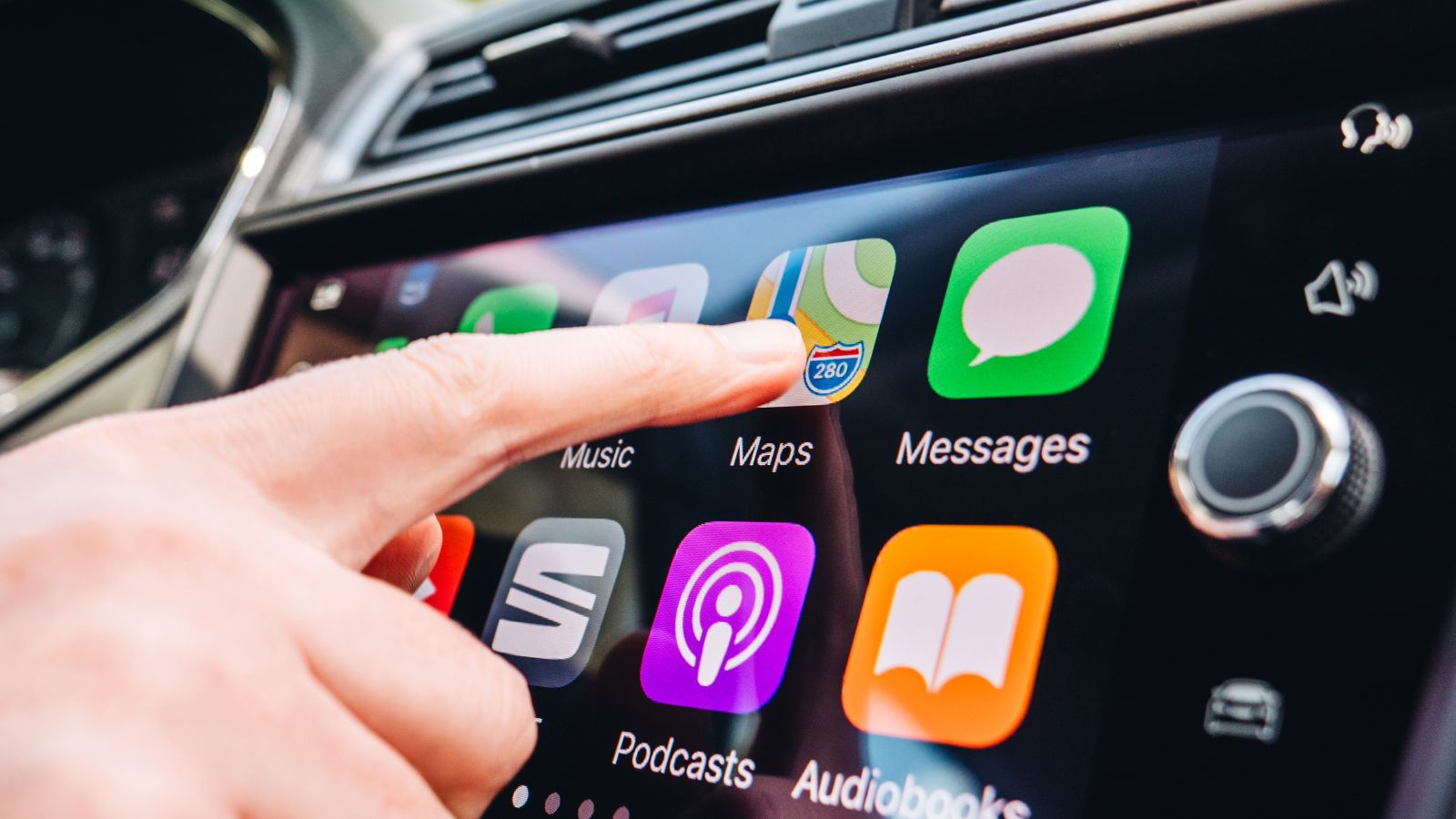
Physical controls have an important advantage that is easy to overlook: a driver can often identify them without staring directly at them. The shape, position and resistance of a knob provide information through touch. A flat glass surface offers much less tactile guidance, meaning the driver usually has to locate an icon visually before making an adjustment.
A 2026 study published in Transportation Research Part F: Traffic Psychology and Behaviour directly compared physical and touchscreen controls for driving-related tasks, including climate functions. Thirty-two participants completed the simulator experiment. Researchers found greater visual distraction with touchscreen operation across the tested tasks. When a task involved more than one interaction, touchscreen use was also associated with poorer task performance and measures such as greater lane-position and speed variability. The research does not establish that every touchscreen design is equally distracting, but it strengthens the case for keeping frequently adjusted functions immediately accessible.
Drivers Lose the Advantage of Muscle Memory
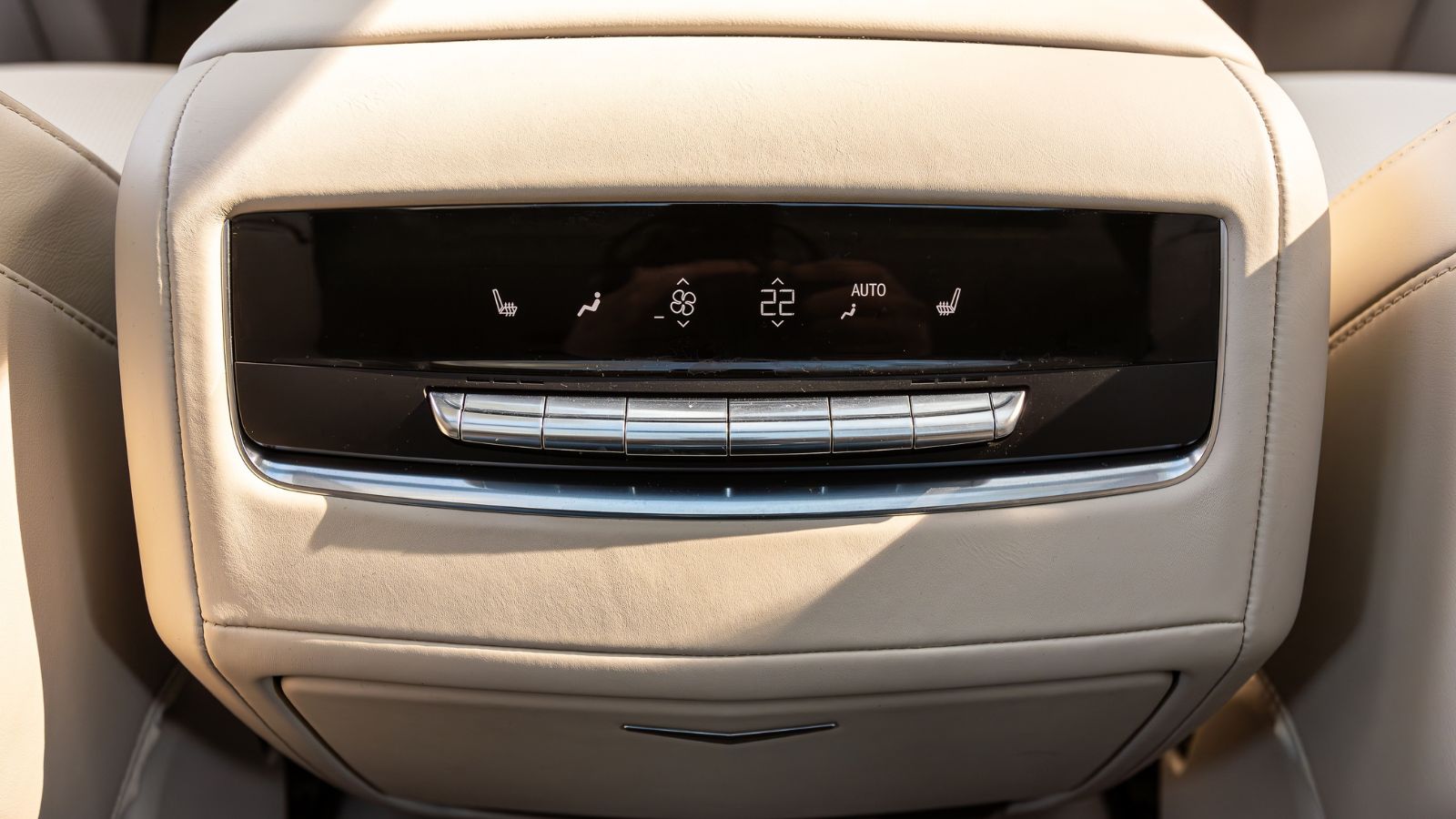
Experienced drivers rarely study a traditional climate panel before every adjustment. After enough time in the same vehicle, the location of the fan knob, temperature dial and defroster button becomes familiar. A hand can move toward the correct control while the driver’s attention remains primarily on traffic. Consumer Reports’ human-factors specialists have highlighted precisely this advantage, noting that physical buttons and knobs can often be found and operated largely by feel.
Touchscreens weaken that muscle-memory advantage because the surface itself does not reveal what function sits underneath a fingertip. Icons may also change position depending on which menu is displayed. A driver accustomed to reaching toward one fixed temperature knob instead has to confirm that the correct screen is open and that the finger is positioned over the intended virtual control. That seems like a small distinction in a parked vehicle. During a busy commute, however, hundreds of small usability decisions determine how much attention remains available for driving.
Bumpy Roads Make Precise Taps More Difficult

Vehicle touchscreens are used in an environment very different from a desk or living room. Drivers encounter potholes, pavement joints, sharp curves and continuous vibration. Those movements can make it harder to hit a small virtual button accurately, particularly when the driver’s arm is extended toward the centre of the dashboard. Consumer Reports has specifically pointed out that touchscreen targets become more difficult to select while a vehicle is travelling over a rough road.
Physical controls provide a natural solution. Fingers can rest against a dial or button before operating it, giving the hand a stable reference point even while the cabin moves. Automotive engineers have studied hand support around touchscreens for similar reasons; Ford researchers, for example, examined how surrounding structures could help drivers stabilize their hands during screen interaction. Large icons and well-designed interfaces can reduce the problem, but they cannot completely eliminate vehicle movement. For a frequently changed setting such as temperature or fan speed, a solid knob remains remarkably effective.
A Few Extra Seconds Cover a Surprising Distance
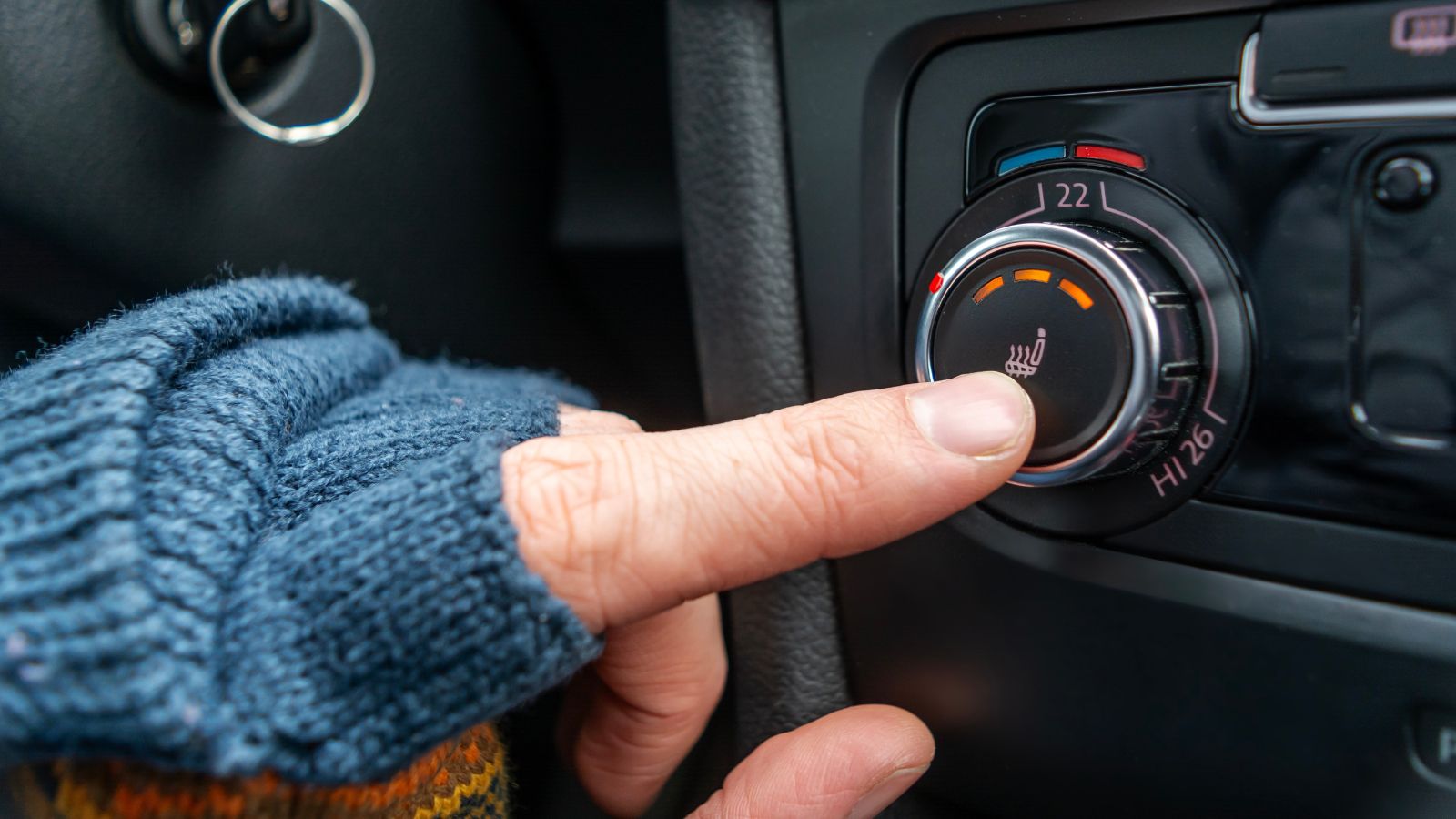
Interface delays can sound trivial until they are translated into distance travelled. Swedish automotive publication Vi Bilägare tested 12 vehicles by asking drivers to perform four routine tasks while travelling at 110 km/h. The tasks included increasing cabin temperature, activating a heated seat and switching on the defroster. Drivers were given time to become familiar with each vehicle before testing.
The 2005 Volvo V70, equipped with conventional controls, completed the four tasks in 10 seconds, during which it travelled 306 metres. The slowest vehicle required roughly 45 seconds and travelled about 1.37 kilometres. The test was not a controlled academic experiment and the results should not be generalized to every touchscreen-equipped vehicle; indeed, some touchscreen models performed relatively well. What it demonstrated vividly was that interface design matters. At highway speed, even a modest difference in the time spent operating cabin controls represents hundreds of metres during which the driver is dividing attention between the road and the dashboard.
Software Problems Can Affect Basic Comfort Functions
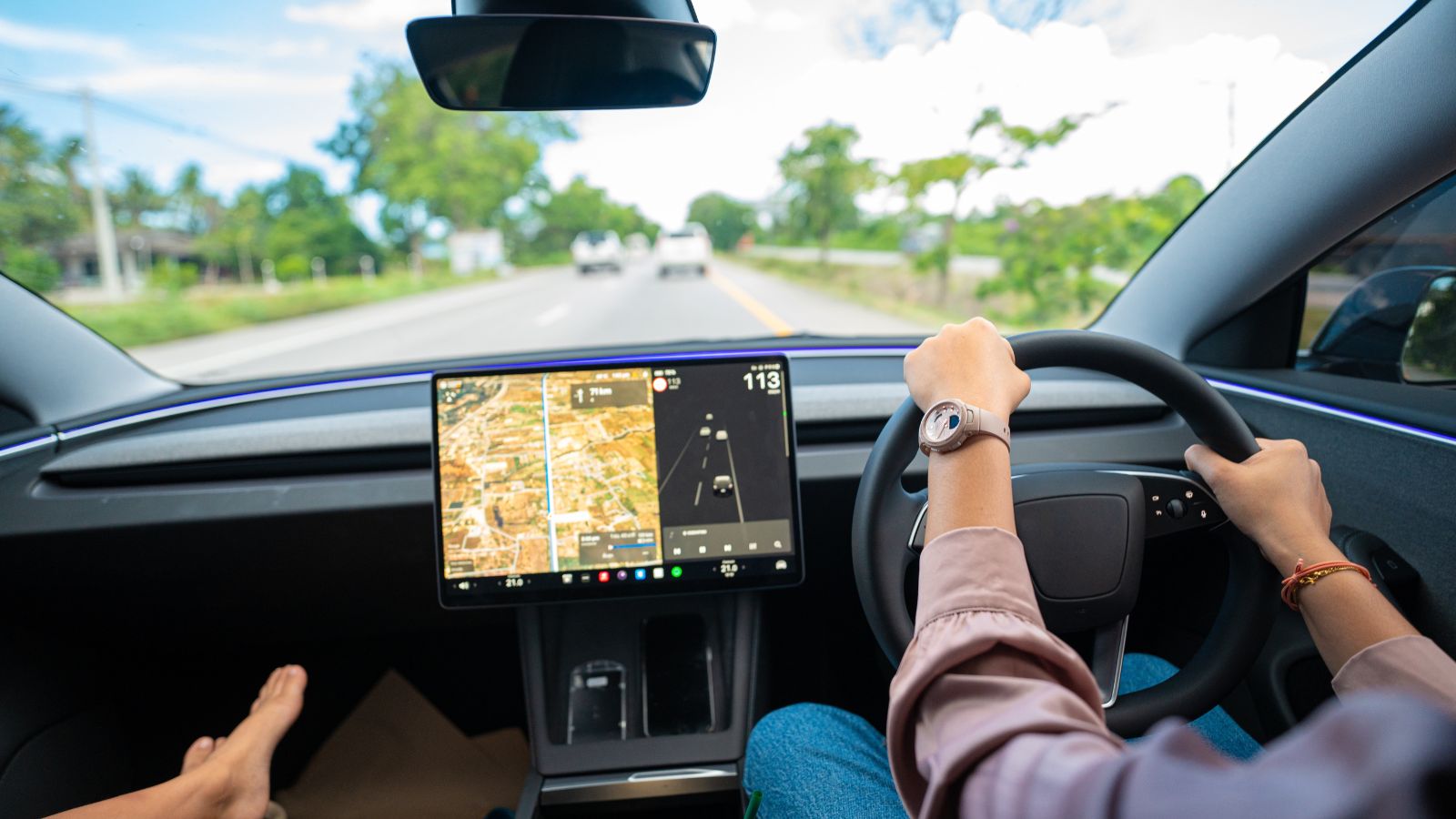
A mechanical climate knob has a very narrow job description. A modern centre display may simultaneously handle navigation, entertainment, phone integration, vehicle settings, cameras and climate functions. Combining everything into one computing platform creates enormous flexibility, but it can also make previously independent functions dependent on the behaviour of the infotainment system.
Consumer Reports found evidence of this frustration in owner feedback. Its reporting on modern infotainment systems has cited complaints about frozen screens, complicated menus and touch-sensitive controls that were harder to use while driving than conventional switches. In the organization’s 2022 member survey, only about half of respondents with model-year 2020 or newer vehicles said they were very satisfied with their infotainment systems. A frozen music menu is irritating; losing convenient access to fan speed or temperature at the same time makes the failure feel much more consequential. Drivers accustomed to decades of nearly instant HVAC controls may reasonably wonder why cabin temperature should depend so heavily on infotainment software.
Software Updates Can Rearrange Familiar Controls

One advantage of software-based vehicle controls is that manufacturers can improve them remotely. Over-the-air updates can add features, correct bugs or redesign menus long after a car leaves the factory. Yet that flexibility creates an unusual ergonomic problem: a control that was in one position yesterday does not necessarily have to remain there forever.
Researchers examined this issue directly in the 2026 touchscreen-versus-physical-control study. They made a relatively small interface alteration by switching the positions of two touchscreen controls. Even that minor change impaired task performance and increased long glances toward the touchscreen during the first task after the change. The finding matters because drivers build expectations around the placement of regularly used functions. Physical climate controls generally remain where the manufacturer installed them. Digital controls can evolve. Updates may ultimately improve an interface, but designers must account for the temporary loss of familiarity that occurs when drivers encounter a reorganized screen while performing an already attention-intensive task.
Defrosting Turns Climate Control Into a Visibility Issue
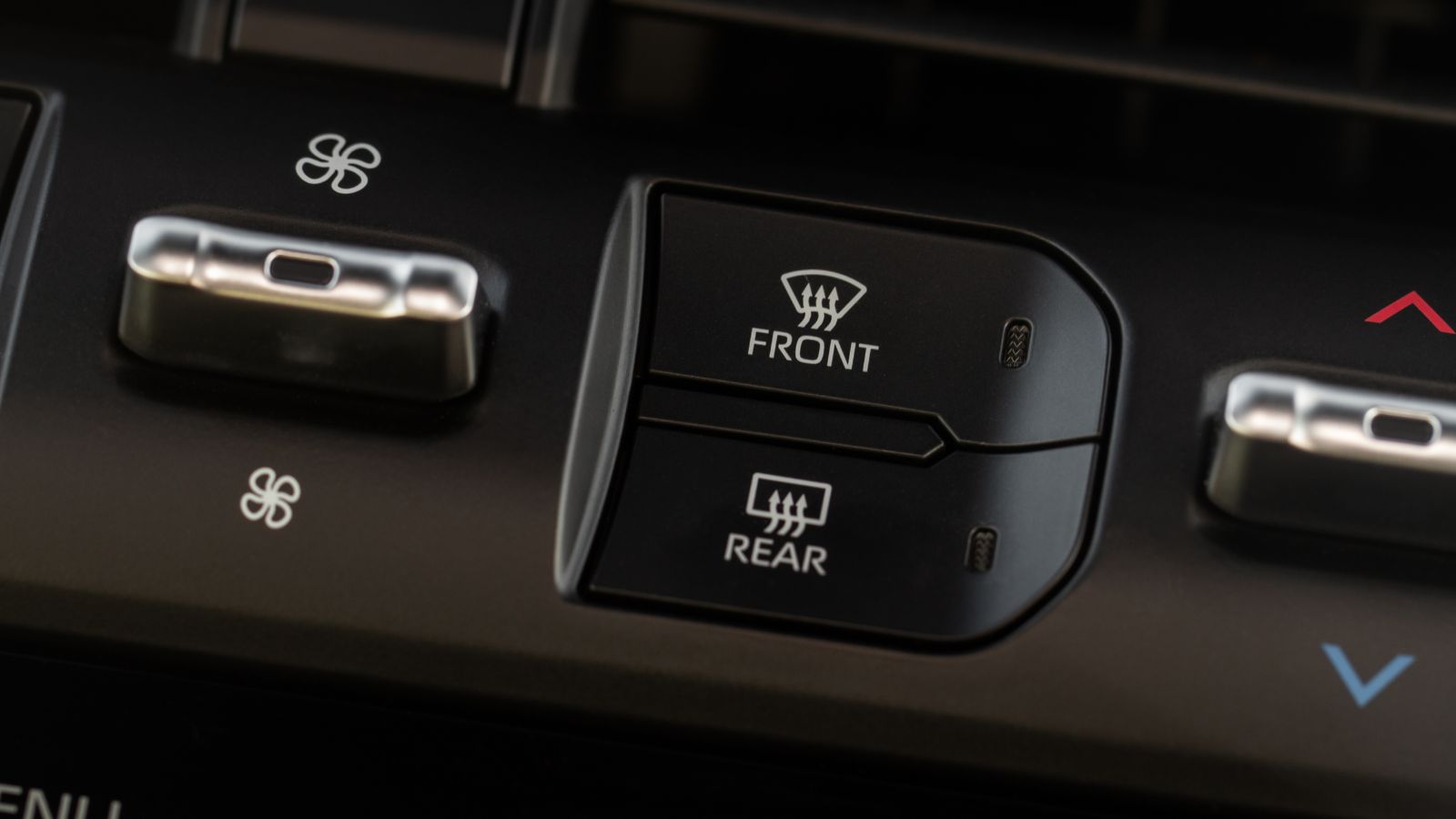
Heating and air conditioning are often treated as comfort features, but parts of the climate system have a direct relationship with visibility. Windshield defogging and defrosting systems exist to clear moisture, frost and ice that can obstruct the driver’s view. U.S. Federal Motor Vehicle Safety Standard No. 103, for example, establishes performance requirements for windshield defrosting and defogging systems on passenger vehicles.
That helps explain why immediate access to defrost functions deserves different consideration from access to a rarely changed preference buried in a settings menu. Interestingly, some screen-focused vehicles preserve a physical shortcut for precisely this reason. Volvo says that most climate settings in the EX30 are located in its display, but the vehicle has a physical defroster button in the overhead console. That arrangement illustrates the compromise many drivers favour: software can handle detailed climate customization, while a highly time-sensitive function remains available with one direct action. In poor weather, fewer steps can be more than a matter of convenience.
Driver-Monitoring Technology Can Create an Awkward Contradiction
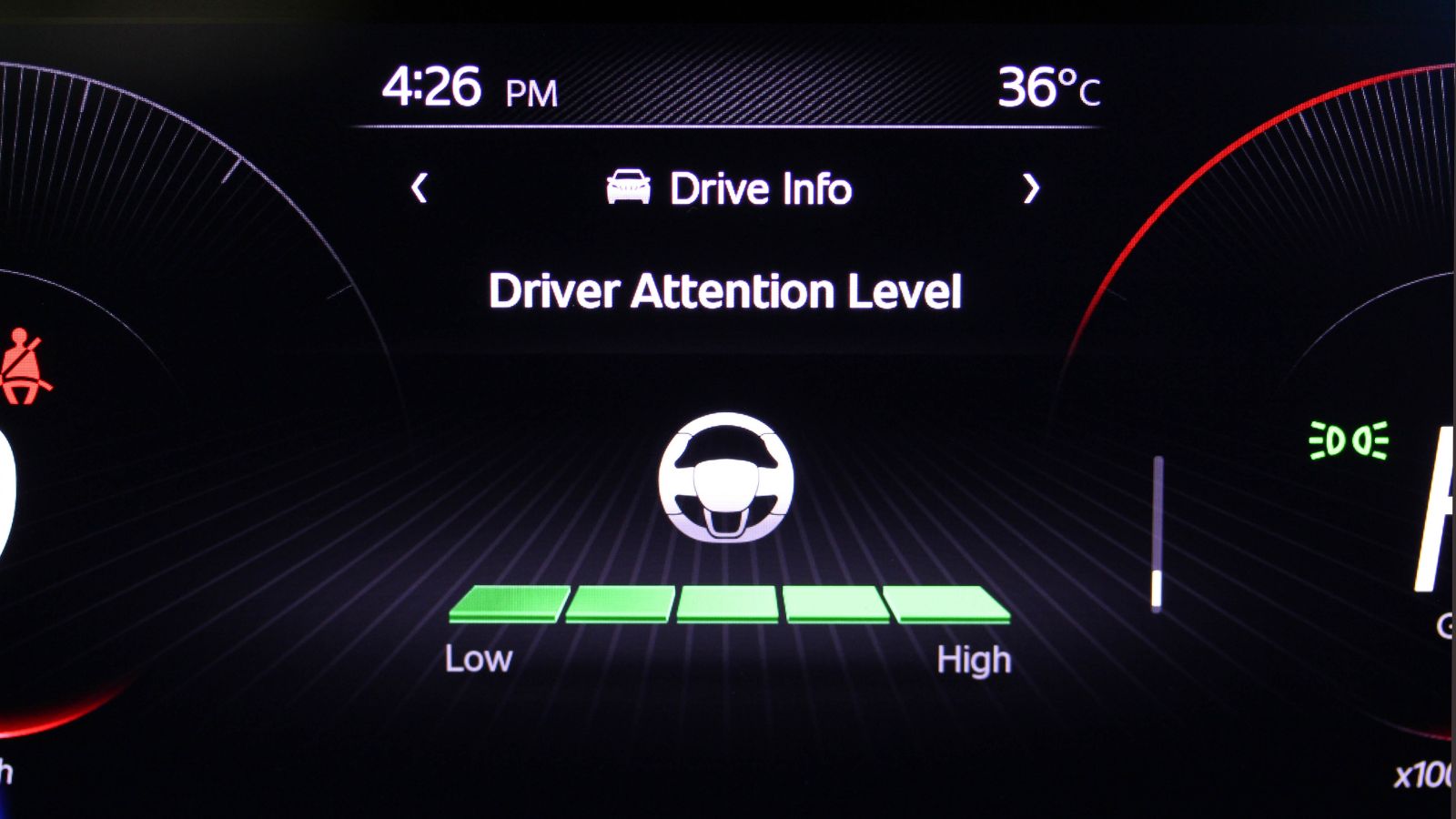
Modern vehicles increasingly monitor drivers to determine whether their attention remains on the road. Cameras may track head position or eye behaviour and issue warnings when the system believes the driver has looked away for too long. At the same time, some of those vehicles require drivers to look at a central screen to adjust basic cabin functions.
Consumer Reports encountered this contradiction while testing the Volvo EX30. Its testers found the centre touchscreen distracting and reported that the car’s driver-monitoring system sometimes warned them about insufficient attention while they were operating functions through that same screen. Climate settings were among the controls heavily dependent on the display. Consumer Reports has described a similar tension in testing other highly digital interiors. Driver monitoring can provide an important safety layer, but warnings alone cannot solve an interface-design problem. If normal vehicle operation repeatedly causes the driver to look away, a more intuitive control layout may reduce the need for the monitoring system to intervene in the first place.
Customer Frustration Is Reaching Automakers
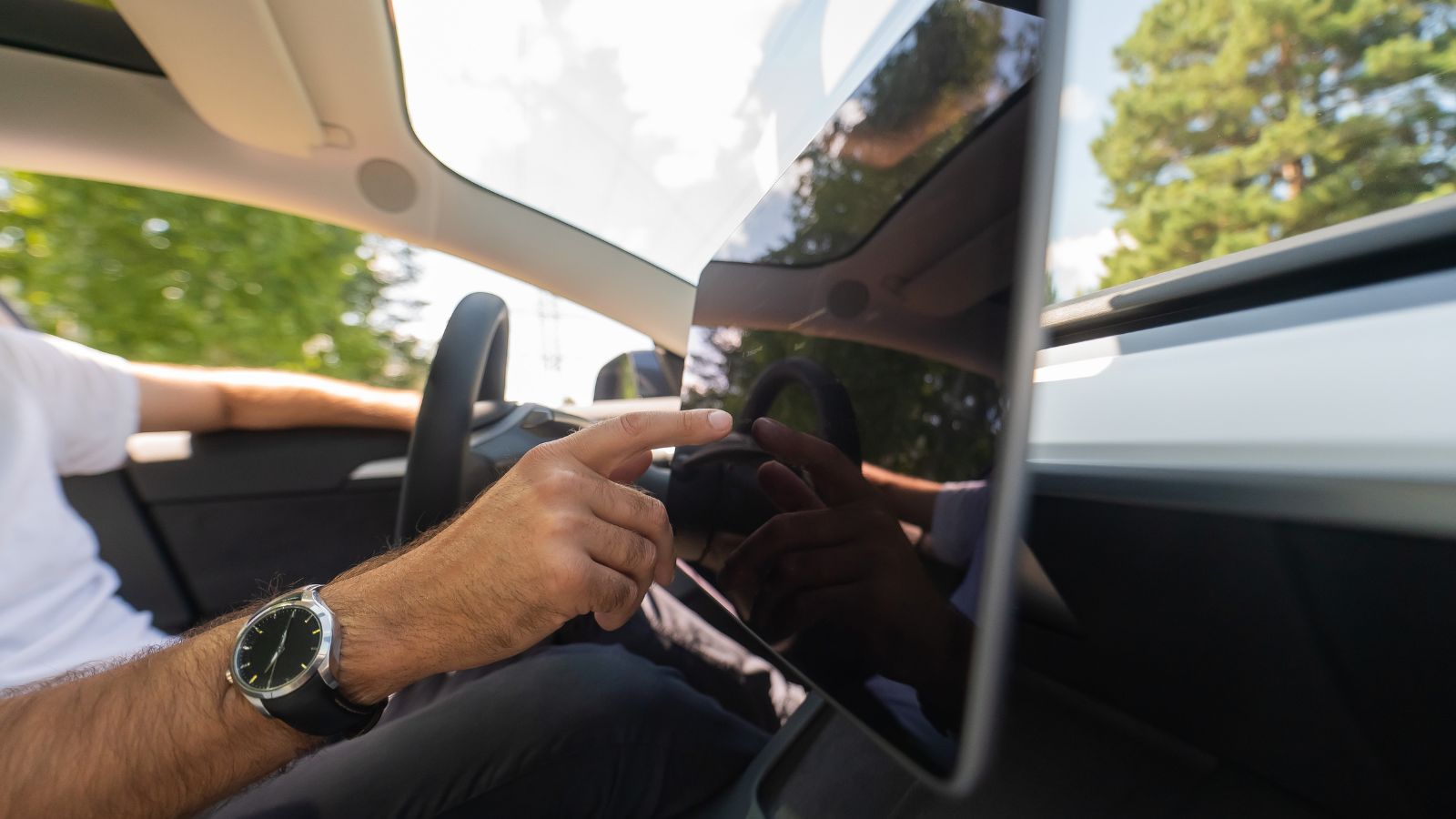
The pushback against touchscreen controls is no longer limited to automotive reviewers. Manufacturers themselves have acknowledged that customers can become frustrated when frequently used controls migrate too far into digital menus. Hyundai Design North America executives have said company research found users becoming stressed or annoyed when they needed to operate a function quickly but struggled to find it on a touchscreen.
Hyundai’s global design leadership has also defended retaining physical controls for functions including fan speed, air conditioning and temperature. The Ioniq 9 combines large digital displays with conventional buttons and rotary controls rather than treating the two approaches as mutually exclusive. The reasoning is revealing: an interface can look modern without requiring every task to become digital. Automakers spend enormous amounts of time observing how customers actually use vehicles. When those companies start reversing design trends after receiving user feedback, it suggests the attraction of completely buttonless interiors may have collided with the realities of everyday driving.
Volkswagen’s Reversal Shows How Far the Backlash Has Gone
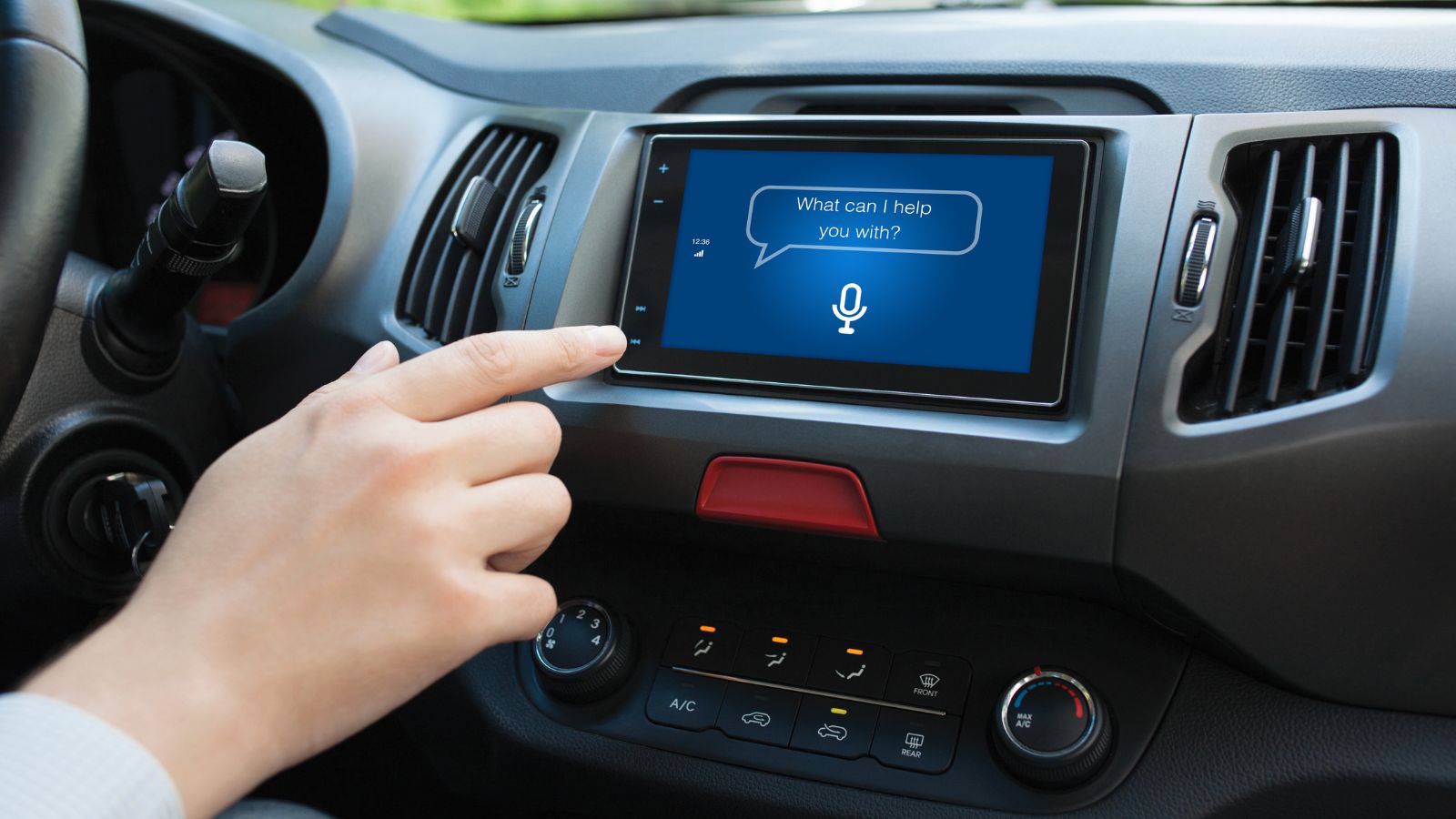
Volkswagen became one of the most visible examples of the industry’s enthusiasm for touch-sensitive interiors. Models in its ID family replaced numerous conventional controls with screen menus and capacitive surfaces, including touch-sensitive temperature and volume sliders. Those decisions drew repeated criticism from customers and reviewers, eventually prompting Volkswagen to rethink its approach.
Design chief Andreas Mindt subsequently confirmed that upcoming Volkswagen interiors would restore physical controls for several high-frequency functions. The company’s newer design direction includes dedicated controls for heating, fan speed, volume and hazard lights, along with physical steering-wheel buttons. By 2026, Volkswagen was publicly presenting tactile switchgear as part of its next generation of cabins rather than as outdated technology. That reversal is significant because the company is not abandoning screens. Navigation, entertainment and more complex features remain digital. Instead, Volkswagen is drawing a new boundary between functions that benefit from a flexible display and functions that drivers may need to operate almost instinctively while the vehicle is moving.
Safety Assessors Are Paying More Attention to Interface Design
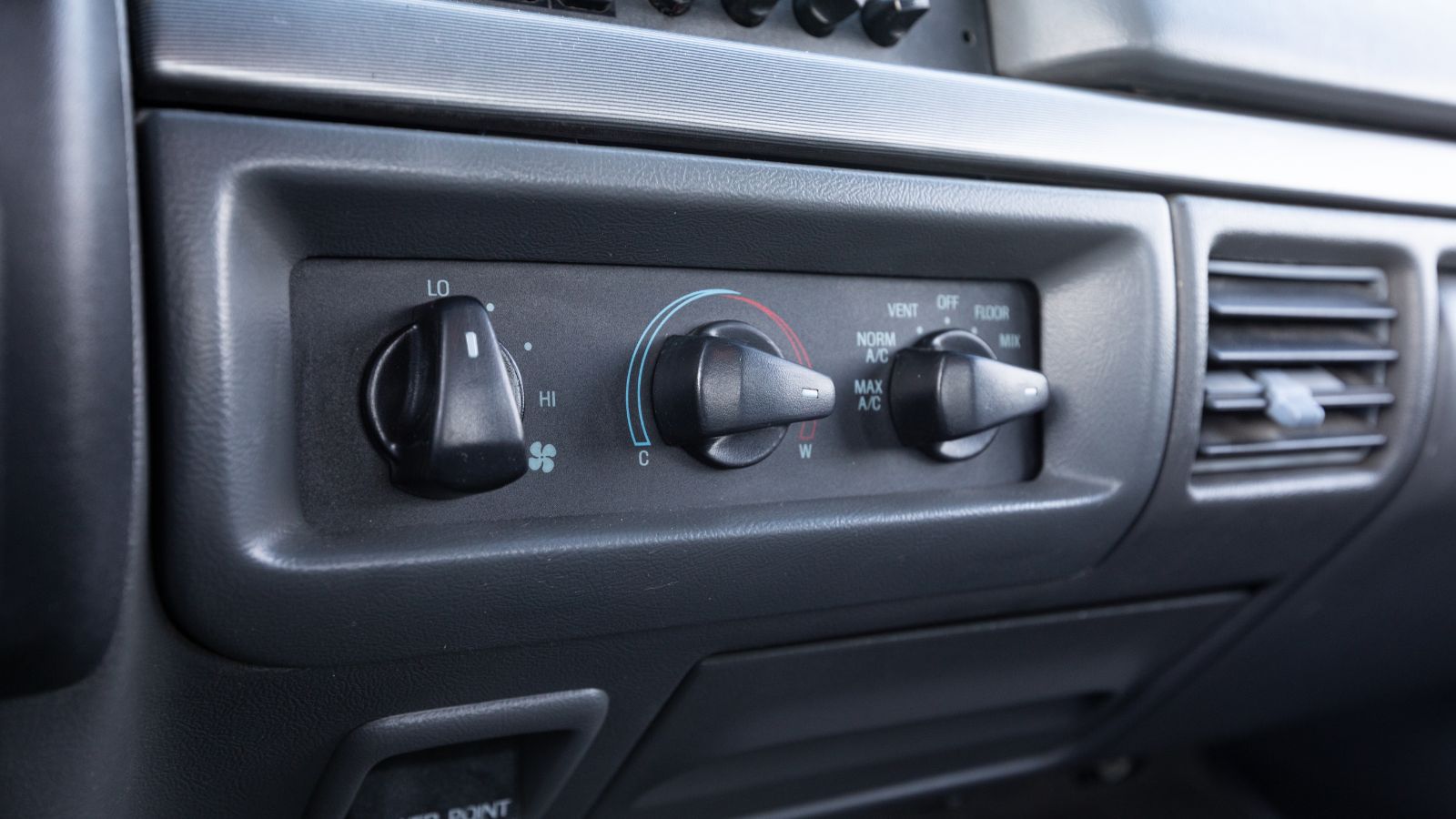
The debate over cabin controls has reached organizations that evaluate vehicle safety. Euro NCAP revised its assessment approach for 2026, adding greater scrutiny of human-machine interfaces. Its updated protocols consider the placement, clarity and ease of use of important controls and specifically recognize the value of physical controls for commonly used functions in reducing driver distraction.
Euro NCAP’s physical-control requirements focus particularly on primary driving functions such as indicators, hazard lights, windshield wipers, headlights and the horn rather than mandating old-fashioned knobs for every climate setting. That distinction matters. The organization is not declaring touchscreens unsafe or demanding their removal. It is effectively acknowledging that interface design belongs in the safety conversation. A vehicle can have excellent crash protection, automated braking and sophisticated driver monitoring while still making ordinary controls unnecessarily difficult to operate. As screens grow larger and software controls more of the cabin, independent safety evaluations are increasingly considering how easily humans can actually interact with all that technology.
The Future Probably Combines Screens and Physical Controls
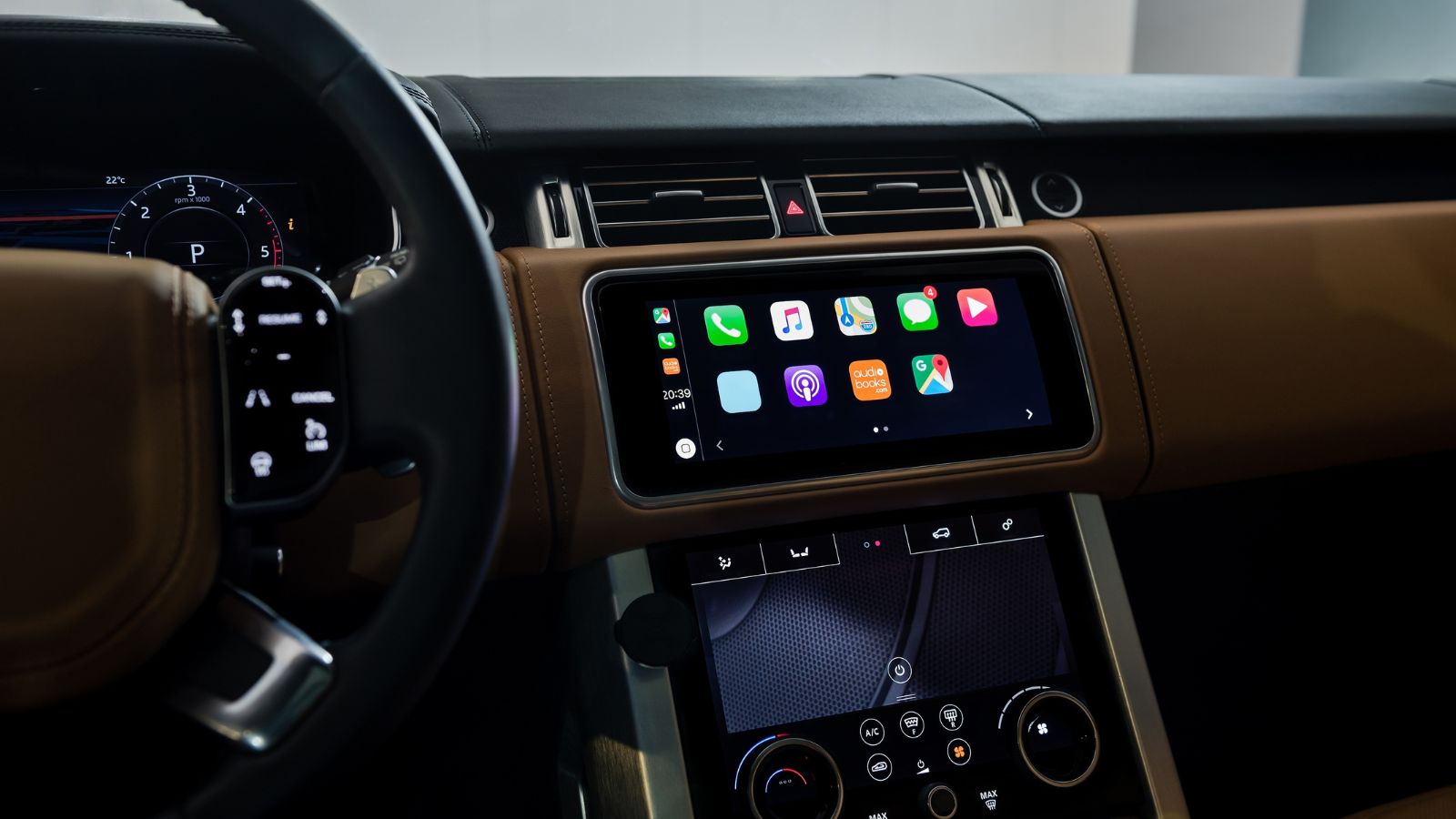
Turning against touchscreen climate controls does not necessarily mean drivers want automobiles filled with hundreds of switches again. Screens solve genuine problems. They can organize rarely used functions, display navigation clearly, support cameras, accommodate software updates and prevent dashboards from becoming overwhelming collections of dedicated buttons. The stronger argument emerging from research and consumer feedback is about choosing the appropriate interface for each task.
Consumer Reports recommends physical controls for frequently used functions such as climate and audio volume while leaving less frequently adjusted settings to digital menus. Current vehicles already demonstrate that compromise. The Acura ADX, for example, combines modern infotainment with dedicated knobs for temperature, fan speed and volume, plus physical buttons for heated and ventilated seats. Volkswagen and Hyundai are moving in a similar direction. After years of treating fewer buttons as technological progress, the industry appears to be rediscovering a simpler principle: the most advanced interface is not always the one with the most pixels. Sometimes it is the control a driver can find without looking.
19 Used Cars Canadians Should Avoid in 2026 (Based on Owner Complaints)

Buying a used car in Canada can feel safe until repair bills start stacking up. Owner complaints tell a different story than glossy listings. Transmission failures, electrical problems, and weak winter reliability show up again and again in consumer reports. Many of these issues appear after warranties expire, when owners least expect them. Some vehicles look affordable upfront, but become expensive to keep on the road. Others struggle in cold weather, urban driving, or long highway commutes. Here are 19 used cars Canadians should avoid in 2026 (based on owner complaints).
19 Used Cars Canadians Should Avoid in 2026 (Based on Owner Complaints)

Alanna Rosen is an experienced content writer that focuses on many EV and educational content. Her articles are regularly published on Get CyberTrucked and syndicated on large publications.