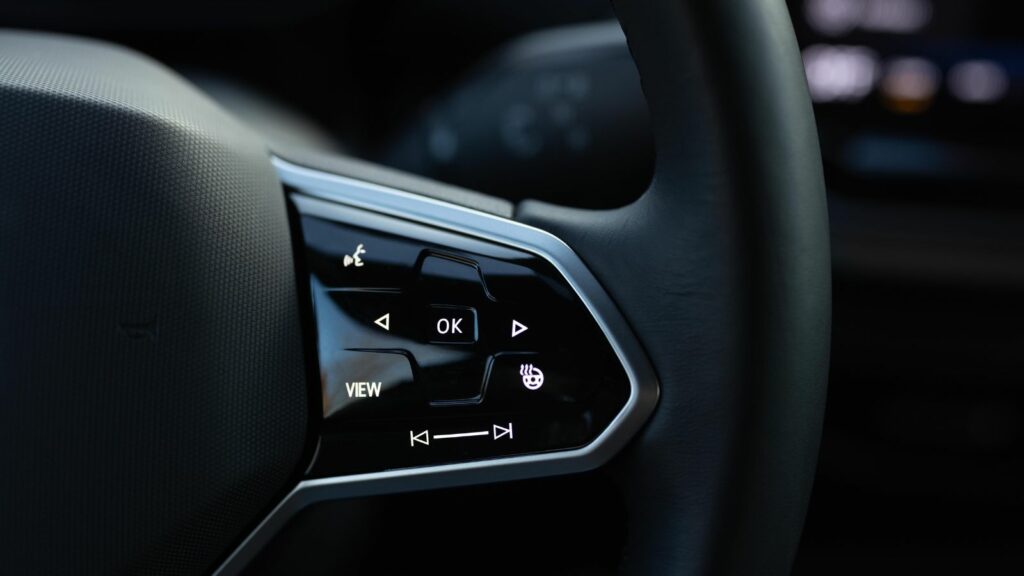
Screens once signaled that a car was modern, expensive, and packed with capability. Now the same design trend is creating a different reaction among some shoppers: hesitation. The issue is rarely the presence of a display itself. It is what happens when a dashboard becomes dependent on several displays for tasks that once required a quick turn of a knob or press of a button.
Research on driver attention, owner satisfaction, interface design, and long-term reliability shows why the backlash is growing. The concerns range from distraction and menu complexity to software glitches, repair dependence, and technology that may age faster than the vehicle around it. These 12 reasons explain why some buyers are walking away from cars with too many screens—and why the industry is beginning to reconsider how much glass belongs between a driver and the road.
Basic Controls Can Demand Too Much Attention
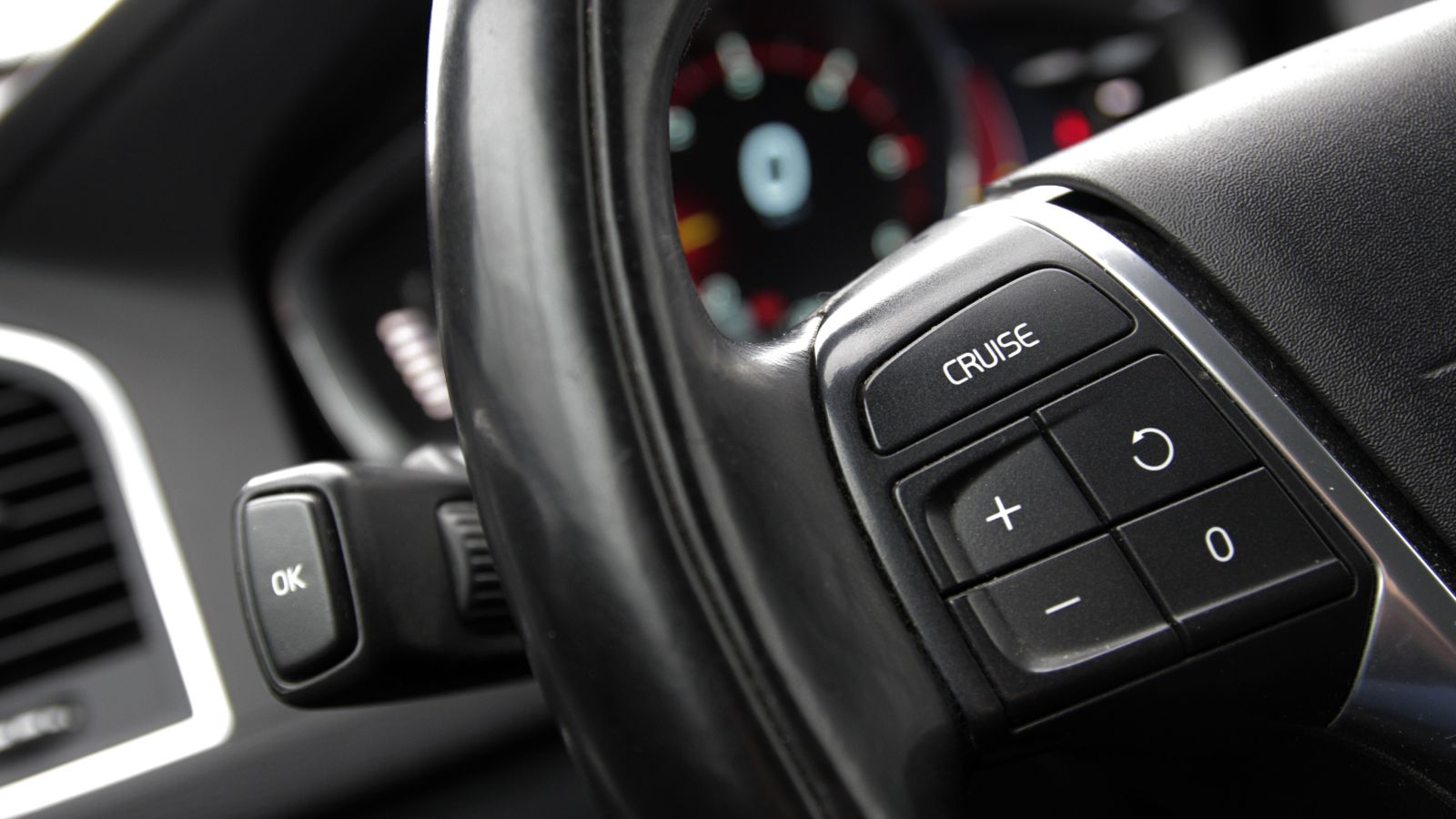
A screen-heavy dashboard can look futuristic in a showroom, but the appeal changes when basic adjustments demand a glance away from traffic. Touchscreens generally require more visual confirmation than knobs or buttons because a flat surface offers little tactile guidance. That matters most when the screen also controls functions used while the vehicle is moving, such as audio, navigation, or climate settings.
Research reviewed in 2026 found that in-vehicle touchscreens tended to produce worse driving-performance, visual-attention, and secondary-task outcomes than physical or voice controls, although results varied by task and design. NHTSA has long treated visual-manual interaction as a distraction concern and recommends limiting the time drivers spend looking away from the roadway. For a buyer who values effortless operation, the question is no longer whether a cabin has a large display. It is whether routine functions can be completed with minimal visual searching while the car is actually moving.
Simple Tasks Can Become Multi-Step Jobs
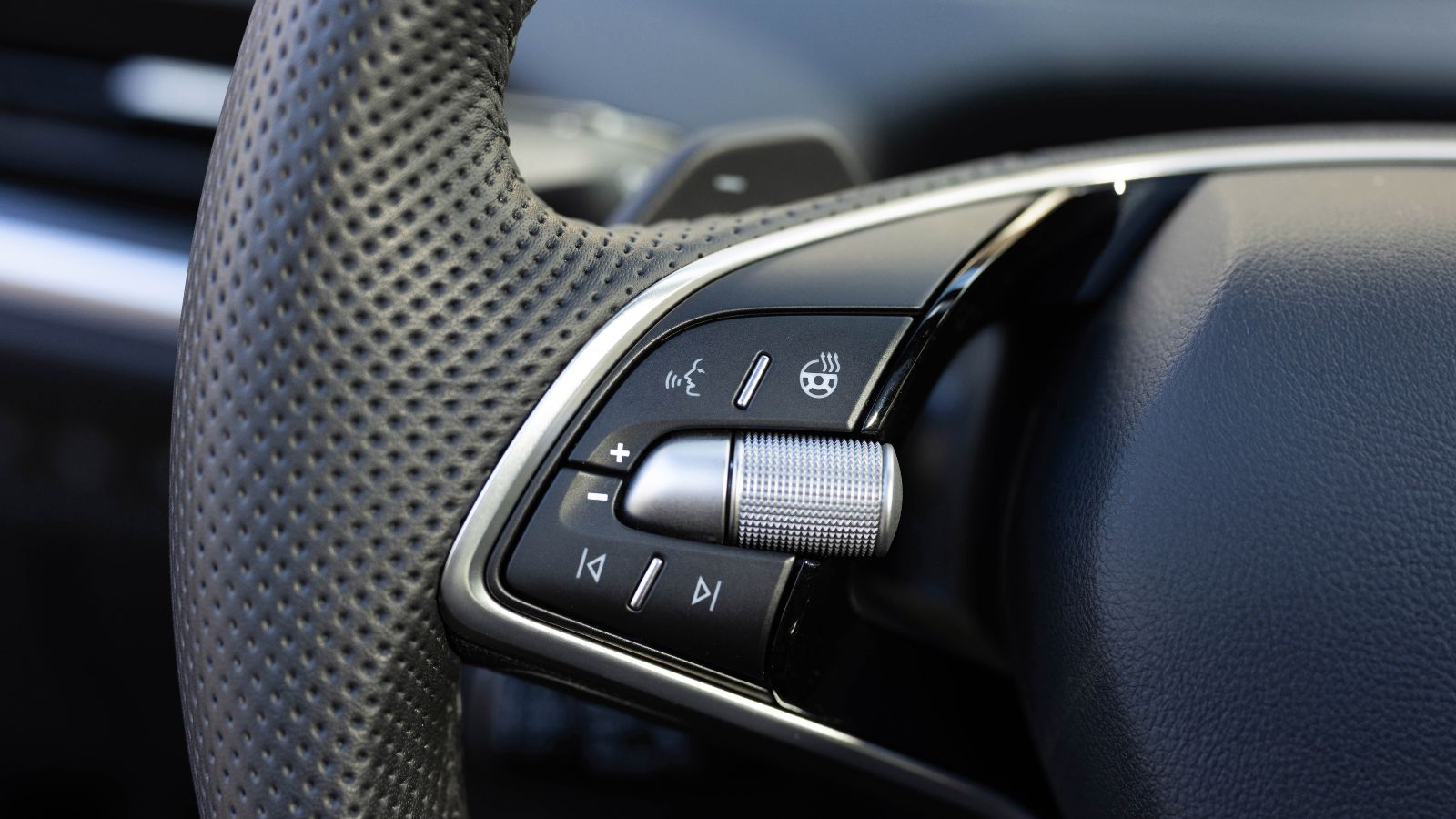
The strongest complaints often begin with a task: changing temperature, adjusting fan speed, or switching an audio source. A physical control can perform one job. A screen can make the same action depend on waking a display, opening a menu, selecting a submenu, and confirming the change. The extra steps may seem trivial while parked, yet they become more noticeable in traffic.
Consumer Reports has documented owner complaints about convoluted menus and controls that require navigating through multiple screens for functions once handled by a button or knob. Euro NCAP’s 2026 assessment framework also treats menu depth as a human-machine-interface issue, distinguishing direct physical or touch inputs from menu-based touch inputs. Its test procedure states that a menu-based touch function requiring more than two steps is not acceptable for defined assessed functions. Buyers who dislike digital layers are reacting to a measurable usability problem, not simply nostalgia for older dashboards.
Touchscreens Lose the Advantage of Muscle Memory
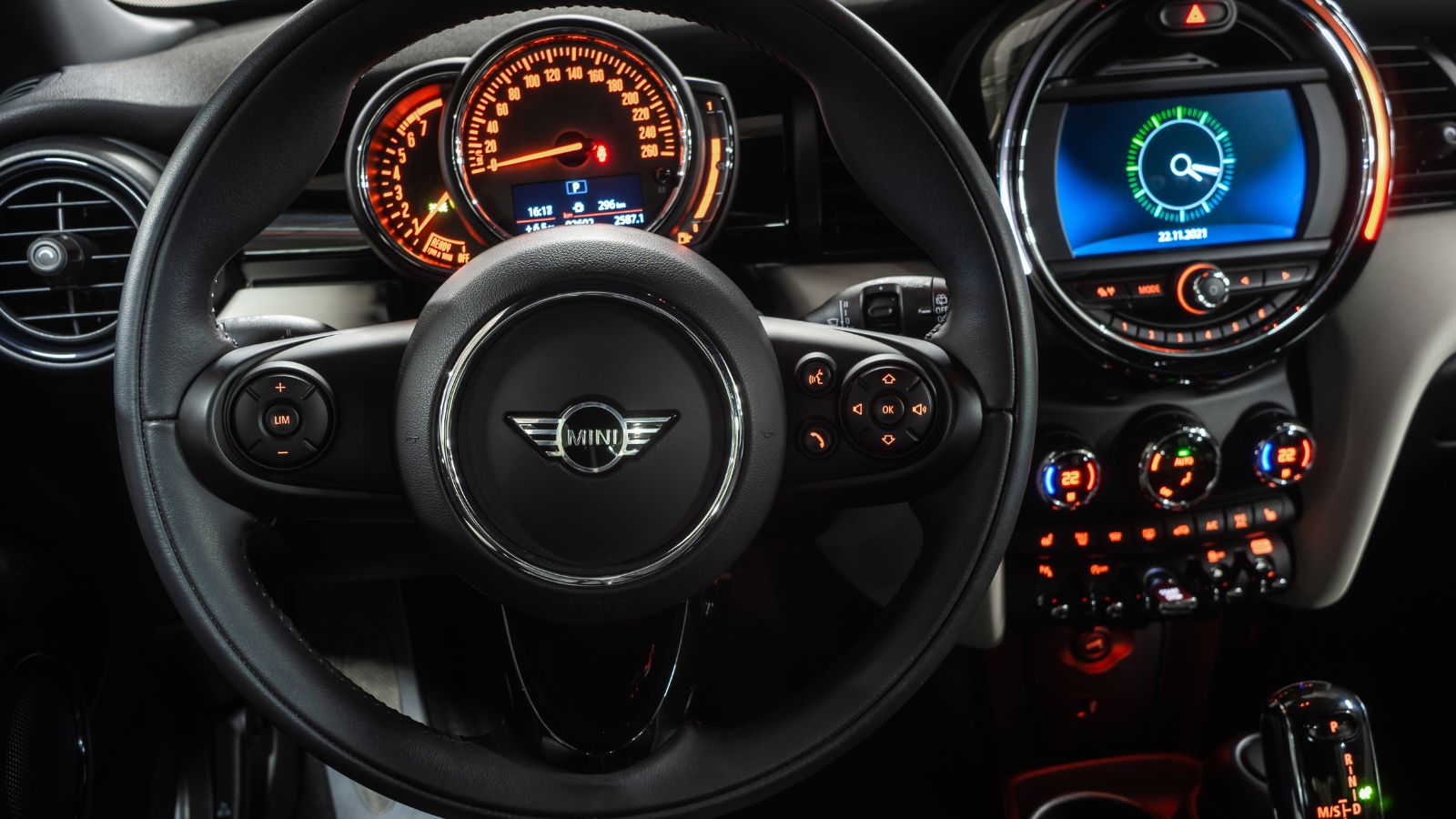
Physical controls have an advantage that is easy to underestimate until they disappear: they can be recognized by touch. A driver can learn the location, shape, and resistance of a knob or switch and make an adjustment with a brief glance, or sometimes none. A smooth touchscreen usually asks the driver to locate a visual target before touching it, then check that the command registered.
On-road human-factors research has noted that touchscreens depend more heavily on vision because they lack the nonvisual cues provided by physical controls. A University of Toronto research program sponsored by Transport Canada has similarly highlighted the loss of tactile information as manufacturers move functions from buttons to large screens. Haptic feedback can help, but it does not recreate the geometry of a real control. For buyers who appreciate muscle memory, a cabin with knobs can feel calmer and more predictable than one dominated by glass.
Bumpy Roads Make Touch Controls Harder to Hit
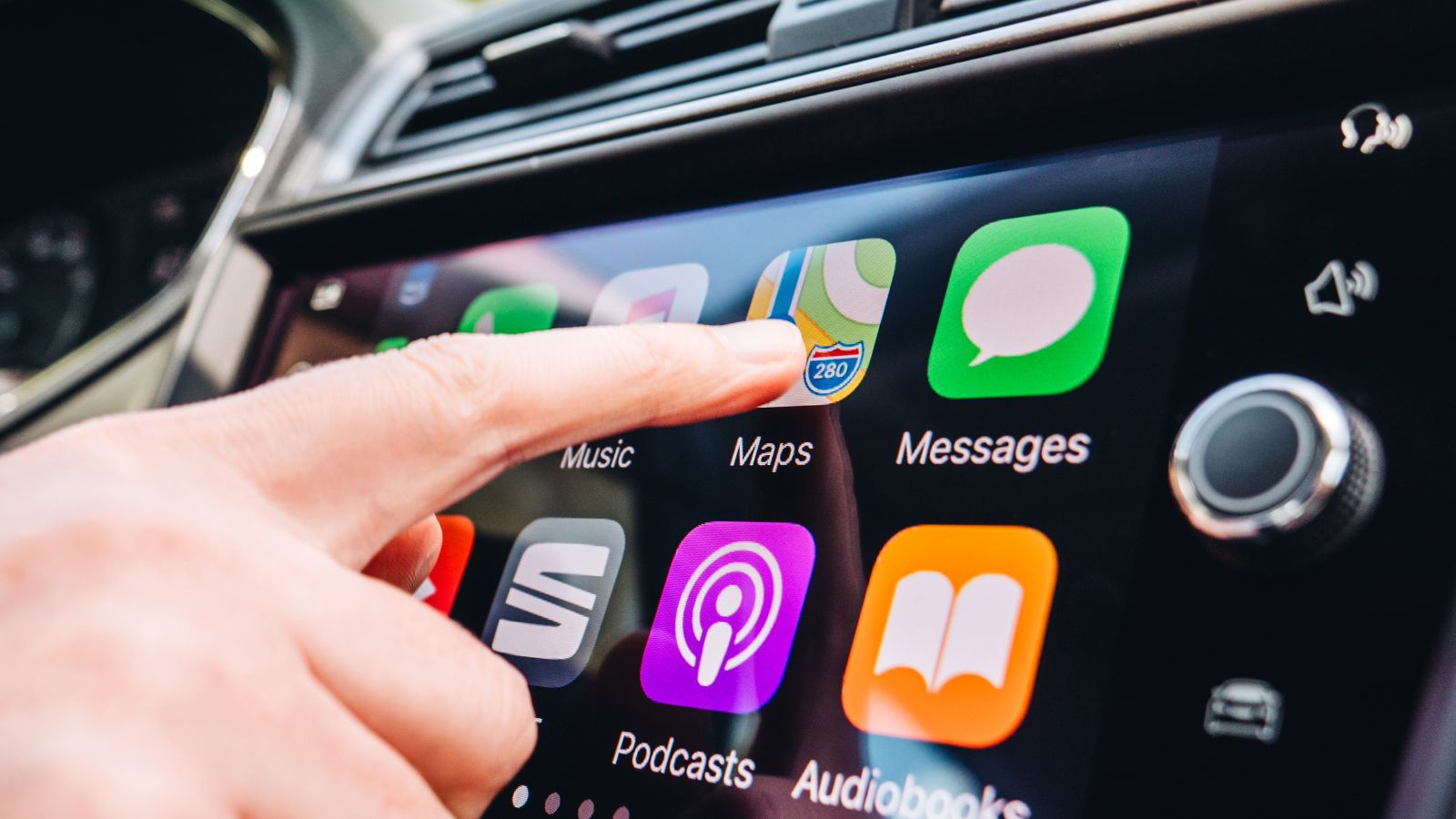
Screen-based controls can become especially frustrating on roads where drivers need attention. A fingertip aimed at a small icon is not operating in a laboratory. The vehicle is moving, the driver’s arm is moving with it, and bumps or lateral forces can disturb the touch. That makes accidental selections, or missed targets more likely when the interface uses small controls.
Academic work has measured this effect. A study of touch interaction under road-bump conditions found that bumps significantly affected touchscreen input and reduced pointing accuracy by 19 percent in the tested setup. Other research on vehicle vibration has found that vibration can reduce touchscreen interaction performance and increase task load. These findings help explain why a clean display can feel less polished on a broken street than it did on a dealership floor. Buyers may prefer controls that remain easy to find and operate when the road surface is imperfect.
Screen Complexity Can Affect Older Drivers More
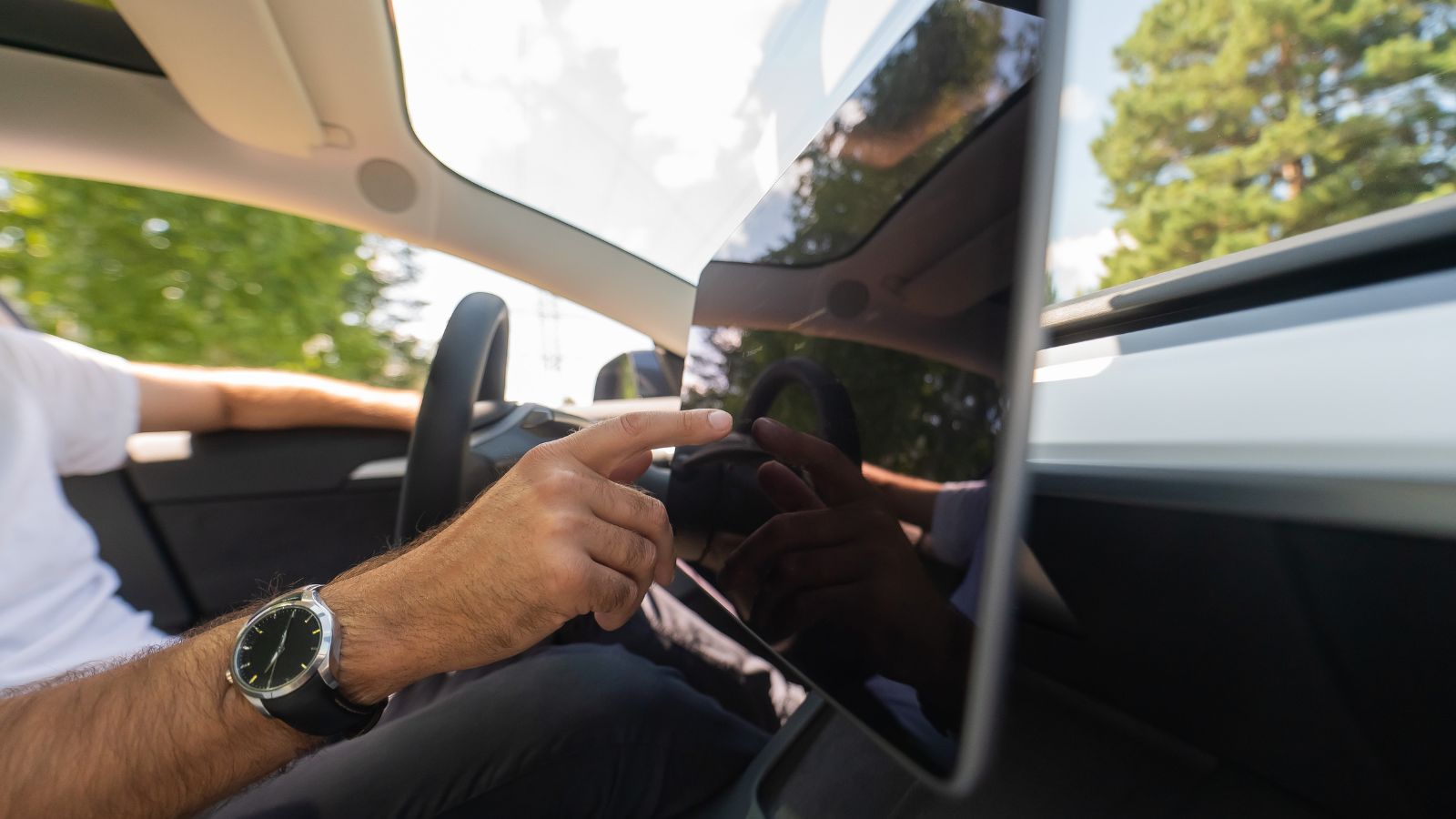
A dashboard that feels manageable to one driver can be far more demanding to another. Age is one reason. New-car technology is designed around familiarity with smartphones and changing interfaces, but vehicle buyers span decades of experience, eyesight, dexterity, and comfort with digital menus. When a car turns common tasks into screen interactions, those differences can become part of the ownership experience.
AAA Foundation research comparing drivers aged 55 to 75 with drivers aged 21 to 36 found that the older group took longer to complete infotainment tasks and experienced visual and cognitive demand. In AAA’s summary, older drivers took 4.7 to 8.6 seconds longer depending on the task, with navigation entry averaging 40 seconds for the older group versus 31.4 seconds for the younger group. That does not make screen-heavy cars unsuitable for older buyers, but it shows why intuitive controls can matter more than a showroom’s technology count.
Voice Commands Are Not a Perfect Escape Route
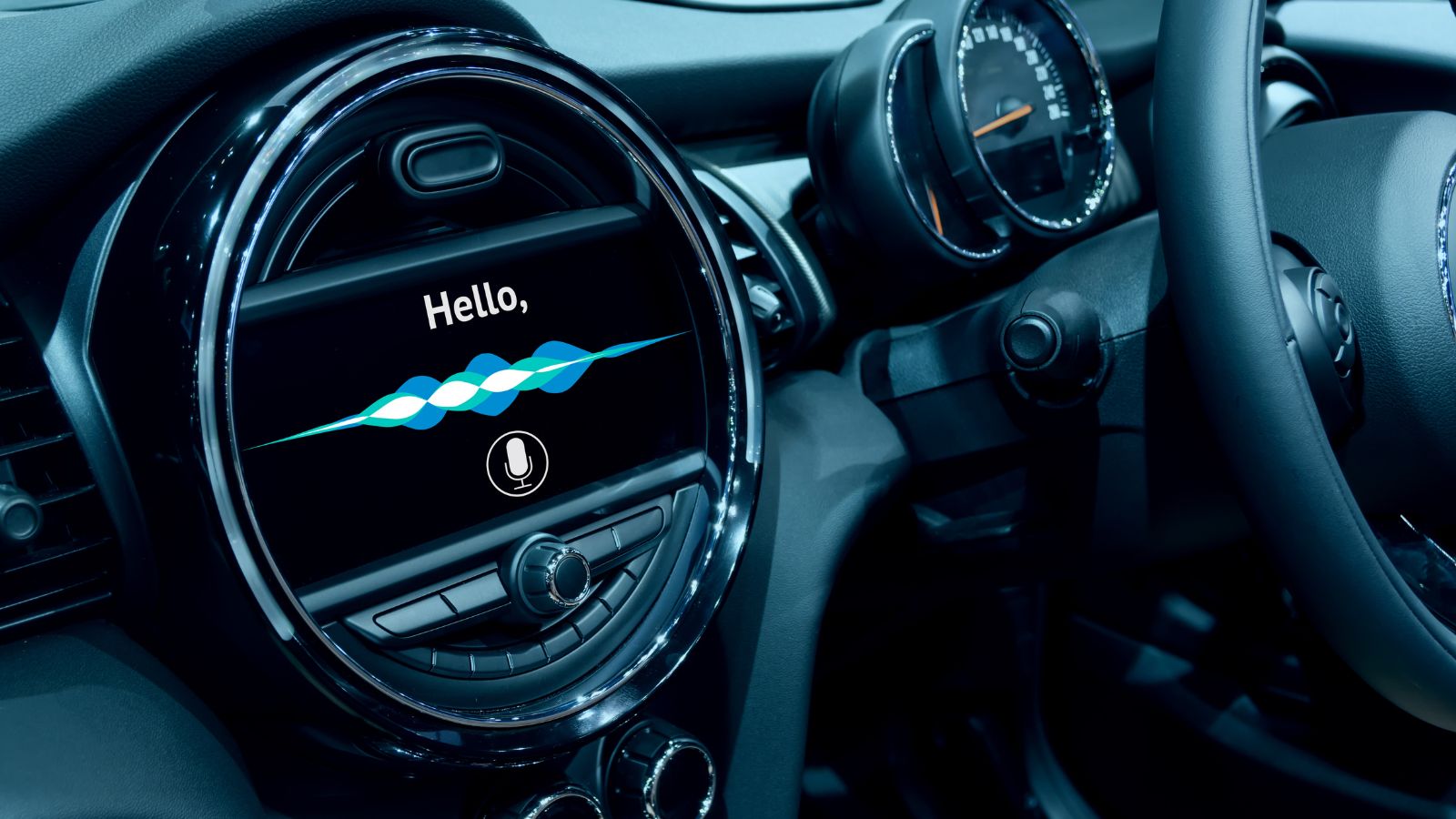
Voice control is presented as the answer to touchscreen distraction: keep hands on the wheel, speak a command, and let the car handle the rest. In practice, voice systems can reduce visual demand for some tasks, but they do not eliminate mental workload. They can be slow, misunderstand requests, or require a sequence of prompts that becomes irritating during everyday use.
AAA Foundation studies found that voice interaction reduced visual demand relative to some manual interfaces, yet the benefit could be offset by longer interaction times. AAA research on cognitive distraction also found that speech-to-text interactions could create substantial cognitive demand even when a driver’s eyes remained on the road. This explains why buyers may not accept “just use voice control” as a substitute for a good knob or switch. A cabin can offer voice commands as an option while preserving direct physical controls for tasks drivers perform most often.
Software Problems Can Affect More Than Entertainment

The appeal of an all-digital cockpit depends on software behaving properly. When the screen freezes, goes dark, drops a phone connection, or stops responding, the problem is more than an entertainment annoyance if key settings also live inside that interface. The more functions consolidated into one display, the more noticeable a software problem can become during ownership.
Owner data shows why this matters. J.D. Power’s 2026 U.S. Initial Quality Study reported that infotainment was the only major category to worsen year over year, with connectivity issues contributing to the decline. Among owners who reported a distracted-driving-related vehicle problem, 46 percent identified infotainment or the touchscreen as the source. Consumer Reports documented frozen screens, unresponsive touch controls, dark displays, and systems that need rebooting. Buyers who plan to keep a car for years may therefore see a screen-heavy interior as another reliability system to evaluate, not merely a styling feature.
Extra Screens Do Not Always Add Useful Value
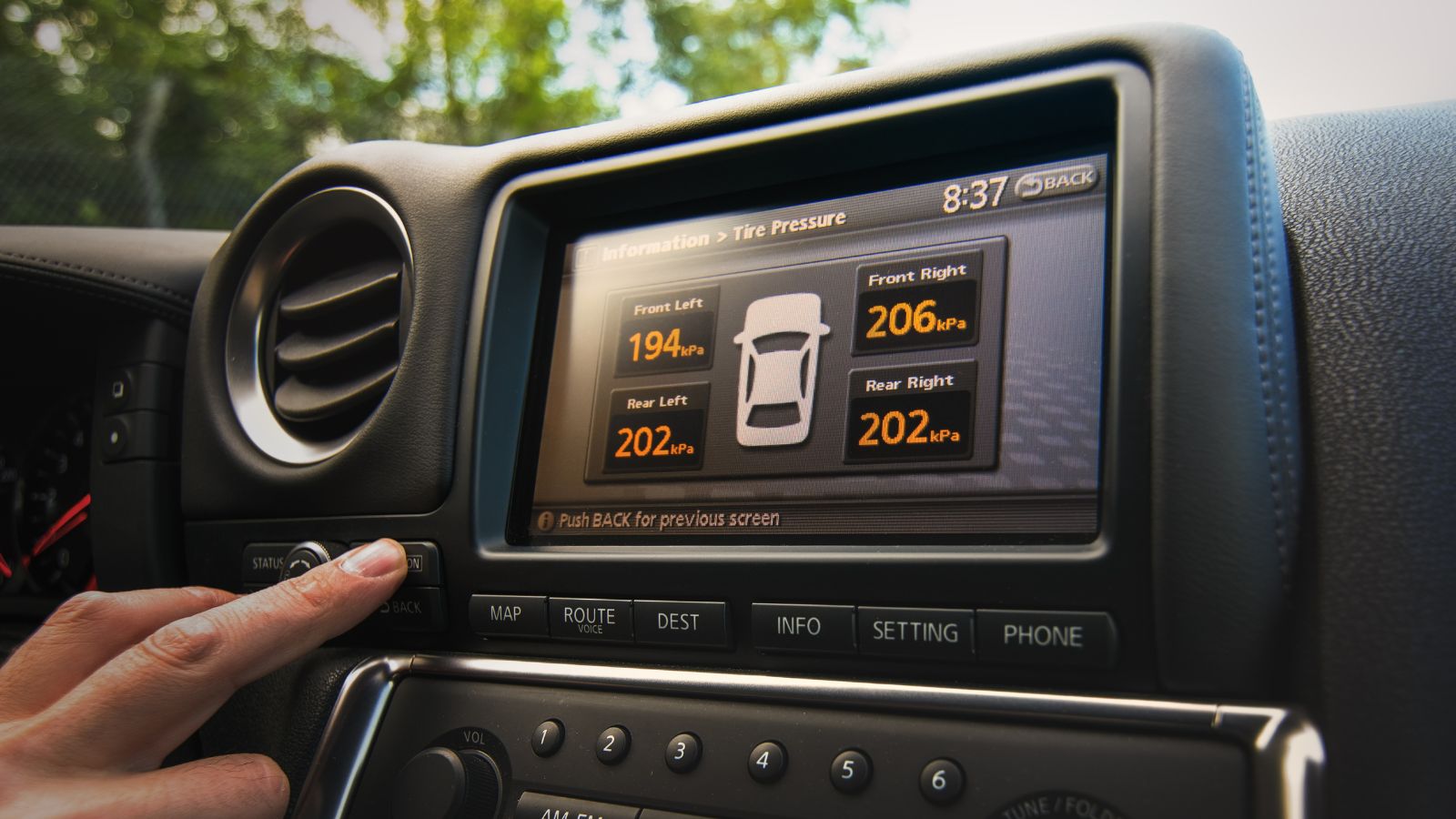
More screens do not automatically create more value. Automakers have expanded digital dashboards from a central display to instrument panels, head-up displays, and separate screens for passengers. In a premium showroom, that wall-of-glass effect can look expensive and impressive. During ownership, however, each added interface needs a purpose, clear controls, and software that people want to use.
J.D. Power’s 2024 U.S. Tech Experience Index offered a revealing example. The study found that many owners classified passenger display screens as “not necessary,” while only 10 percent of vehicles in the study carried a front-seat passenger daily. J.D. Power also noted that adding a second screen increased the complexity of the vehicle-delivery process because dealers already faced challenges teaching owners the primary infotainment system. The lesson is not that passenger screens are inherently bad. It is that buyers increasingly distinguish useful technology from technology added mainly to create a dramatic cabin presentation.
A Bigger Screen Does Not Guarantee Better Usability
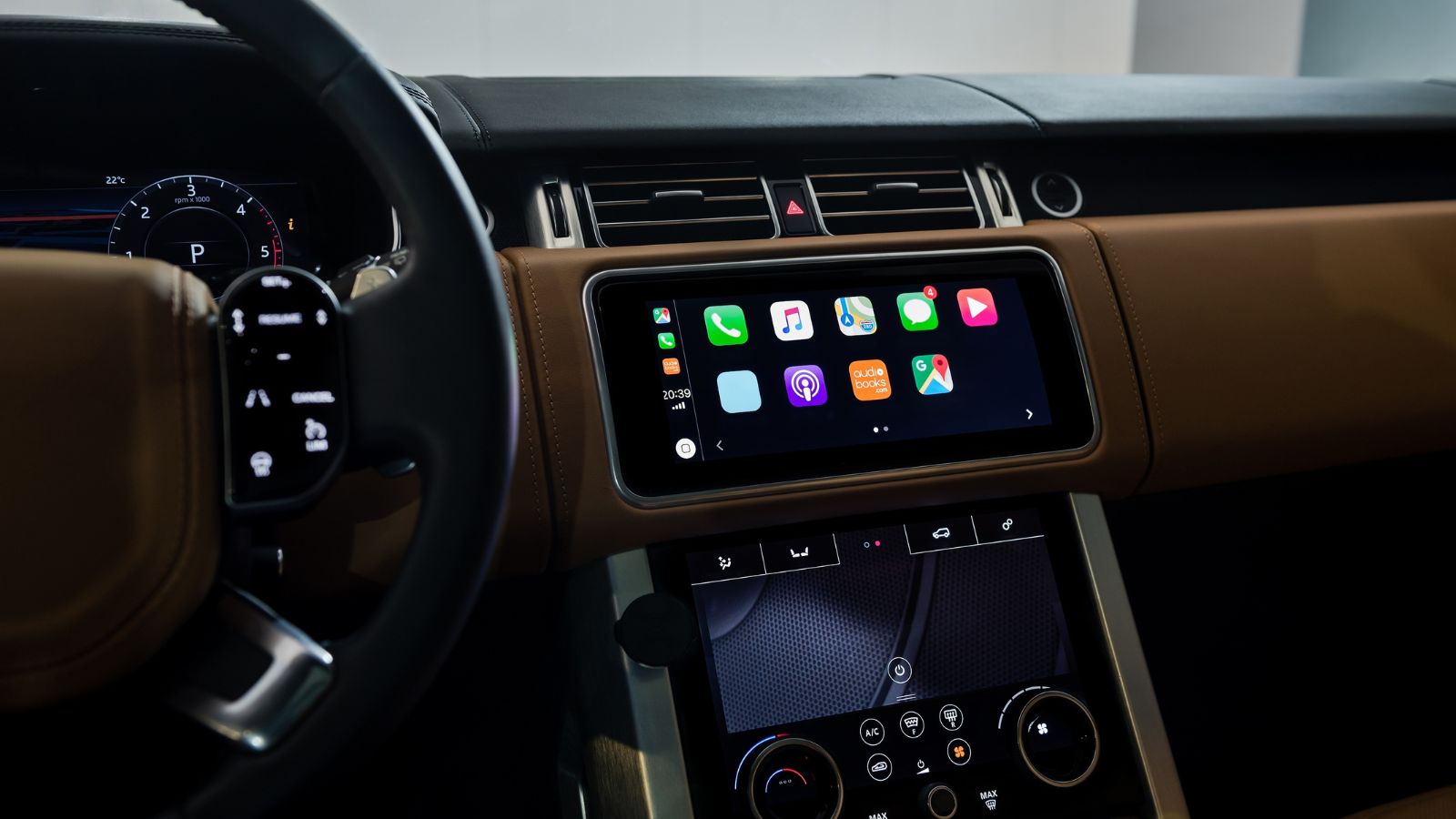
Bigger can be better for maps, cameras, and legibility, but screen size alone does not make an interface easy to use. A large display can contain tiny targets, crowded menus, poor hierarchy, or functions scattered across pages. It can also encourage designers to move more controls into software because space exists. The result may be a bigger canvas without a simpler driving experience.
A 2024 technology scan by researchers affiliated with the University of Toronto, Carleton University, and Transport Canada found a trend toward larger touchscreens in 2020–2024 passenger vehicles, along with movement of climate, audio, and primary vehicle controls from physical buttons to touch interfaces. A 2026 review of 73 touchscreen studies concluded that larger screens are increasingly common but remain underrepresented in research, with limited systematic evidence about how large displays interact with other interface choices. For cautious buyers, “largest screen in class” may feel less persuasive.
Repairs Can Become More Specialized
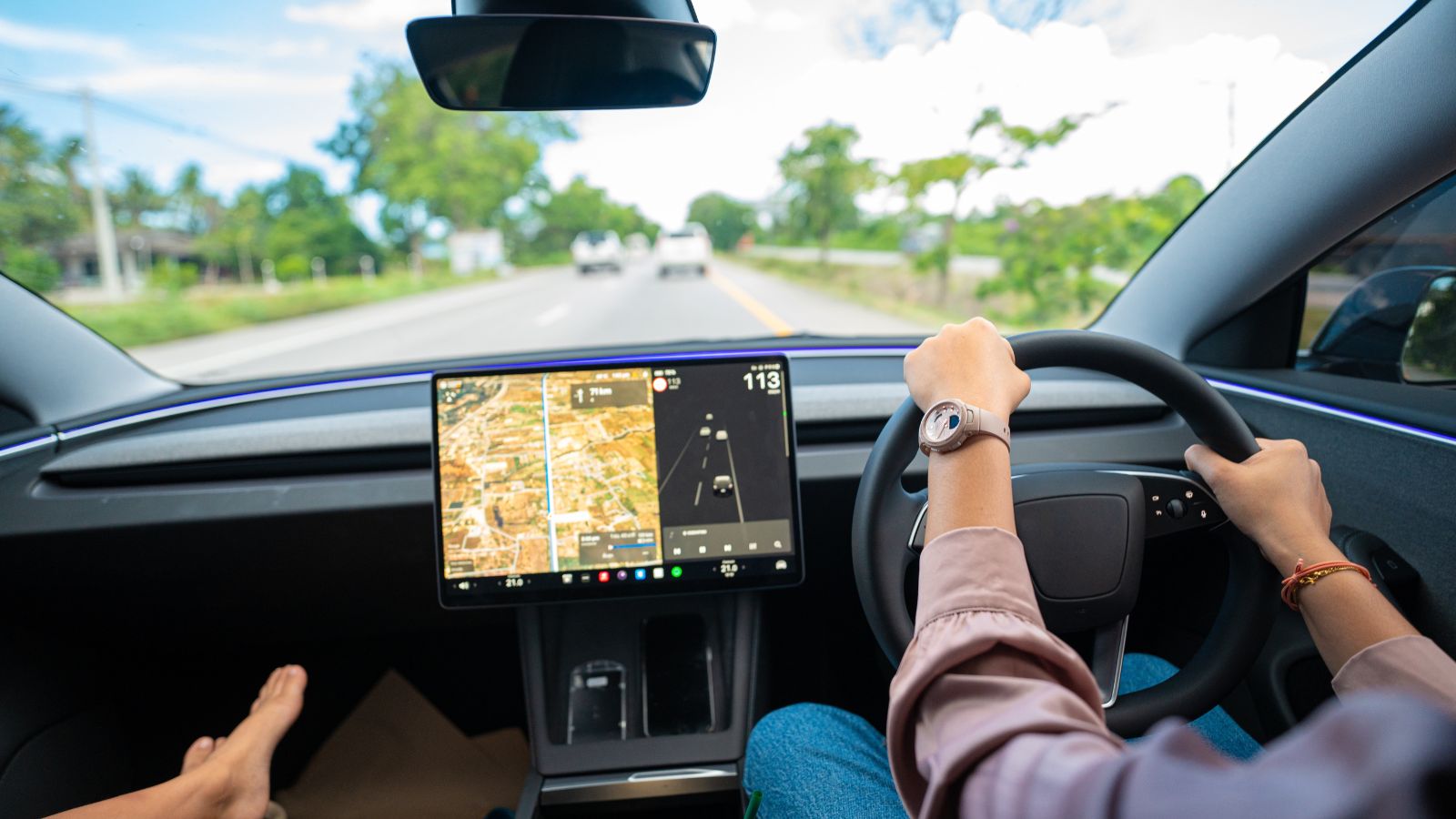
Digital controls can also change the repair conversation. A traditional radio knob or climate switch is narrow. A modern infotainment unit may combine navigation, phone integration, audio, camera views, climate controls, vehicle settings, and software communication in one system. When something goes wrong, diagnosis may require manufacturer-specific tools, software knowledge, or parts that an independent repair shop does not routinely handle.
Consumer Reports advises owners that infotainment glitches and software updates are among the problems for which a dealership may be the best-equipped option because dealers have factory diagnostic equipment and manufacturer information. It also notes that modern integrated radios can be difficult and costly to replace with aftermarket hardware, especially when steering-wheel controls, backup cameras, or climate functions are tied into the original system. That does not mean every screen failure produces a huge bill, but it gives long-term owners a practical reason to prefer simpler, more modular controls.
Cars Often Outlive Their Digital Technology
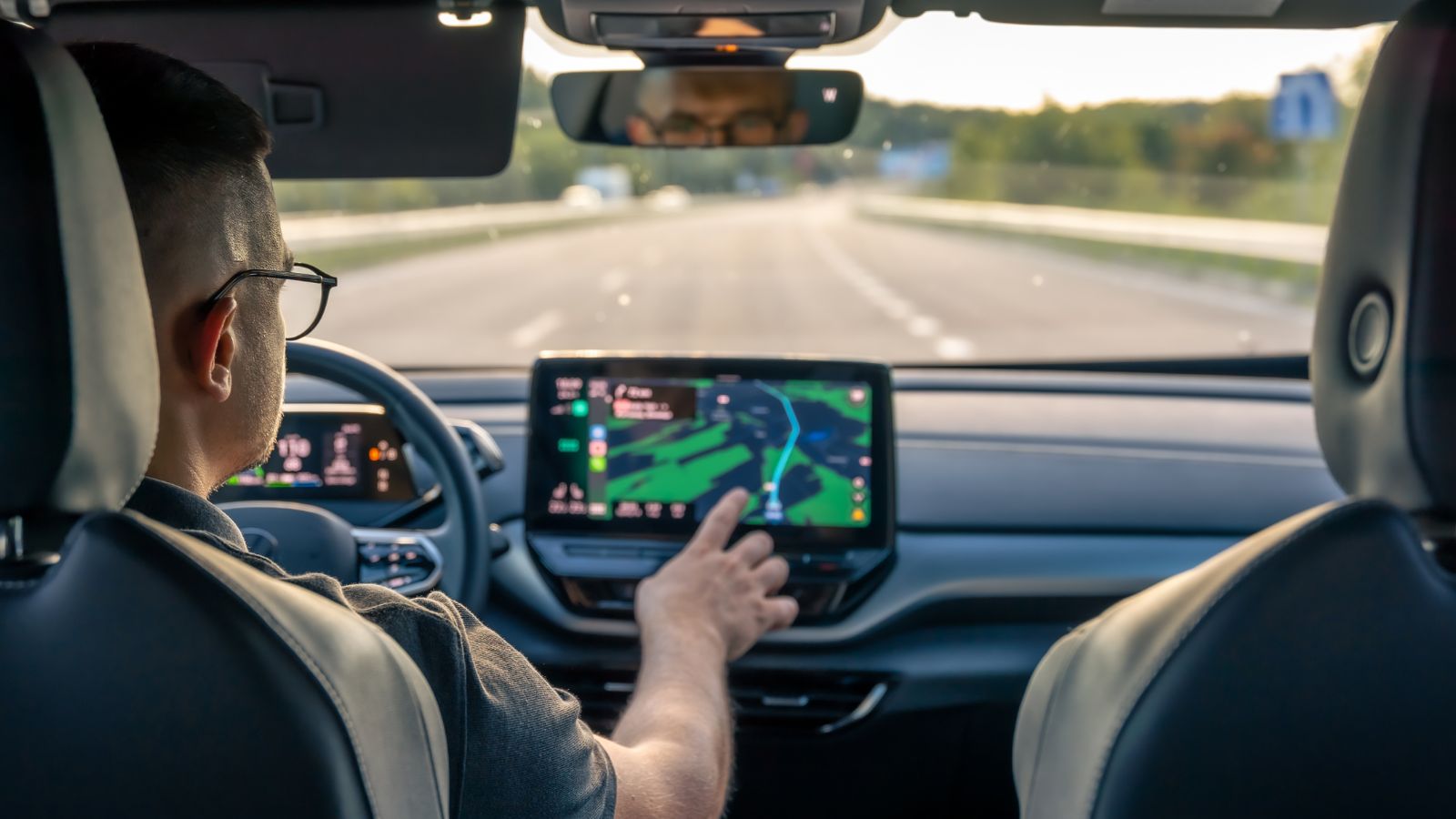
Cars stay on the road much longer than phones, creating a mismatch for screen-centered interiors. Buyers can expect a vehicle to remain useful for a decade or more, while software ecosystems, phone standards, apps, processors, and display expectations change faster. A screen that feels advanced at delivery can feel slow or dated even when the vehicle itself is mechanically healthy.
J.D. Power’s 2024 Vehicle Dependability Study emphasized this longevity issue, noting an average U.S. vehicle age of 12 years and arguing that technology introduced in new cars needs to meet customer needs years later. The same study found infotainment to be the most problematic vehicle category, at 49.1 problems per 100 vehicles. Consumer Reports has also noted that software upgrades for older vehicles are often limited and that replacing factory systems can be complex because functions are integrated. For used-car shoppers especially, durable simplicity can compete strongly with digital novelty.
Safety Assessors Are Pushing the Industry Back Toward Balance
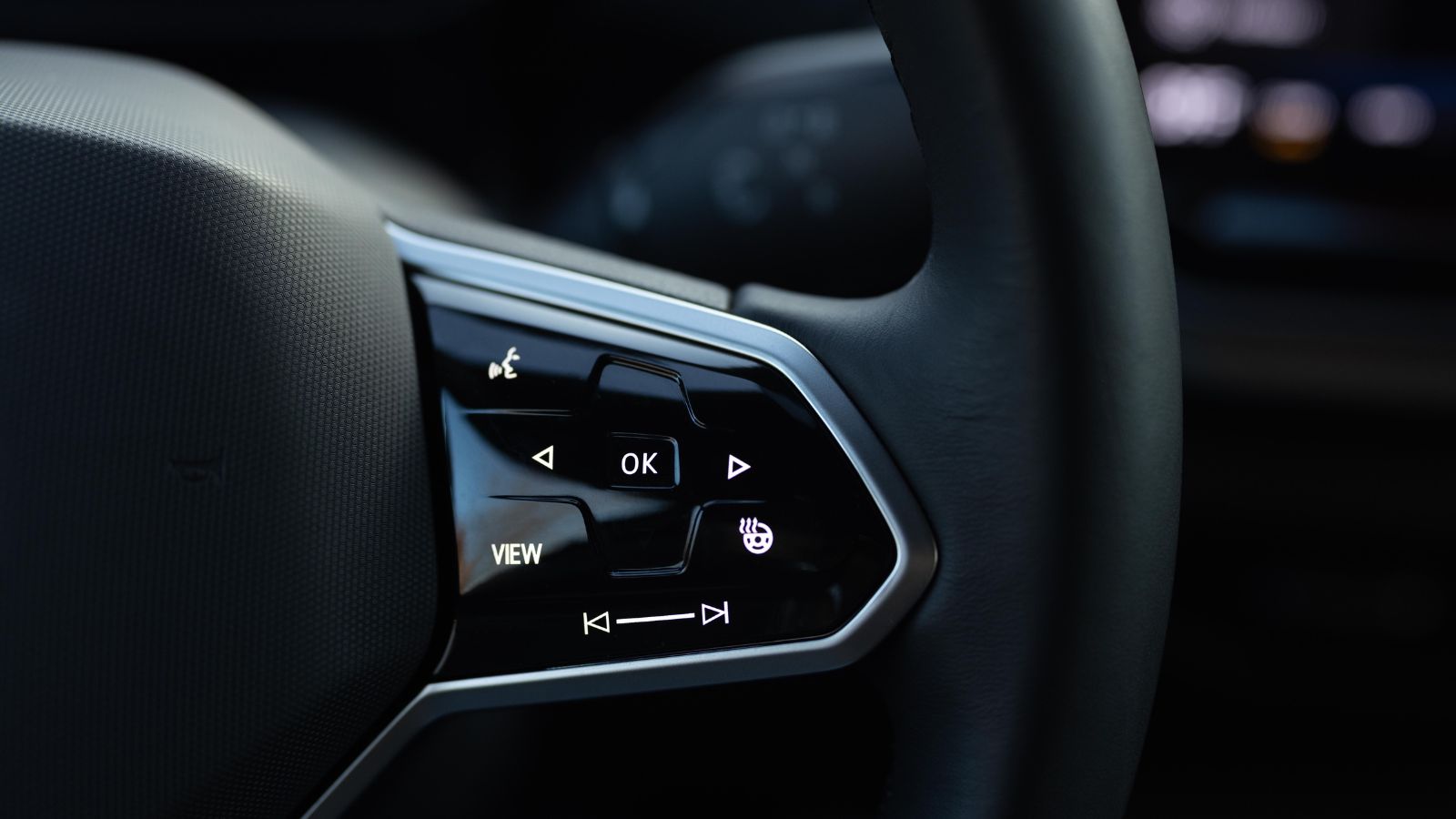
The industry is beginning to acknowledge that the pendulum may have swung too far. Screen-based interfaces are not disappearing, but safety organizations and manufacturers are putting emphasis on direct controls for frequently used functions. That shift matters to buyers because it validates a complaint once easy to dismiss as resistance to modern design.
Euro NCAP’s 2026 safety protocols now evaluate the placement, clarity, and ease of essential controls and give credit for physical buttons on commonly used functions. Its published guidance says physical controls can help reduce distraction, and its “Bring Back Buttons” campaign has urged manufacturers to restore tactile controls for critical or frequent tasks. The newest protocol does not ban touchscreens, nor does it require every function to have a separate switch. Instead, it pushes toward balance. For buyers walking away from screen-saturated cabins, that balance may be the point: technology should support driving rather than dominate it.
19 Used Cars Canadians Should Avoid in 2026 (Based on Owner Complaints)

Buying a used car in Canada can feel safe until repair bills start stacking up. Owner complaints tell a different story than glossy listings. Transmission failures, electrical problems, and weak winter reliability show up again and again in consumer reports. Many of these issues appear after warranties expire, when owners least expect them. Some vehicles look affordable upfront, but become expensive to keep on the road. Others struggle in cold weather, urban driving, or long highway commutes. Here are 19 used cars Canadians should avoid in 2026 (based on owner complaints).
19 Used Cars Canadians Should Avoid in 2026 (Based on Owner Complaints)

Alanna Rosen is an experienced content writer that focuses on many EV and educational content. Her articles are regularly published on Get CyberTrucked and syndicated on large publications.