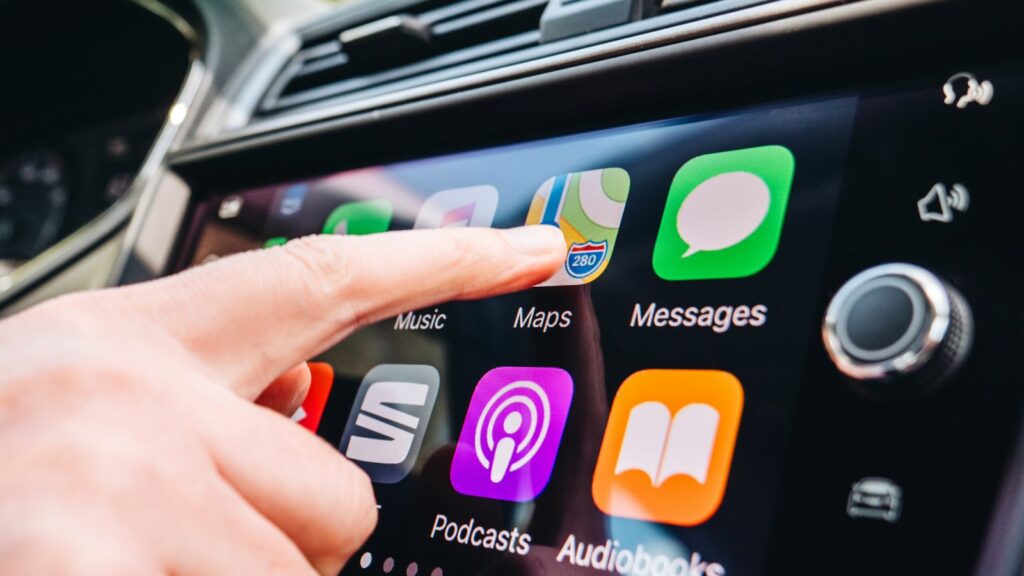
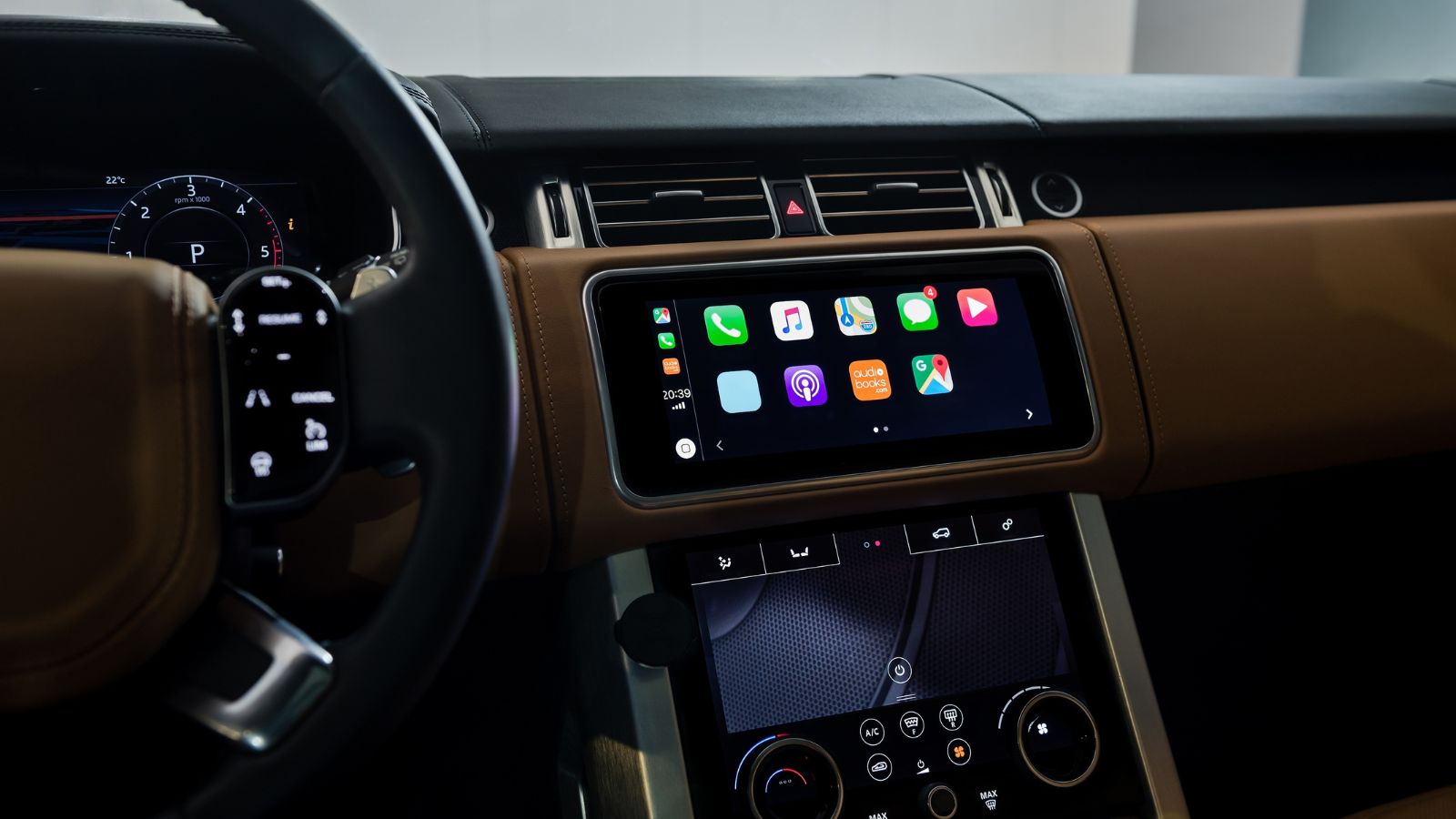
A cabin can look impressively modern while still making a basic task unexpectedly complicated. As automakers move temperature, fan speed, seat heating, airflow and defrost functions onto central displays, some drivers are deciding that a clean dashboard is not worth giving up familiar knobs and buttons. The concern is not simply resistance to technology. Climate settings are adjusted during ordinary driving, sometimes when weather, traffic or changing visibility already demand attention.
Research into driver distraction, touchscreen usability and human-machine interfaces helps explain why tactile controls remain appealing. These 12 reasons show why some motorists are specifically seeking vehicles that preserve physical climate controls, even when they otherwise appreciate large displays, connected services and sophisticated cabin technology.
Eyes-Off-Road Time Can Turn a Simple Adjustment Into a Distraction
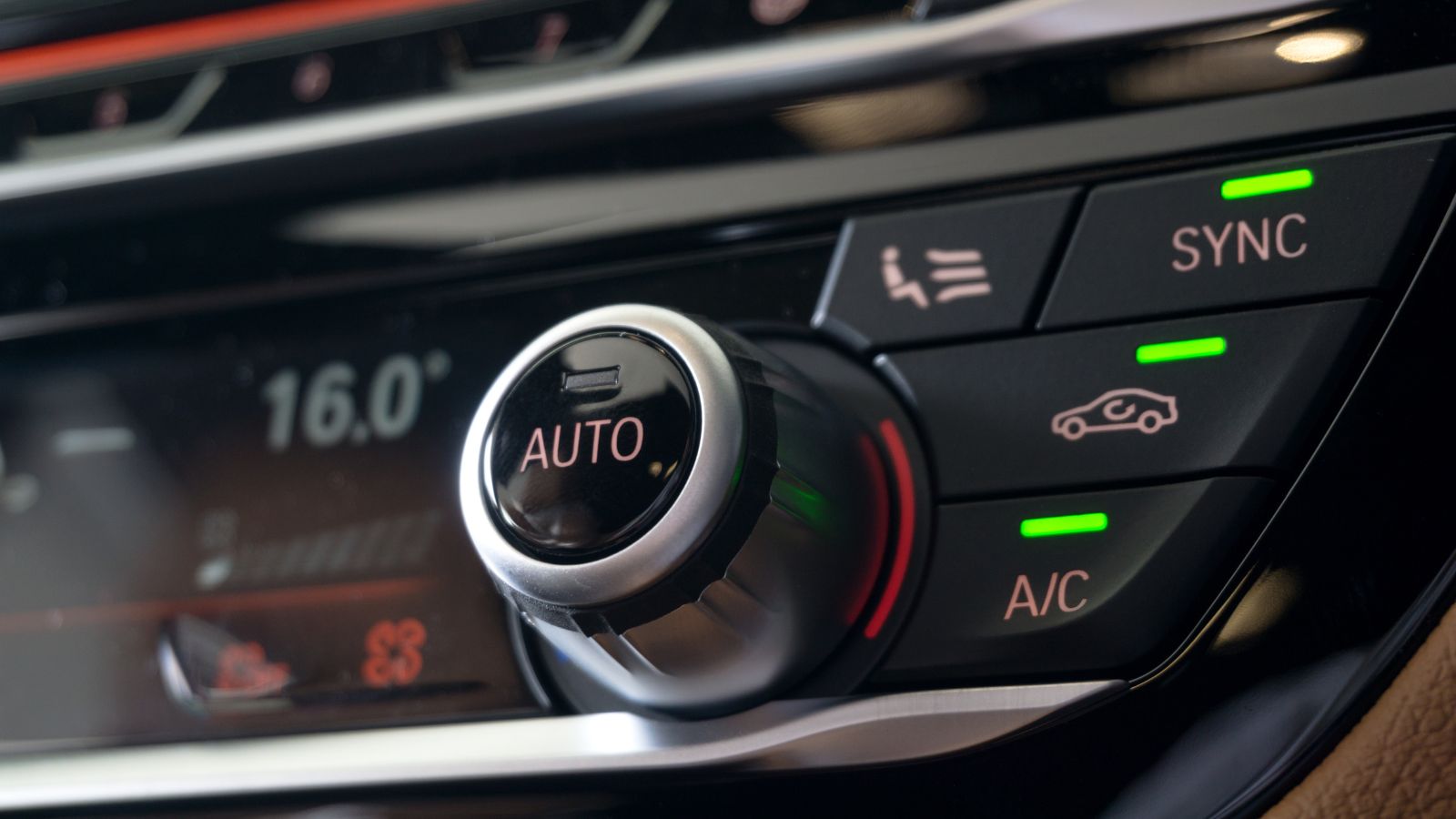
Changing the temperature by two degrees sounds trivial, but the interface determines how much attention the task requires. A physical dial can often be located by feel, turned and released while the driver’s gaze remains primarily on traffic. A flat touchscreen generally requires more visual confirmation: the driver must identify the correct area, position a finger accurately and confirm that the requested change actually registered. That difference matters because driving already competes for visual, manual and cognitive attention.
NHTSA’s work on driver distraction has long treated prolonged off-road glances as a significant concern. Its visual-manual guidelines use two seconds as an important benchmark for individual glances during secondary electronic tasks. More recent research examining automotive touchscreens similarly finds that visual-manual interaction can increase eyes-off-road time. Climate control is especially relevant because it is not an exotic feature used once a month. A commuter may change fan speed, temperature or airflow several times during one trip as sunlight, humidity and cabin conditions change.
Physical Controls Give Fingers Something to Remember
Traditional climate panels have an advantage that is easy to overlook until it disappears: they have shape. One knob may be larger than another, buttons occupy fixed positions, and switches provide a distinct movement or click. After enough time in the same vehicle, drivers can develop a remarkably good sense of where those controls are without deliberately studying the dashboard every time.
Research into automotive interfaces has repeatedly highlighted the value of tactile or nonvisual feedback. On-road human-factors research has found that touchscreens depend more heavily on vision than physical controls, which provide natural cues through location, shape and movement. Haptic-feedback research has similarly explored ways of recreating those sensations on digital interfaces precisely because ordinary glass lacks them. A driver reaching for a familiar fan-speed knob can often recognize it before changing the setting. On an unchanging pane of glass, the temperature icon, seat heater and navigation shortcut may all feel exactly the same: perfectly smooth.
Everyday Adjustments Can Take Noticeably Longer on Screens
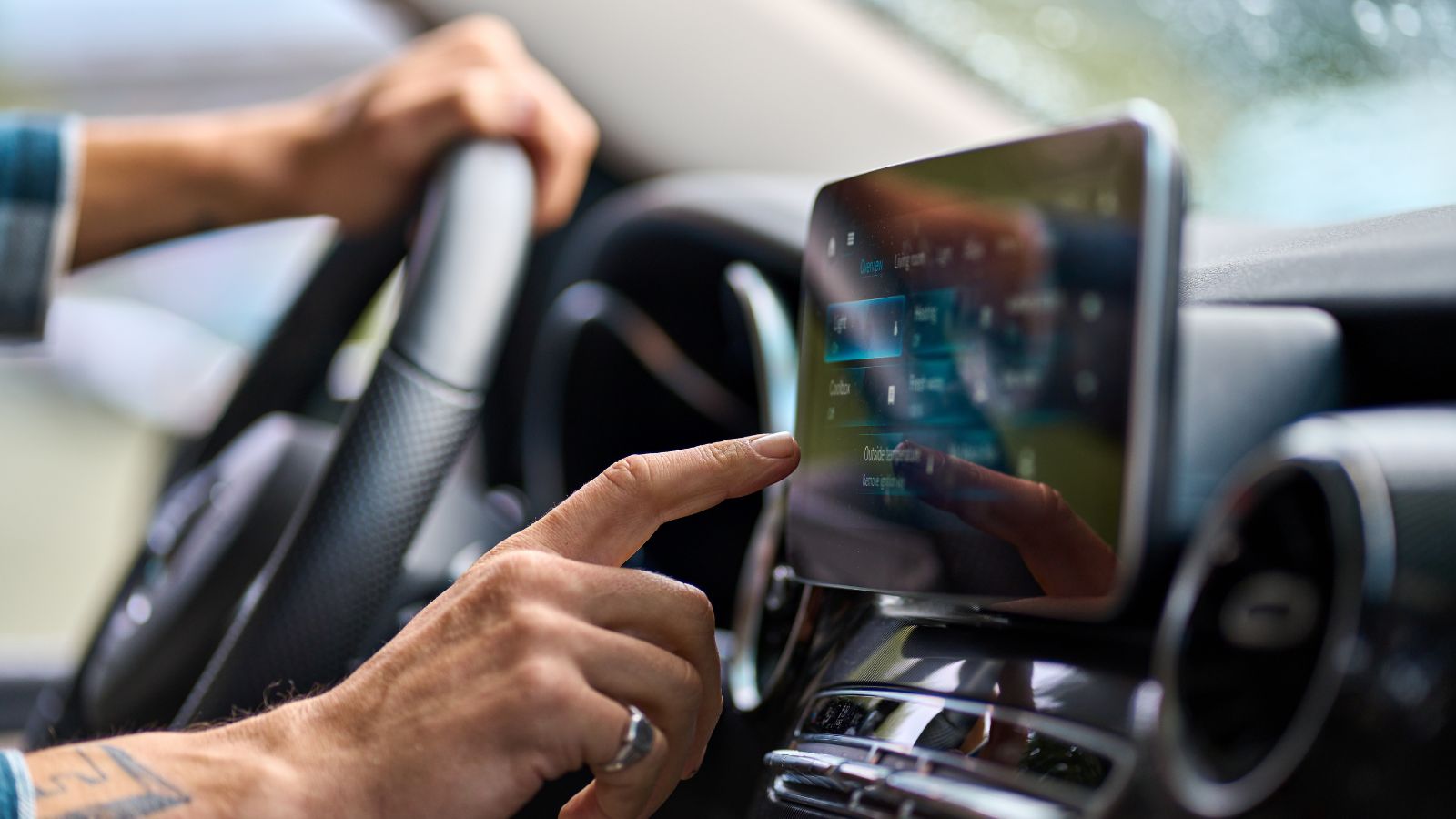
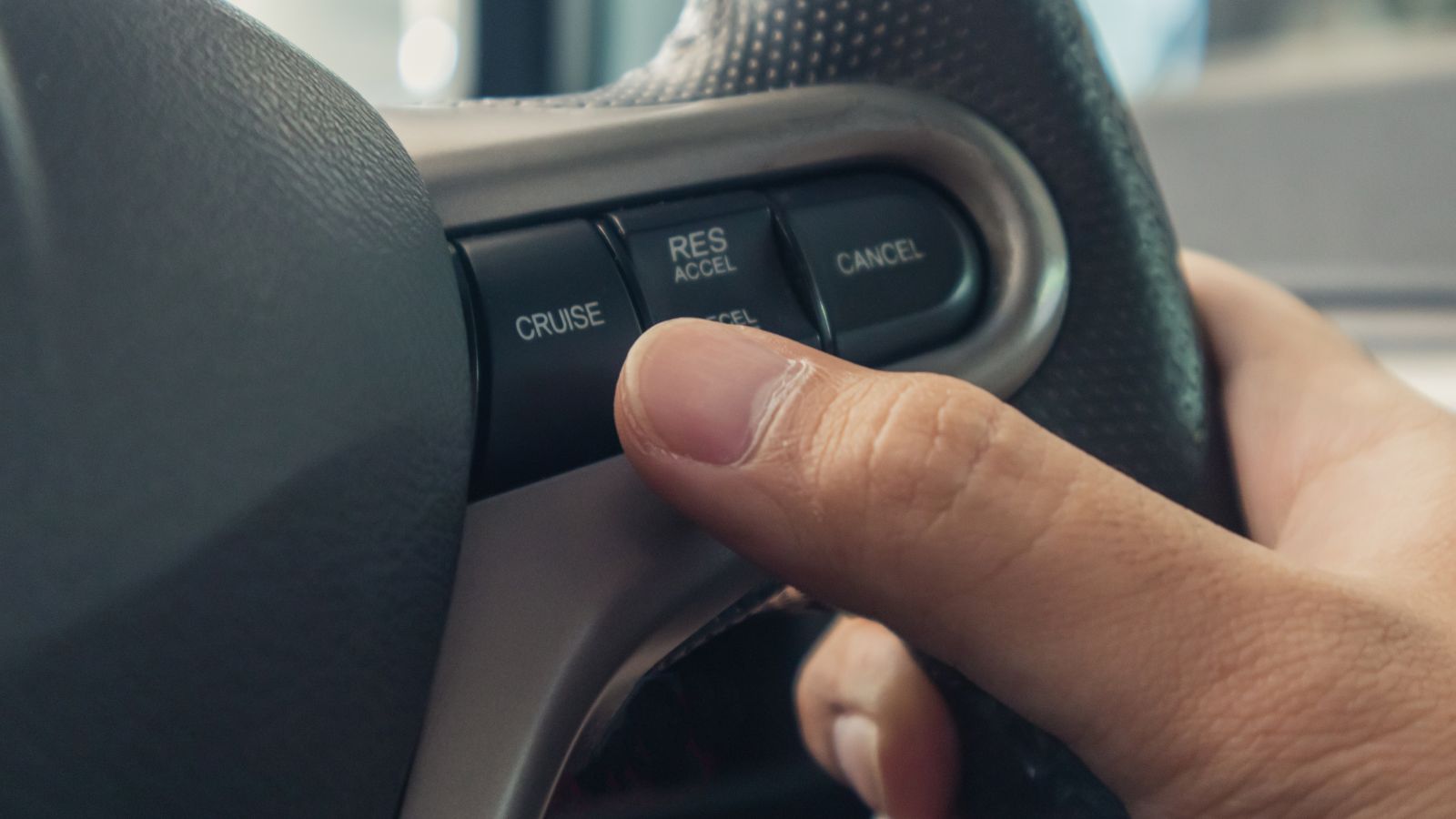
A touchscreen does not automatically make every task slow. A well-designed interface with permanently visible climate shortcuts can work reasonably quickly. Problems arise when common functions require repeated taps, confirmation or navigation. That extra time becomes much more noticeable while the vehicle is moving, because the driver must repeatedly switch attention between the screen and the roadway rather than simply completing the task in one motion.
A widely cited test by Swedish publication Vi Bilägare demonstrated the potential size of the difference. Drivers performed several routine operations at 110 km/h in a group of modern vehicles plus a 2005 Volvo V70 with conventional controls. The four specified tasks took just 10 seconds in the older Volvo, while the slowest vehicle required 44.6 seconds. That test covered more than climate settings and should not be treated as proof that every touchscreen is four times slower. It does, however, illustrate why buyers care about interface design rather than screen size alone.
Defogging Is About Visibility, Not Just Comfort
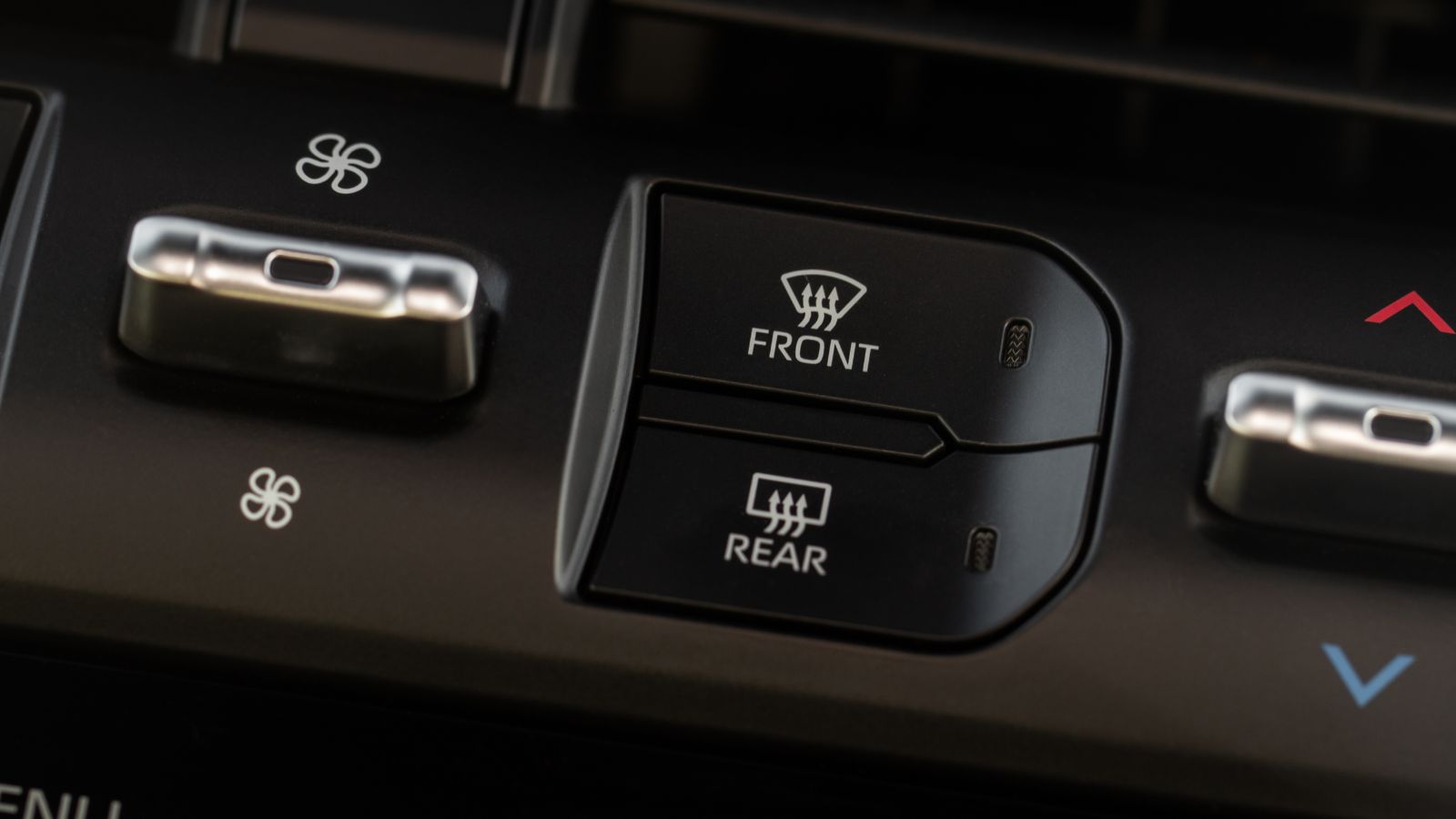
Cabin temperature can be a matter of preference, but windshield clearing can become a direct visibility issue. Moisture can quickly fog glass when warm humid air meets a colder windshield, particularly during rain, winter weather or when several damp passengers enter a vehicle. In those moments, a driver may want maximum defogging immediately rather than hunting through a menu to determine where the airflow controls have moved.
The importance of windshield clearing is reflected in vehicle regulations. Both Canadian and U.S. safety standards require covered vehicles to be equipped with windshield defrosting and defogging systems. Those rules do not require the systems to use old-fashioned knobs, but they demonstrate that the function itself is considered important to safe vehicle operation. This is why dedicated front-defrost buttons remain particularly valuable to some buyers. A clearly marked switch provides an obvious response when visibility suddenly deteriorates, making the control feel less like an infotainment preference and more like essential driving equipment.
Winter Gloves Can Make Touch-Only Controls Less Convenient
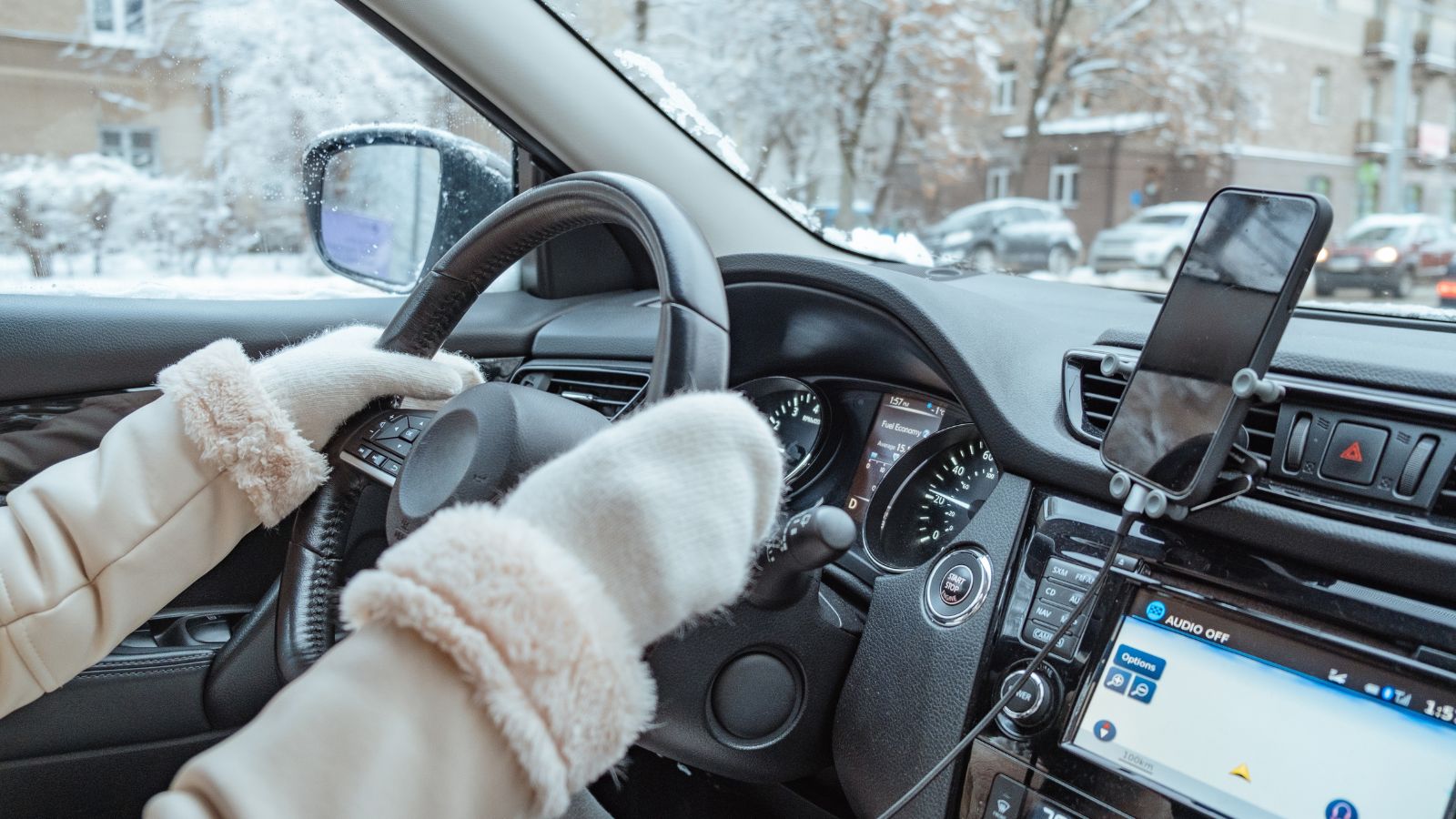
Cold-weather drivers introduce another variable that showroom demonstrations rarely capture: gloves. Many automotive displays use capacitive touch technology. These systems detect changes in an electrical field rather than simply responding to mechanical pressure. Ordinary insulating glove materials can interfere with that interaction unless the screen is designed for gloved operation or the glove includes conductive material.
Modern systems vary considerably, and some work well with certain gloves or include higher-sensitivity modes. Even so, the problem illustrates why a rotary dial remains attractive in colder climates. A driver wearing thick winter gloves can usually grasp a large temperature or fan knob without wondering whether the fingertip will register. Removing a glove to adjust the heat is hardly a desirable routine when the cabin is still freezing. Physical switchgear also provides a larger three-dimensional target, which can be particularly useful when fingers are less dexterous inside insulated gloves. For drivers regularly dealing with snow and sub-zero mornings, that practical advantage can outweigh a dashboard’s minimalist appearance.
Rough Roads Make Precise Tapping More Difficult
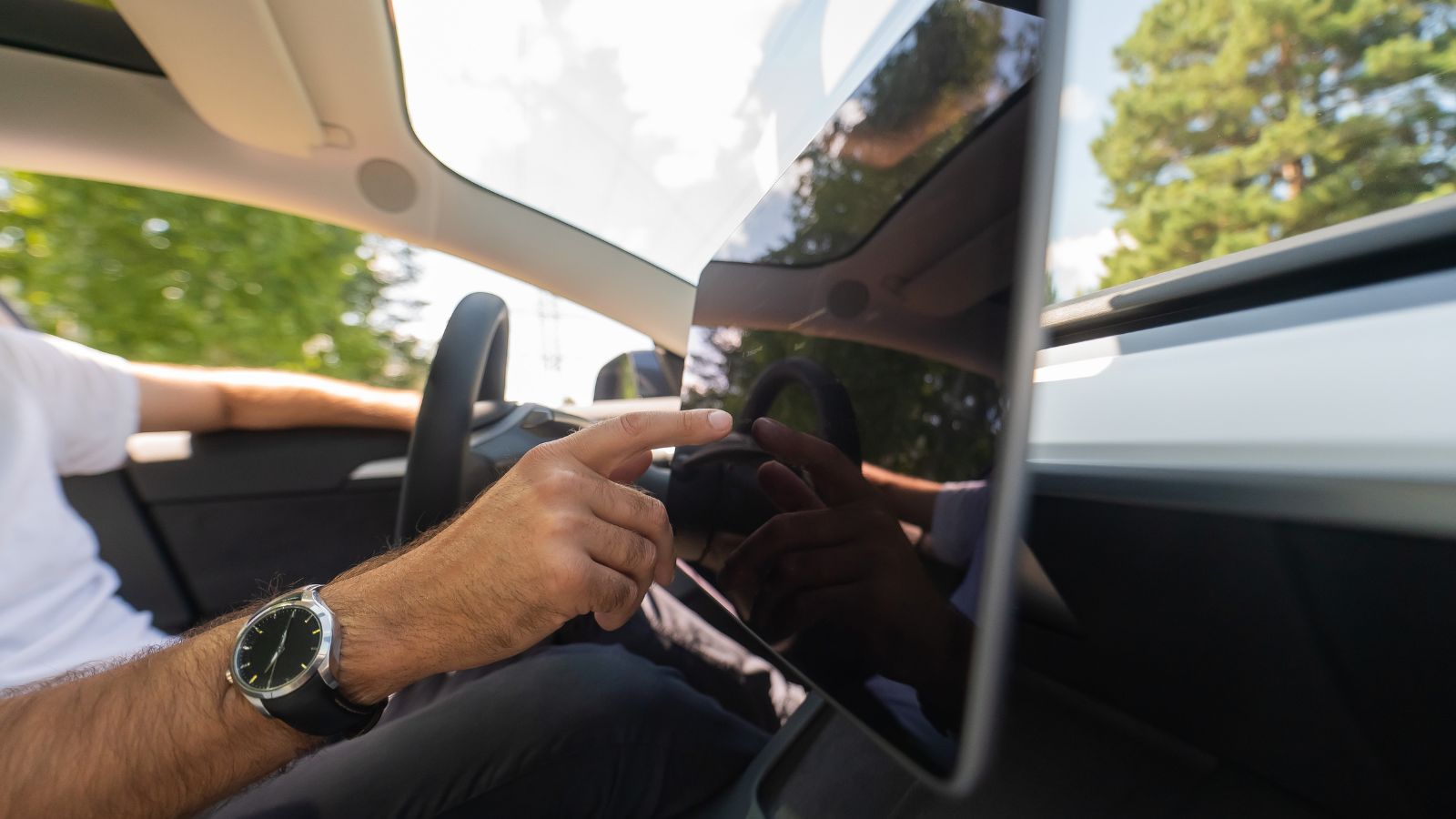
Touchscreens are normally demonstrated while a vehicle is parked on a smooth showroom floor. Real roads introduce potholes, expansion joints, broken pavement and body movement. Every bump can move the driver’s torso, arm and fingertip relative to a screen at exactly the moment a small digital target needs to be selected. A physical knob gives the hand something to grasp; a virtual button disappears the moment the finger slides a few millimetres away from its intended location.
Researchers have measured this problem. An ACM study examining touch interaction in vehicles found that road bumps could reduce pointing accuracy by 19 percent. Separate research on in-vehicle touch-key sizing found that usability and driving-safety measures improved as touchscreen targets became larger. Those findings do not mean touchscreens are unusable on uneven roads. They do help explain why poorly sized climate icons can become irritating. A missed tap may require another glance, another attempt and another moment of attention devoted to the dashboard rather than traffic.
Menu Layers Add Friction to Functions That Used to Be Immediate
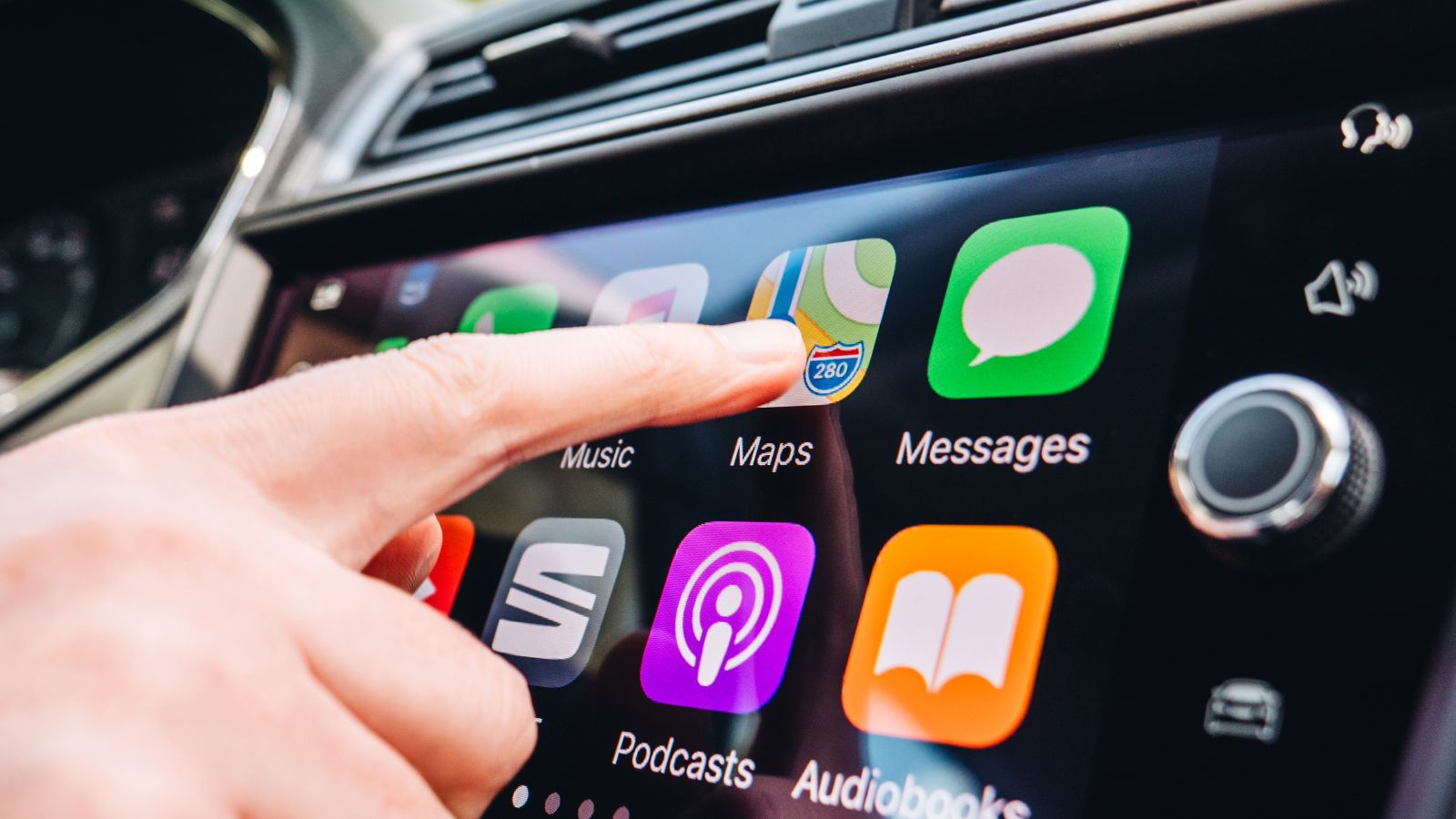
Not every touchscreen climate system is equally complicated. Some keep temperature and fan controls permanently visible along the edge of the display. Others place additional functions—airflow direction, heated seats, recirculation or synchronization—inside separate climate pages. Once commonly used settings are buried beneath menus, the driver has to remember not only what adjustment is needed but also the sequence required to reach it.
Research into touchscreen menu design has found that menu structure and task complexity influence visual-manual demand. Studies examining different menu depths have shown that deeper navigation can increase visual demand for certain tasks, while on-road research identifies visual-manual interaction as particularly demanding compared with less visually intensive input methods. The frustration is easy to understand in daily use. Turning a fan knob from level two to level four is a single conceptual action. Opening a climate page, finding the fan control, tapping repeatedly and then returning to another screen turns the same outcome into a small software procedure.
Older Drivers Can Face a Larger Technology Burden
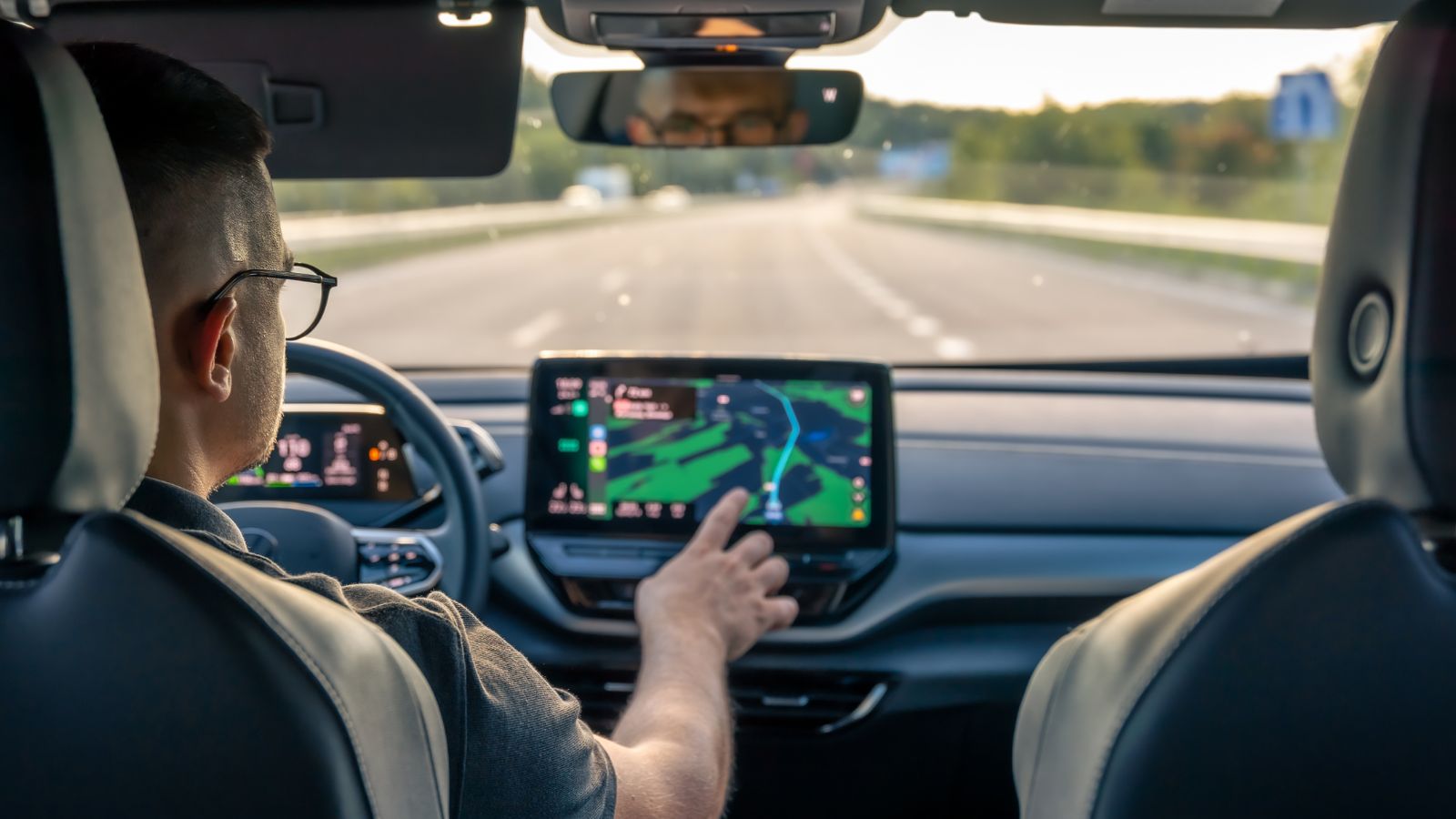
Touchscreen complexity does not affect every driver equally. Familiarity with smartphones may help some motorists learn a new interface quickly, but age-related differences in vision, processing speed and interaction time can make sophisticated infotainment systems more demanding for other users. That matters in a marketplace where vehicles routinely remain in service for many years and need to accommodate drivers across a wide age range.
AAA Foundation research conducted with the University of Utah compared adults aged 55 to 75 with drivers aged 21 to 36 while they completed common infotainment tasks. The older group spent, on average, more than eight additional seconds with eyes and attention away from the road. Peer-reviewed analysis of the same broader issue has also found that older drivers can take longer to complete in-vehicle information-system tasks and report greater demand. Those findings are not an argument against older motorists using technology. They are an argument for interfaces that make routine controls simple, predictable and easy to locate regardless of age.
Voice Commands Do Not Completely Replace a Good Button
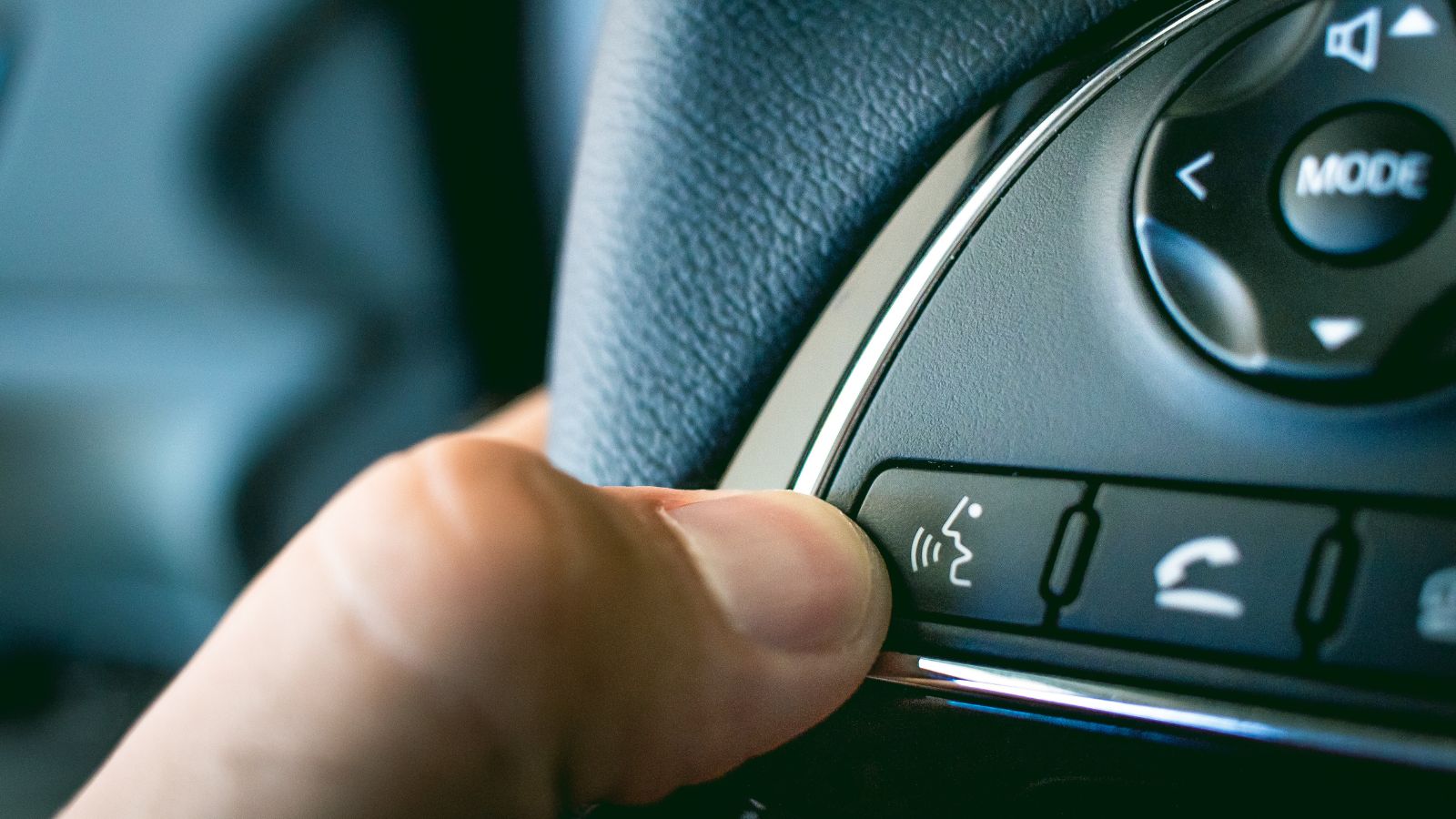
Automakers often present voice control as the answer to touchscreen distraction. In principle, it has obvious advantages. A driver can request a temperature change without reaching toward a display, and increasingly sophisticated assistants can understand more natural language than earlier systems. For certain tasks, voice operation can reduce visual demand substantially.
The evidence is more nuanced than saying voice makes physical controls unnecessary. IIHS research found that voice systems can help drivers keep their eyes on the road compared with manual interfaces, but they do not eliminate distraction and systems can differ substantially in accuracy, visual demand and interaction time. AAA research likewise found lower visual demand from voice commands in some infotainment tasks, while noting that longer interaction times could offset part of that benefit. There are also mundane situations where speaking is inconvenient: passengers may be talking, children may be sleeping or road noise may be high. A knob remains an immediate, silent backup that requires no command phrase or recognition step.
A Single Screen Can Become a Single Point of Frustration
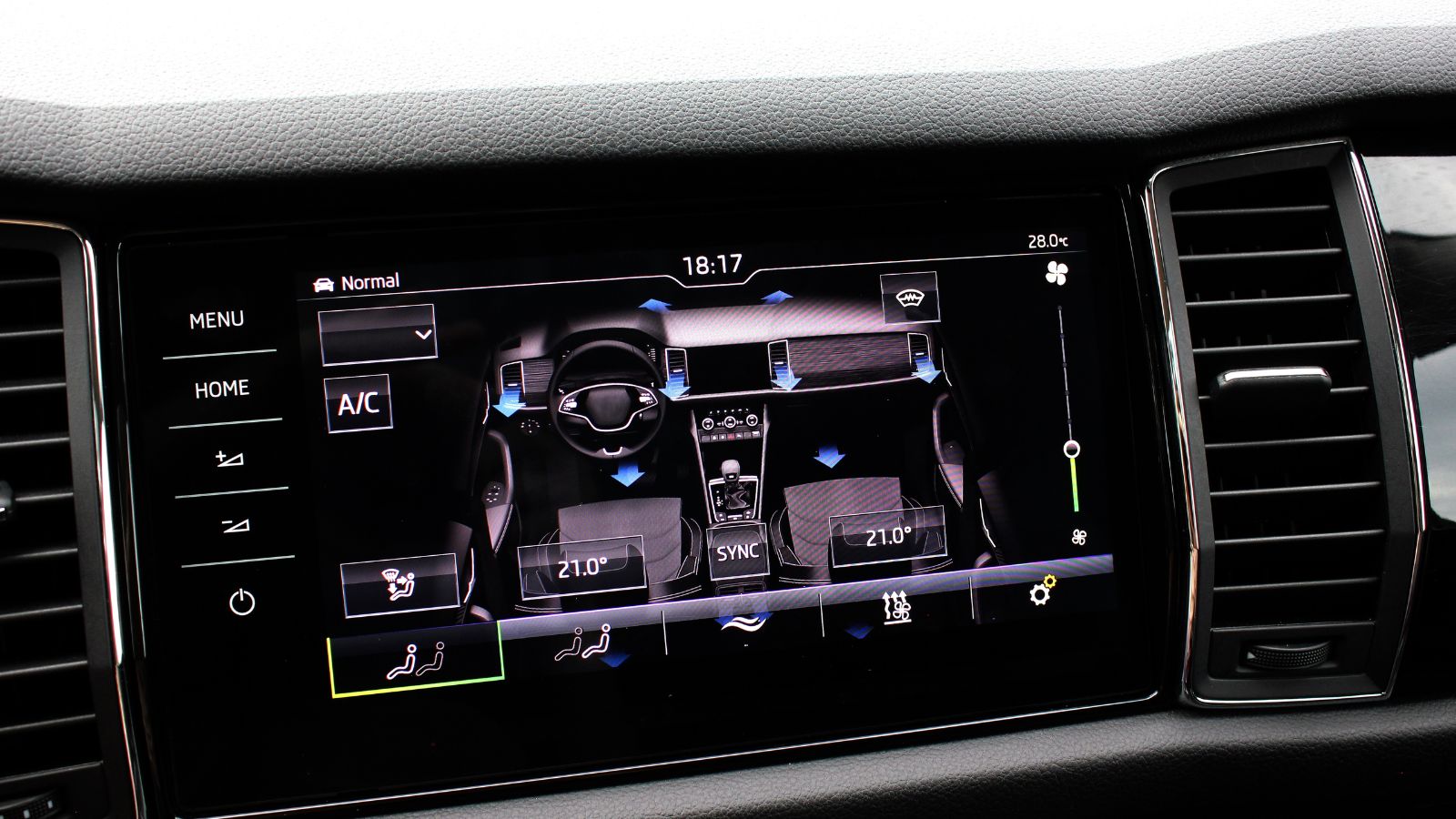
Consolidating many controls onto one display gives designers enormous flexibility. Software can be updated, layouts can change and dozens of functions can occupy space that once required rows of switches. The trade-off is that more functionality may depend on the same screen, processor and software stack. When that system becomes slow, freezes or needs to restart, the inconvenience can extend beyond music and navigation.
A real-world regulatory example shows why some drivers remain cautious. In 2021, a U.S. safety recall covering certain Tesla Model S and Model X vehicles addressed memory wear that could cause failures of center-display software components. NHTSA’s recall documentation stated that the condition could indirectly result in loss of the rearview-camera display and access to defrost/defog control settings, among other functions, increasing crash risk. That does not mean modern touchscreen systems routinely fail or that physical climate panels are immune to electrical problems. It does show why some owners prefer essential functions to retain independent, immediately recognizable controls.
Automakers Themselves Have Started Listening to Complaints
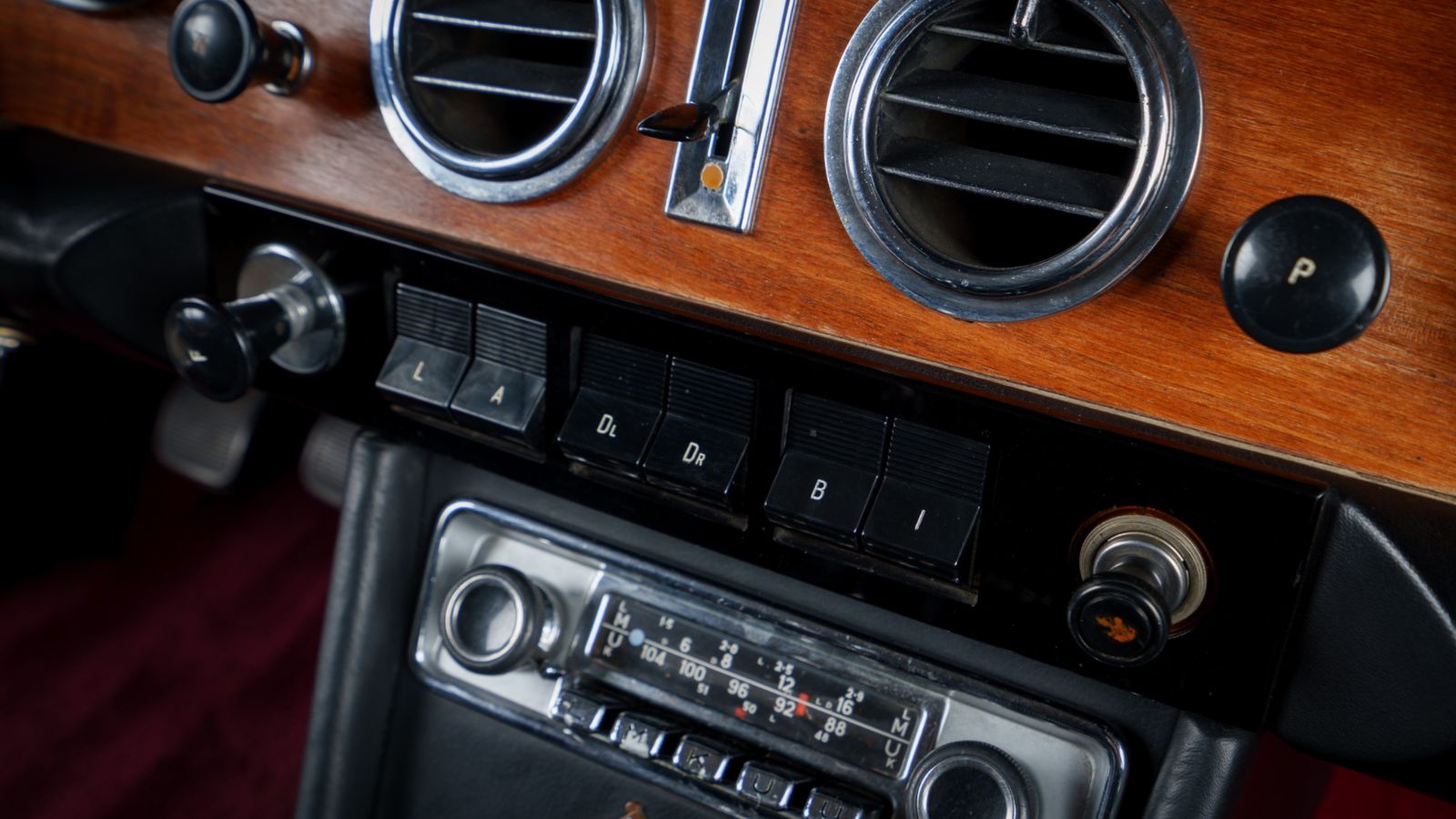
The preference for buttons is no longer coming only from enthusiasts remembering older dashboards. Several manufacturers that embraced heavily digital cabins have publicly reconsidered how far the transition should go. That is important because automakers gather extensive owner feedback and have little incentive to add physical switchgear merely for nostalgia if customers are satisfied with touch-only interfaces.
Hyundai designers have described focus-group participants becoming frustrated when they could not quickly operate touchscreen-based controls. Volkswagen has made an even more visible course correction. Design chief Andreas Mindt said customer feedback helped drive the decision to restore physical controls, with upcoming designs bringing dedicated switches back for functions such as temperature and fan speed. Volkswagen’s newer electric-cabin layouts are already moving in that direction. These companies are not abandoning screens; they are pursuing hybrids that use displays for complex information while returning frequently used functions to tactile controls. For shoppers who have resisted screen-only climate systems, that change provides meaningful validation.
Buyers and Safety Organizations Are Sending the Same Message
Preference becomes harder for the industry to ignore when it affects purchasing decisions. Research reported from What Car? involving 1,428 motorists found that 89 percent preferred physical buttons, while separate reporting on the same findings indicated that 60 percent of prospective buyers could be put off by vehicles that prioritize touch controls over physical switches. Those figures do not mean every buyer wants dashboards filled with dozens of buttons. They suggest a substantial market for a more balanced approach.
Safety assessment is moving in the same general direction. Euro NCAP’s 2026 protocols introduced greater scrutiny of human-machine interfaces, including the placement, clarity and ease of use of essential controls and the availability of physical buttons for commonly used functions. Dedicated physical access to core driving controls now plays a role in its Safe Driving assessment. Climate controls are not universally required to be physical under the programme, so the distinction matters. Still, the broader message is difficult to miss: digital capability and good ergonomics are not automatically the same thing. For many drivers, the ideal modern cabin increasingly appears to need both screens and buttons.
19 Used Cars Canadians Should Avoid in 2026 (Based on Owner Complaints)

Buying a used car in Canada can feel safe until repair bills start stacking up. Owner complaints tell a different story than glossy listings. Transmission failures, electrical problems, and weak winter reliability show up again and again in consumer reports. Many of these issues appear after warranties expire, when owners least expect them. Some vehicles look affordable upfront, but become expensive to keep on the road. Others struggle in cold weather, urban driving, or long highway commutes. Here are 19 used cars Canadians should avoid in 2026 (based on owner complaints).
19 Used Cars Canadians Should Avoid in 2026 (Based on Owner Complaints)

Alanna Rosen is an experienced content writer that focuses on many EV and educational content. Her articles are regularly published on Get CyberTrucked and syndicated on large publications.