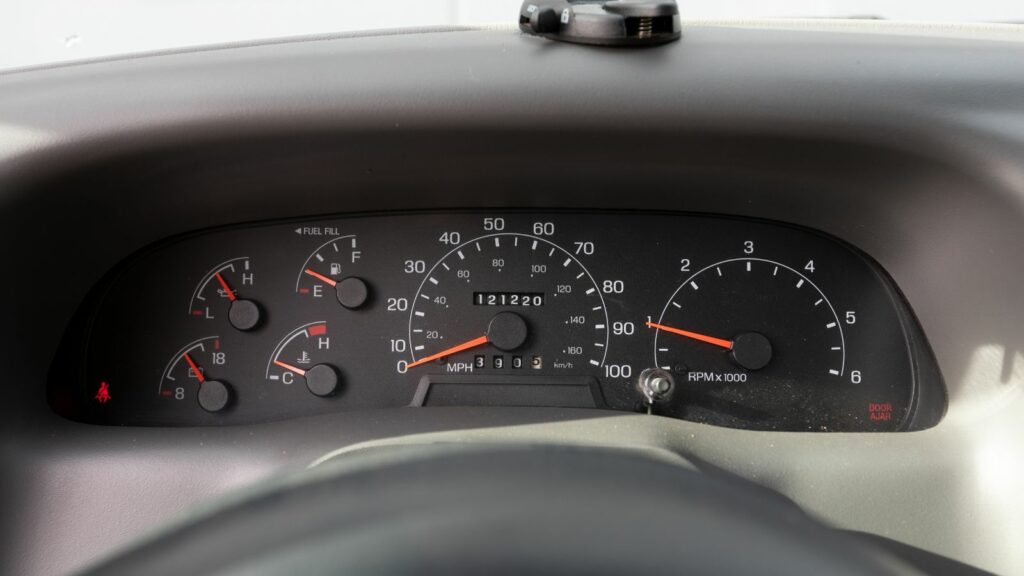
A dashboard can look harmless until the cabin turns dark, the road gets busy, and the screen becomes the brightest thing in view. The overlooked setting is usually the dashboard or infotainment brightness control, especially when it stays too bright at night or fails to switch cleanly into night mode. Modern vehicles often combine digital gauges, navigation maps, media menus, climate controls, and driver-assistance alerts into one glowing command center. These 12 points explain how a simple brightness setting can quietly add glare, steal attention, slow reactions, and make routine driving feel more tiring than expected.
The Brightness Setting Is Easy to Ignore
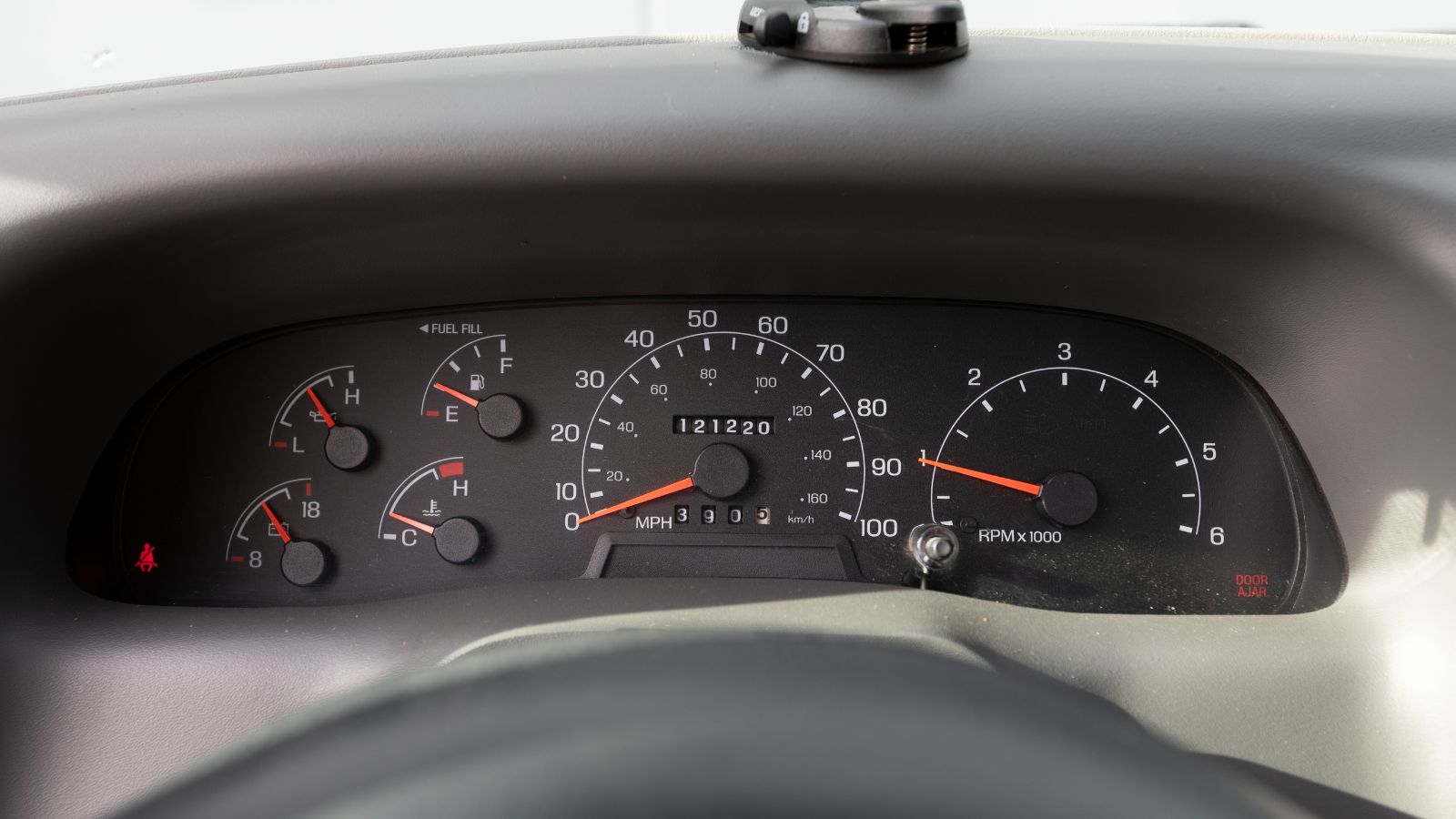
Dashboard brightness used to mean a small dimmer wheel controlling simple backlit gauges. In many newer vehicles, it can affect a digital instrument cluster, center touchscreen, head-up display, ambient lighting, climate panel, and even navigation map contrast. That makes the setting more important than it appears. A cabin that looks sleek in a driveway can feel visually crowded once traffic, headlights, mirrors, and road signs compete for attention.
The issue is not that bright screens are always unsafe. Brightness helps during daylight, when glare from the sun can wash out displays. The problem begins when a daytime-level setting remains active after dark. A driver may glance down for speed or directions and find the display brighter than the road ahead. That brief moment can be enough to interrupt scanning, especially on unlit streets or highways where road contrast is already limited.
Night Mode Does Not Always Get It Right
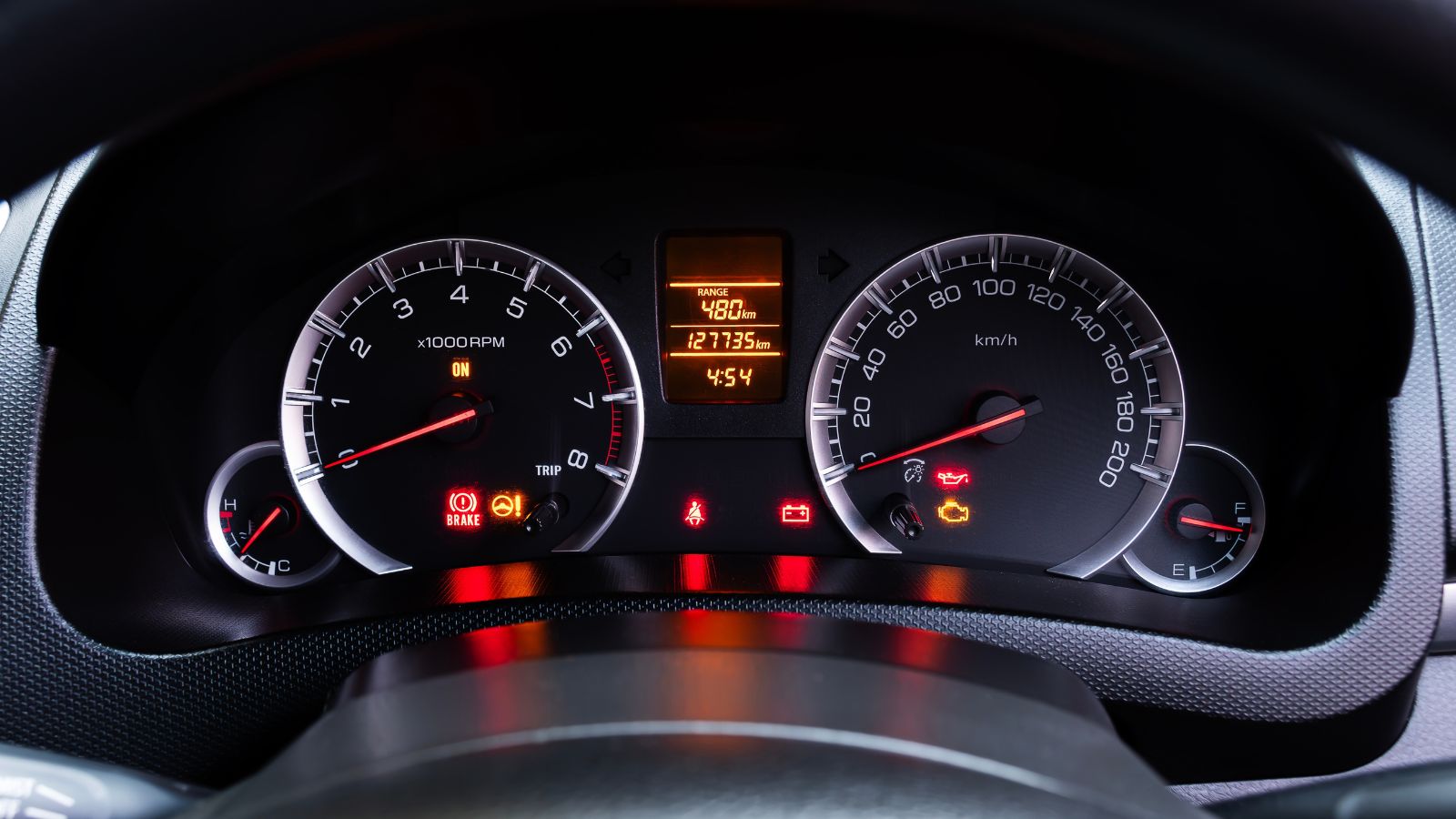
Automatic night mode sounds like a simple fix, but it depends on sensors, headlight status, software logic, and driver settings. Some vehicles dim the display only when the headlights are on. Others may stay in daytime mode during twilight, tunnels, parking garages, or heavy rain if the system does not read conditions correctly. A manually overridden brightness setting can also keep the screen brighter than intended.
This creates a familiar problem: the car technically has a safer low-light mode, but the cabin still feels too bright. Navigation apps can add to the mismatch when maps use high-contrast colors or when phone projection systems bring their own brightness behavior. A driver leaving a brightly lit gas station may not notice the display is too intense until the road turns dark. The safest setup is usually one that feels readable, not radiant.
Bright Screens Can Compete With Night Vision
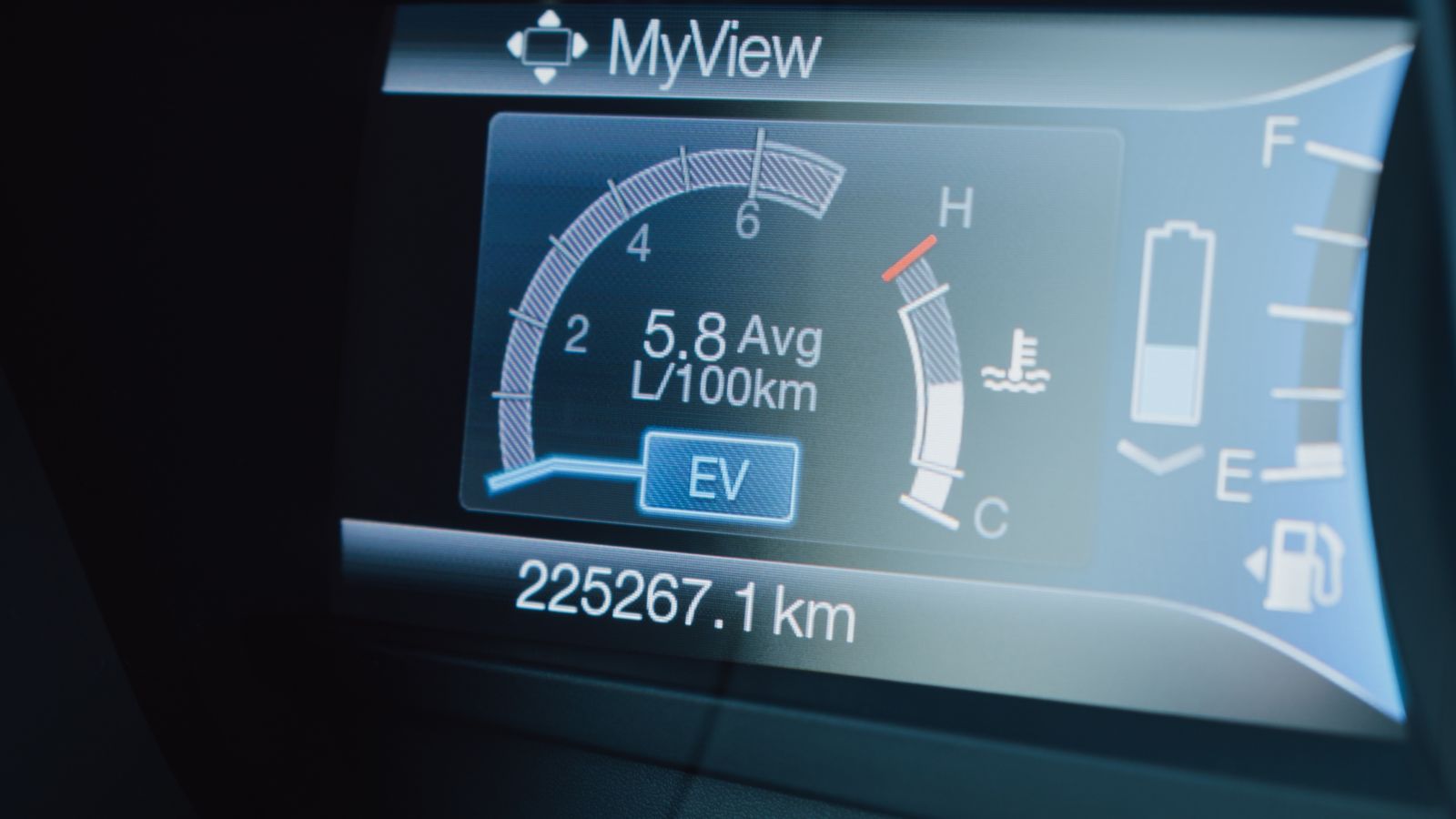
Night driving relies heavily on contrast. Road edges, pedestrians, animals, cyclists, lane markings, and debris can be harder to detect when the eyes are constantly shifting between darkness outside and a glowing display inside. A dashboard that is too bright can make the road feel dimmer by comparison, especially on rural roads or poorly lit urban streets.
This is why a screen that looks “clear” can still be counterproductive. The goal is not maximum brightness; it is enough brightness to read key information without pulling attention away from the windshield. A practical example is a driver checking speed after passing under streetlights. If the gauge cluster blooms brightly, the eyes may take a moment to settle back on the darker road. That repeated adjustment can quietly increase fatigue over a longer trip.
Reflections Can Turn Into Hidden Glare
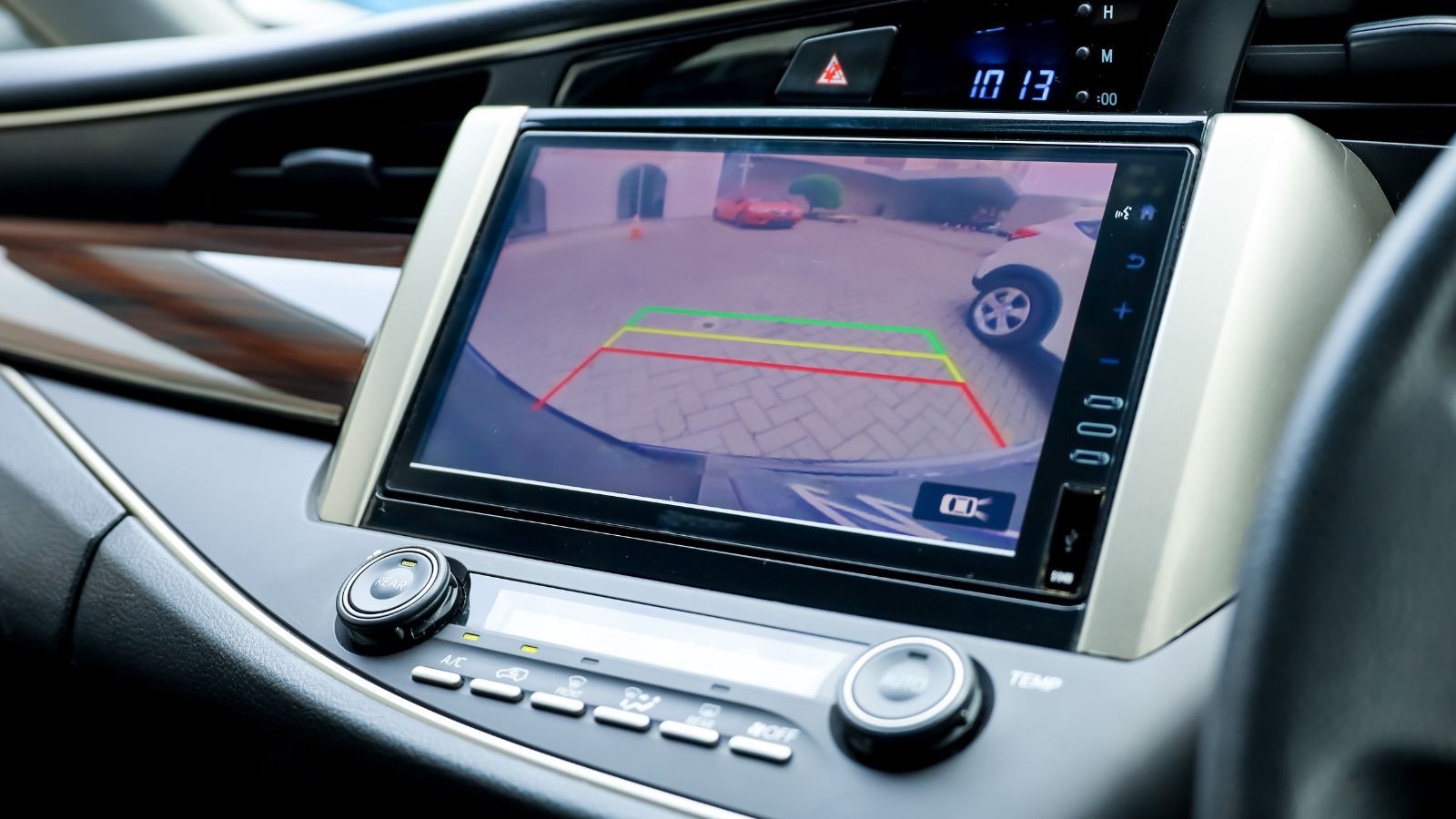
A bright dashboard does not only shine directly into the eyes. It can also reflect off the windshield, side glass, glossy trim, phone screens, or eyeglass lenses. These reflections may look faint, but they can create ghost images over the road scene. On some vehicles, a pale dashboard surface or shiny trim piece can become visible in the windshield when strong light hits it.
The effect can be especially annoying at night because the eye is searching for low-contrast details outside the vehicle. A reflection that appears harmless in daylight can become distracting when it hovers near the driver’s line of sight. Drivers sometimes describe seeing a “second screen” or floating shape on the glass. The brightness control cannot fix every reflection, but lowering interior lighting often reduces how much the cabin competes with the view outside.
Touchscreen Menus Make Dimming More Complicated
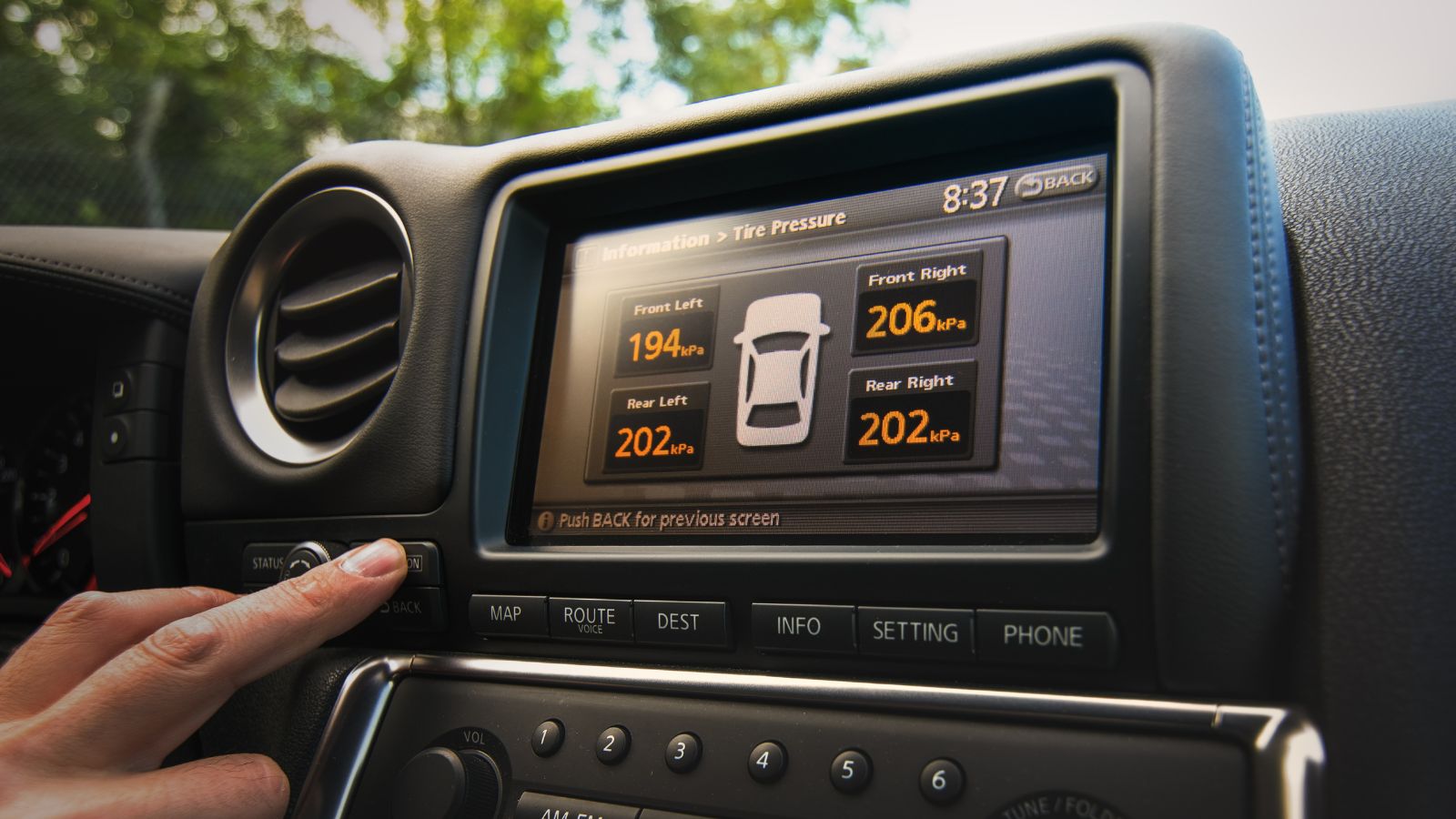
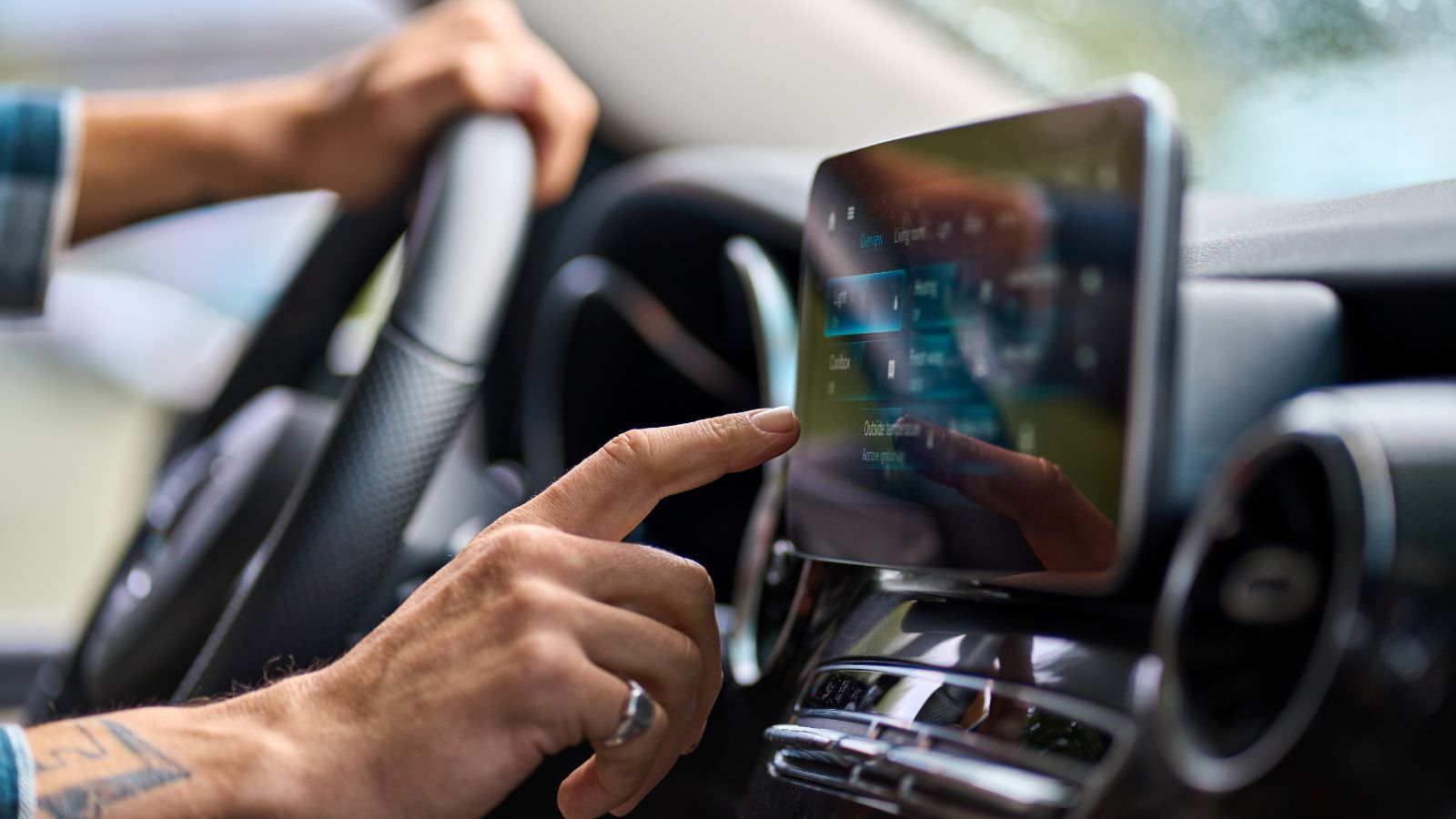
The safest brightness adjustment is one that can be made quickly without hunting through menus. Unfortunately, some vehicles bury display controls under settings pages, profiles, lighting menus, or separate instrument-cluster and infotainment options. A task that used to take one twist of a dimmer wheel may now require several taps while the vehicle is moving.
That matters because visual-manual tasks combine looking, thinking, and hand movement. Even a basic screen adjustment can become distracting if it requires scrolling through icons or reading small labels. A driver who only wants to reduce glare might end up tapping through display themes, map settings, and vehicle menus. Setting brightness before driving is far safer than trying to solve the problem after the screen has already become annoying.
Navigation Displays Can Pull Attention More Than Gauges
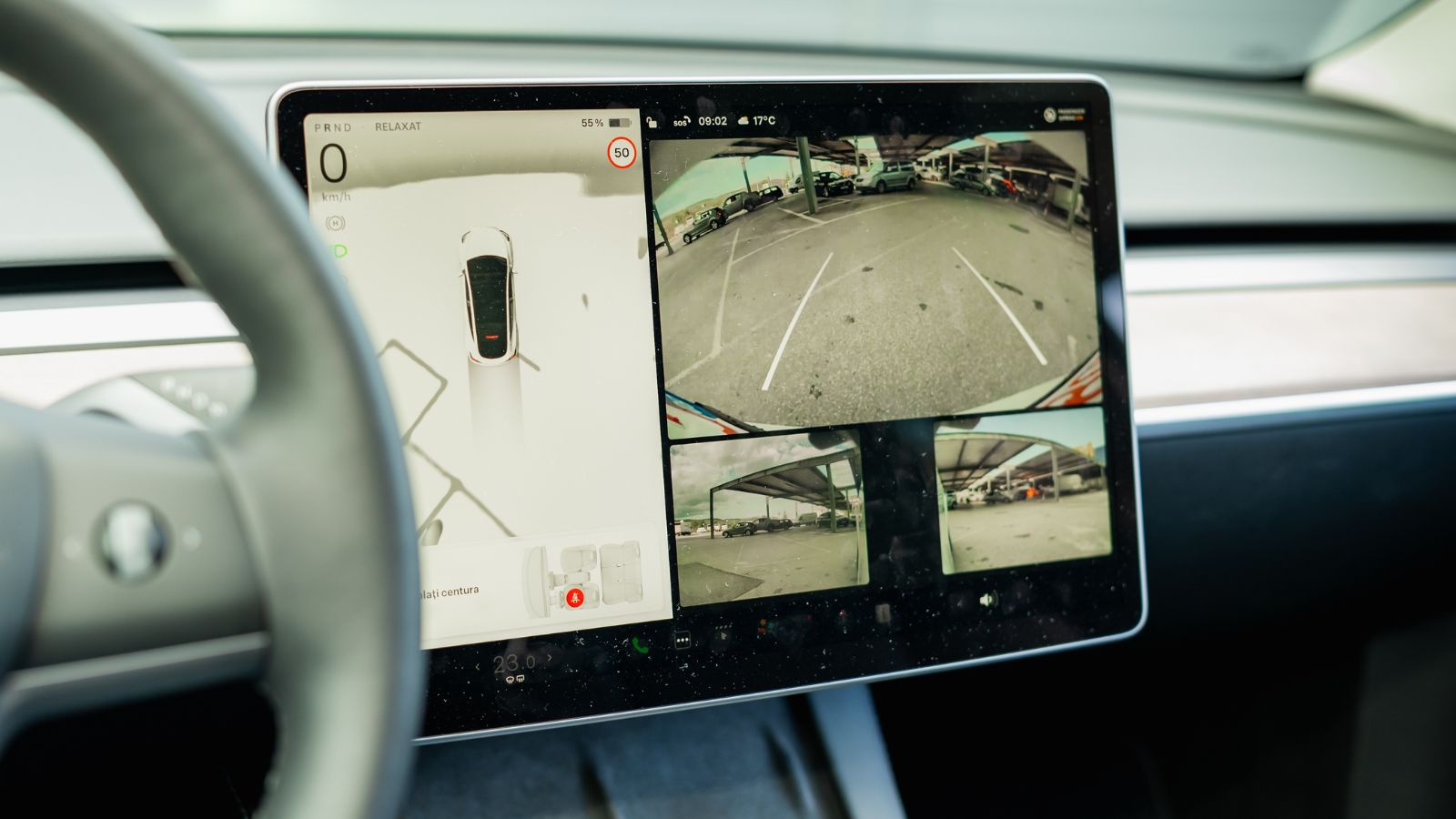
Navigation screens are useful, but they are also visually rich. Maps use motion, labels, route lines, traffic colors, lane guidance, arrival times, and pop-up warnings. If the brightness is too high, the navigation display can become the dominant object in the cabin. The eye naturally returns to whatever is brightest or most dynamic, even when the road deserves priority.
This is especially noticeable near complex intersections. A driver may need to watch pedestrians, signal phases, lane markings, and other vehicles while the screen is also flashing an upcoming turn. If the map is brighter than the road scene, the dashboard can start acting like a visual magnet. Many systems allow map brightness, color mode, or night theme adjustments. Using those options before departure can make guidance helpful without turning it into a spotlight.
Rain, Snow, and Fog Can Make It Worse

Poor weather changes how light behaves inside and outside the vehicle. Rain on glass scatters headlights. Snowbanks reflect light back toward the windshield. Fog softens contrast and makes bright areas feel more intense. In those conditions, an overly bright dashboard may add one more layer of glare to an already demanding visual environment.
The problem is not limited to night driving. A gray winter afternoon can create low visibility while the infotainment screen remains bright enough for full daylight. Wet roads can double headlight glare, and windshield streaks can amplify reflections. A driver may blame bad weather alone when the cabin lighting is making the eyes work harder. Cleaning the glass and lowering display brightness to a comfortable level can make the view feel calmer and less cluttered.
Older Drivers May Notice the Effect Sooner
Age can change how the eyes handle glare, contrast, and quick shifts between bright and dark areas. This does not mean older drivers are unsafe; it means dashboard design and brightness settings matter even more. A display that feels tolerable to a younger driver may feel harsh to someone who needs more time to recover from glare or read small text.
Infotainment studies have also shown that complex in-vehicle tasks can take longer for older drivers, especially when menus are crowded or controls are not intuitive. Brightness adds another layer because glare can make small icons, labels, and map details harder to process. The better approach is not to remove useful technology but to make it quieter visually. Larger text, simplified home screens, lower brightness, and familiar presets can reduce unnecessary effort.
Blue-White Displays Can Feel Sharper at Night
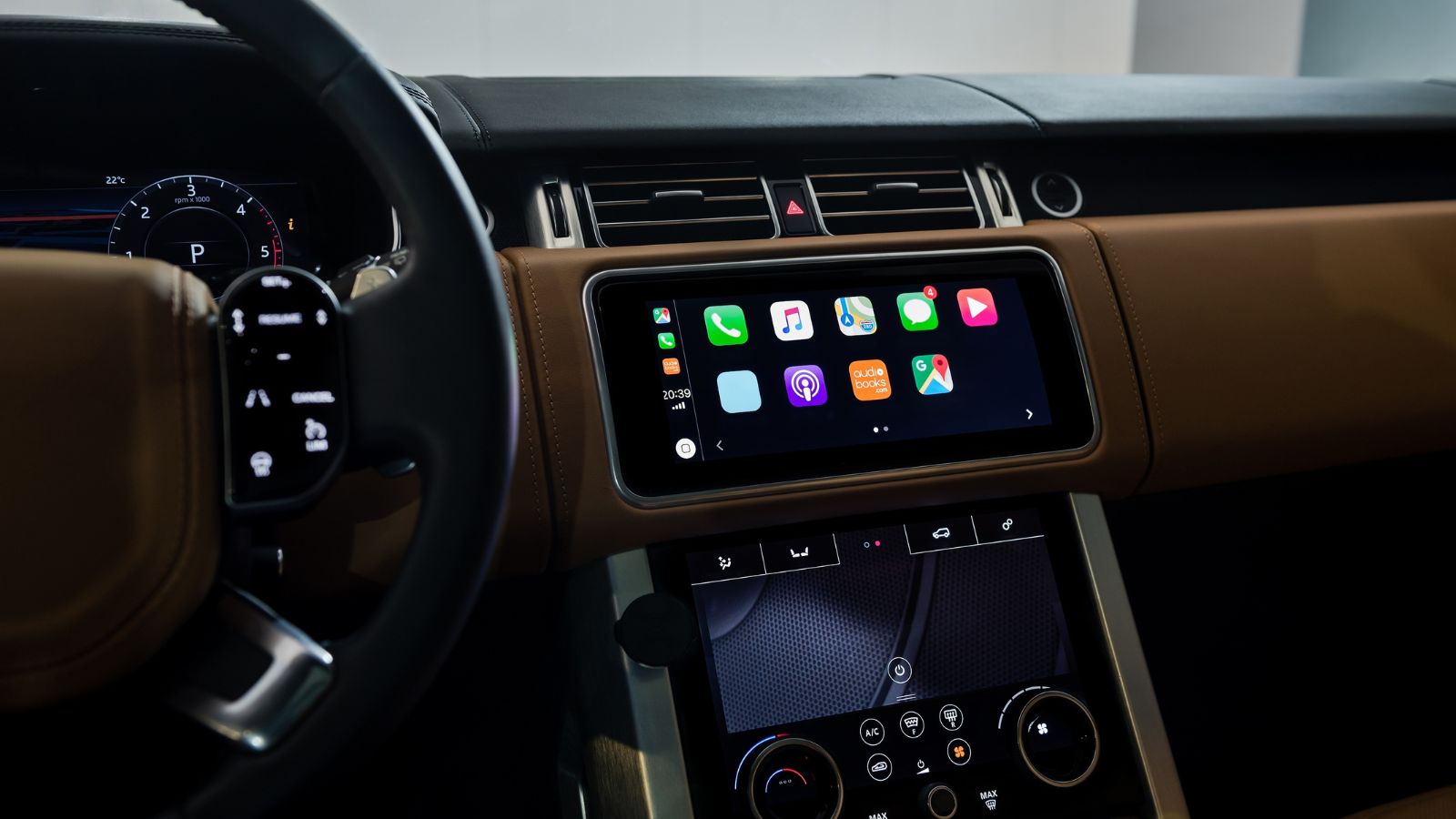
Many modern displays use crisp blue-white graphics because they look clean, futuristic, and easy to read in a showroom. At night, that same color palette can feel harsher than warmer or darker themes. High-contrast white text on a black screen is useful in moderation, but large white map backgrounds, bright menus, or vivid accent lighting can dominate the cabin.
Some vehicles and apps offer dark themes, reduced contrast, or warmer display settings. These options can make night driving feel less visually aggressive without hiding important information. The key is balance: warning lights, speed, and navigation prompts must remain readable, but decorative lighting and oversized bright panels do not need to glow at full strength. A subtle setting change can make the cabin feel less like a tablet and more like a driving environment.
Driver-Assistance Displays Can Add Visual Load
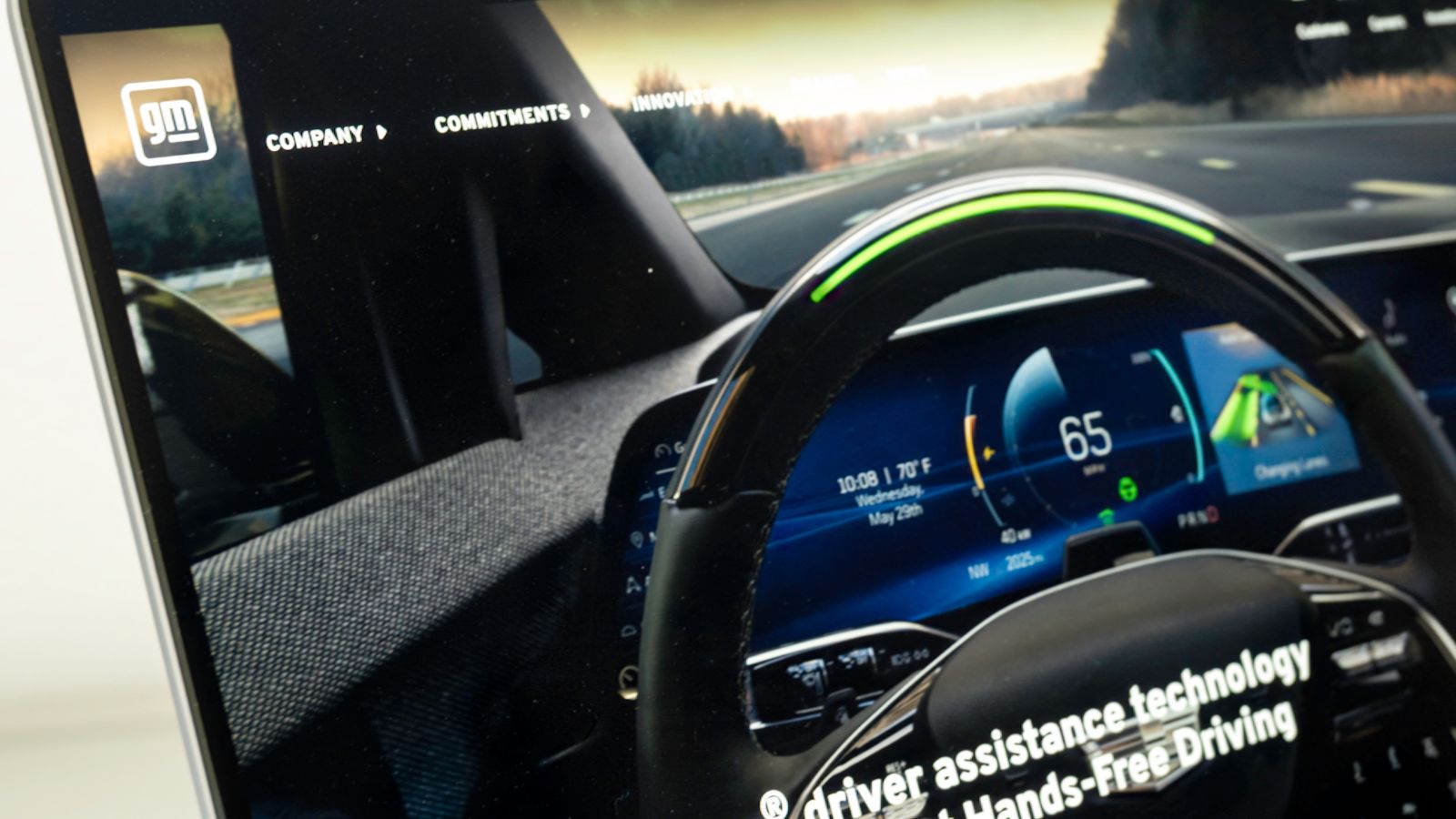
Modern driver-assistance systems often display lane lines, surrounding vehicles, speed-limit signs, following-distance graphics, blind-spot warnings, and steering prompts. These features can be useful, but they also increase the amount of visual information on the dashboard. When the display is too bright, the system’s constant animations may draw attention even when nothing urgent is happening.
This can create a false sense that the screen deserves frequent monitoring. In reality, driver-assistance technology still requires attention to the road, mirrors, and traffic conditions. A bright digital cluster showing animated lanes can become distracting if it competes with real lane markings outside. The best display setup is usually calm, legible, and not overly theatrical. Warnings should stand out when needed, while routine status graphics should not demand repeated glances.
Rental Cars and Shared Vehicles Reset the Risk
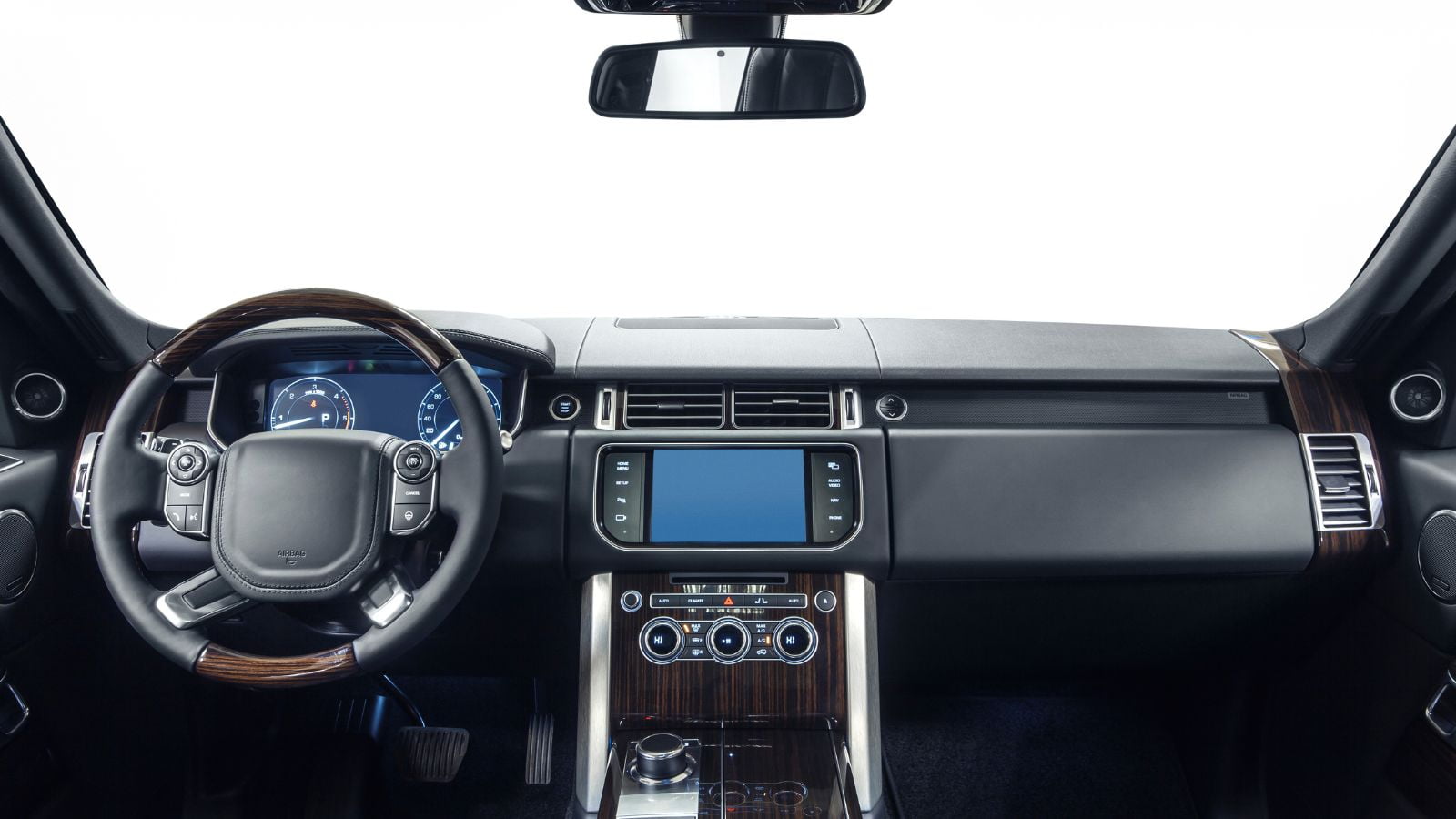
Brightness settings are easy to forget in a familiar vehicle because muscle memory takes over. In a rental, car-share vehicle, loaner, or family member’s car, the dashboard may be set for someone else’s eyes, route, and preferences. One driver may like full brightness. Another may prefer a nearly dark cabin. The difference becomes obvious only after driving begins.
This is common at airports, where rental cars are picked up under bright garage lighting and then driven onto unfamiliar roads at night. The driver may be learning mirror controls, headlights, wipers, navigation, and gear selection at the same time. Adding a glaring display makes the first few miles more stressful. Taking one minute to locate brightness and display mode settings before leaving the parking area can prevent unnecessary distraction later.
Dimming Too Far Can Also Be a Problem
The solution is not to make the dashboard as dark as possible. Important information still needs to be readable at a glance. Speed, warning lights, turn indicators, fuel or charge level, and navigation prompts must remain visible without squinting. A display that is too dim can be just as distracting if the driver has to stare longer to understand it.
A good setting usually feels boring in the best way: visible, calm, and easy to ignore until needed. The screen should not reflect strongly in the windshield, but it should still be clear enough for quick checks. Many drivers find that the right setting is lower than expected at night and higher than expected in bright sun. The safest habit is adjusting brightness for conditions, not leaving it permanently at one extreme.
A Safer Dashboard Starts Before the Drive

The most effective fix is simple: adjust dashboard brightness while parked, then leave it alone as much as possible while driving. That includes checking whether the instrument cluster, center screen, head-up display, phone projection, and map app have separate brightness or night-mode settings. The vehicle may need more than one adjustment to create a calm cabin.
A quick pre-drive routine can help. Before pulling away, confirm the headlights are set correctly, the map is in night mode when needed, and the display is readable without lighting up the whole cabin. On longer trips, especially after sunset, the setting may need a small change as surroundings get darker. A dashboard should support driving, not compete with it. When brightness is handled thoughtfully, the road becomes the brightest priority again.
22 Things Canadians Do to Their Cars in Spring That Mechanics Hate

Spring brings relief to many Canadian drivers after months of snow, freezing temperatures, and icy roads that put serious strain on vehicles. As temperatures rise across the country, drivers begin washing cars, switching tires, and preparing vehicles for warmer weather and upcoming road trips. However, mechanics across Canada notice the same mistakes every spring when drivers attempt to recover from winter damage. Road salt, potholes, and harsh winter driving conditions often leave vehicles with hidden problems that drivers ignore. Some spring habits even create new mechanical issues that could have been avoided with proper maintenance. Here are 22 things Canadians do to their cars in spring that mechanics hate.

Alanna Rosen is an experienced content writer that focuses on many EV and educational content. Her articles are regularly published on Get CyberTrucked and syndicated on large publications.